
GPT Image 2
Experimental platform by JPT Imagine for testing GPT Image 2, featuring early evaluations of text rendering, multilingual typography, realistic visuals, and UI screenshots with prompt ideas.
What is GPT Image 2?
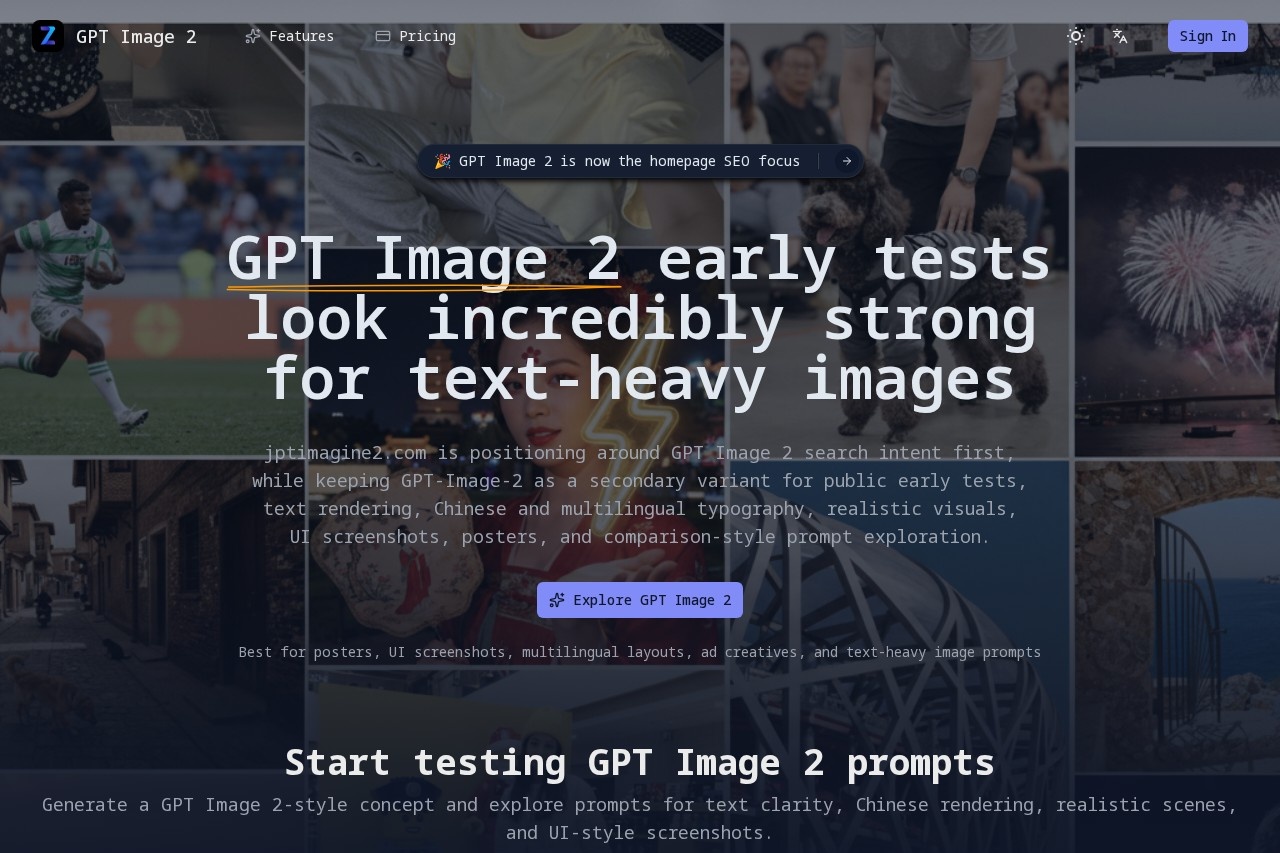
GPT Image 2 is an experimental platform by JPT Imagine for testing the GPT Image 2 model. It focuses on early evaluations of text rendering, multilingual typography, realistic visuals, and UI screenshots. Users can generate image concepts and explore prompts for text clarity, Chinese rendering, realistic scenes, and UI-style screenshots. The platform is best suited for posters, UI screenshots, multilingual layouts, ad creatives, and text-heavy image prompts.Application scenarios
Posters and ad creatives
Test headlines, labels, product names, and promotional layouts where readable text matters as much as the image itself.
UI screenshots and product mockups
Generate app screens, landing-page sections, dashboards, and screenshot-like scenes to evaluate layout fidelity and interface text quality.
Chinese and bilingual images
Try Chinese, bilingual copy, or dense layout elements to see whether the model keeps characters readable and the composition usable.
Realistic scenes and portraits
Explore visual directions like Beijing architecture, fashion portraits, product design, and nature landscapes.
Comic and graphic novel art
Generate comic art, manga style, superhero series, and action scenes.
Comparison-style prompt exploration
Use side-by-side comparisons to evaluate text clarity, realism, and layout control.
Core Features
Text-heavy prompt generation
Write posters, UI panels, menus, product cards, or screenshot-style scenes so text rendering becomes part of the evaluation.
Multilingual typography testing
Ask for Chinese, bilingual copy, or dense layout elements to check character readability and composition usability.
Image-to-image editing
Upload reference images for image-to-image generation, or leave empty for text-to-image.
Aspect ratio control
Set aspect ratio loading before generating results.
Prompt exploration directions
Browse visual directions inspired by public GPT Image 2 discussion, including realistic scenes, poster text, portraits, product shots, and screenshot-like compositions.
Comparison-friendly prompt testing
Review output against public comparisons, then refine prompts for better realism, cleaner text, stronger world knowledge, and more faithful layouts.
Early evaluation workflow
Start with public early-test prompts, then inspect text clarity, Chinese rendering, realism, and layout control side by side.
Target users
Content creators, designers, marketers, and developers who need text-heavy images with readable typography. Also useful for UI/UX designers testing app mockups, advertisers creating promotional layouts, and researchers evaluating AI image generation capabilities for multilingual and realistic visuals.How to use GPT Image 2?
- Open the site at https://jptimagine2.com/.
- Write a text-heavy prompt (e.g., posters, UI panels, menus, product cards, or screenshot-style scenes).
- Optionally upload reference images for image-to-image generation.
- Set aspect ratio and generate a GPT Image 2 result.
- Inspect text clarity, Chinese rendering, realism, and layout control side by side.
Effect review
GPT Image 2 delivers strong early test results for text-heavy images, with community discussion highlighting sharper text rendering, better Chinese and multilingual typography, and more convincing realism than expected from image models. The platform's practical focus on poster copy, UI labels, menus, and dense layouts makes it a useful evaluation tool for anyone needing readable text in generated images. While it is still experimental, the comparison-friendly prompt testing and visual direction browsing provide a solid foundation for refining outputs. Overall, it meets the need for a dedicated testing environment for GPT Image 2's text and layout capabilities.Frequently Asked Questions
What is GPT Image 2?
How does GPT Image 2 differ from standard image generators?
Is GPT Image 2 free to use?
What are some example prompts I can try?
Can GPT Image 2 generate UI screenshots?
GPT Image 2 - AI Tool Detail
Experimental platform by JPT Imagine for testing GPT Image 2, featuring early evaluations of text rendering, multilingual typography, realistic visuals, and UI screenshots with prompt ideas.
Category:Image generation
Visit Link:https://jptimagine2.com/
Tags:GPT Image 2、JPT Imagine、text rendering、AI image generation、experimental platform