
GPT Image 2
GPT Image 2 is an AI image generator for photorealistic visuals, text rendering, UI screenshots, mockups, and rapid image editing.
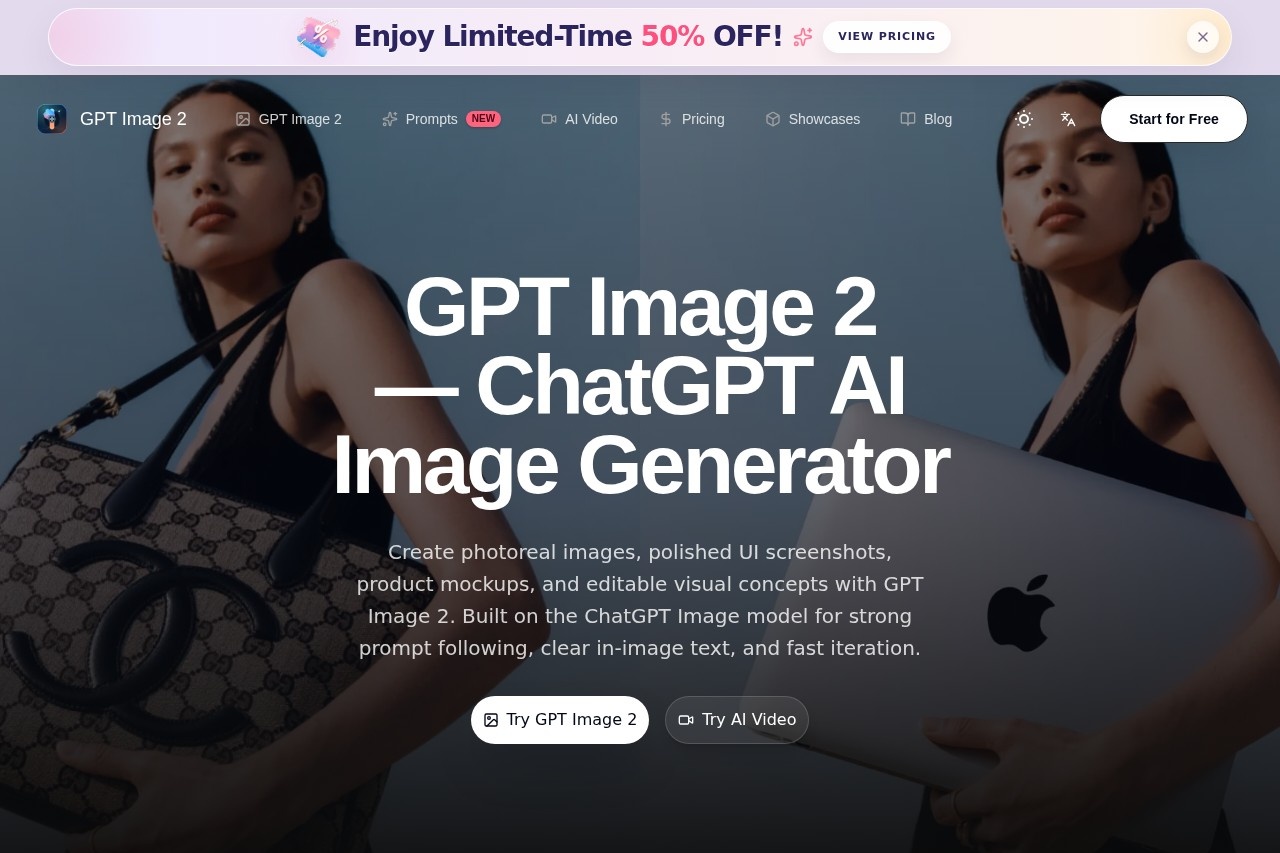
What is GPT Image 2?
GPT Image 2 is an AI image generator built on the ChatGPT Image model, designed to produce photorealistic visuals, polished UI screenshots, product mockups, and editable visual concepts. It excels at strong prompt following, clear in-image text rendering, and fast iteration, making it a versatile tool for creative and commercial projects. Users can generate images from scratch, edit existing visuals, and apply stylistic transformations without switching between multiple tools.Application scenarios
E-commerce product photography
Refine product photos with cleaner lighting, sharper materials, and studio-style polish for listings, ads, and storefronts.
Virtual try-on for fashion
Blend garment references with subject photos to create cleaner outfit previews for styling tests and shopping flows.
Anime avatar creation
Turn portraits and character ideas into stylized anime-inspired figures for collectible concepts, profile art, and fandom-ready visuals.
Image editing and enhancement
Redraw, replace, or enhance specific parts of an image using rough visual guidance for targeted changes.
Background removal and replacement
Cut out subjects and swap environments for cleaner portraits, sports edits, creator assets, and marketing visuals.
Face swapping
Blend identity references while preserving natural expressions for playful face swaps, character experiments, and stylized social content.
Meme and sticker generation
Generate reaction stickers, meme panels, and casual visual content quickly.
Education and content creation
Generate materials like math test papers or recreate posters in specific historical styles (e.g., 90s Hong Kong film aesthetic).
Core Features
Photorealistic image generation
Create high-quality, realistic visuals with strong adherence to detailed prompts.
In-image text rendering
Produce clear, readable text directly within generated images, useful for mockups and signage.
Image-to-image editing
Modify specific elements in an image—such as swapping a model, changing text, or altering color and texture—while preserving the original composition.
Style transfer
Apply new visual styles to existing images, like changing a poster to a 90s Hong Kong film look with film grain.
Virtual try-on
Combine garment references with subject photos to generate realistic outfit previews for fashion concepts.
Background remover and replacer
Automatically cut out subjects and replace backgrounds without manual masking.
Face swap studio
Swap faces in images while maintaining natural expressions and identity consistency.
Sketch-to-edit tool
Use rough visual guidance to redraw, replace, or enhance specific parts of an image for targeted edits.
Meme and sticker maker
Quickly generate reaction stickers, meme panels, and casual visual content.
Target users
E-commerce professionals, fashion designers, graphic designers, content creators, social media managers, educators, and anyone needing rapid, editable AI-generated visuals for commercial or creative projects. It’s especially useful for teams that require consistent image quality across product listings, marketing assets, and UI mockups.How to use GPT Image 2?
Visit the official website at https://gptimg2.art/ and click "Try GPT Image 2" to access the tool. Enter a descriptive prompt or upload an image for editing. Use the available features—such as style transfer, background replacement, or face swapping—by selecting the relevant option. Export your final image directly from the interface.Effect review
GPT Image 2 delivers on its promise of strong prompt following and fast iteration, with showcased examples demonstrating realistic images, text-heavy visuals, product mockups, and UI concepts. The tool’s ability to handle complex edits like model swapping, text replacement, and style transfer in a single workflow is practical for real-world use. While no user reviews or awards are mentioned on the site, the feature set suggests it can replace multiple specialized tools for common image generation and editing tasks. The inclusion of virtual try-on and anime avatar generation broadens its appeal beyond standard commercial use.Frequently Asked Questions
What is GPT Image 2?
Is GPT Image 2 free to use?
Can GPT Image 2 generate text in images?
What types of images can GPT Image 2 create?
How fast is the image generation?
Can I edit existing images with GPT Image 2?
GPT Image 2 - AI Tool Detail
GPT Image 2 is an AI image generator for photorealistic visuals, text rendering, UI screenshots, mockups, and rapid image editing.
Category:Image generation
Visit Link:https://gptimg2.art/
Tags:AI image generator、photorealistic、text rendering、UI mockups、image editing