
Happy Horse
Happy Horse by Happy Horse Art is an open-source AI video generator that instantly transforms ideas into stunning videos, featuring fast inference, multilingual support, and native audio synchronizati
What is Happy Horse?
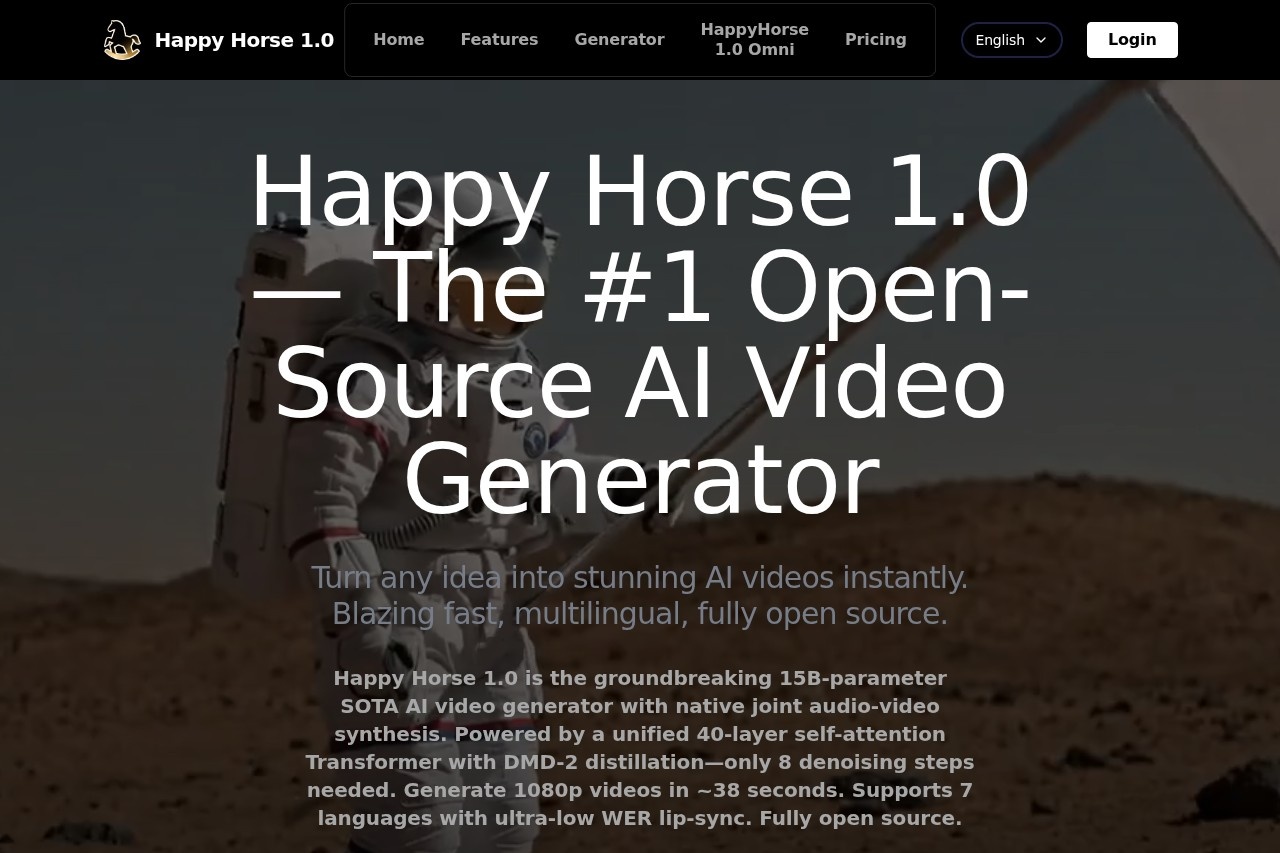
Happy Horse is an open-source AI video generator. It transforms text descriptions or images into high-definition videos with synchronized audio. The tool is designed for fast production, generating 1080p videos in approximately 38 seconds. Users leverage it to instantly create videos from their ideas.Application scenarios
Marketing & Social Media
Quickly produce promotional clips or engaging social media content from a text idea.
Content Creation
Generate original video scenes for digital storytelling or creative projects.
Multilingual Projects
Create videos with accurate lip-sync for audiences across seven different languages.
Rapid Prototyping
Visually bring concepts to life for pitches, presentations, or pre-visualization.
Audio-Visual Production
Produce videos with natively integrated dialogue, ambient sounds, and sound effects.
Core Features
Text-to-Video Generation
Create a video directly from a written description.
Image-to-Video Generation
Use an image as the starting point to generate a video.
Native Audio-Video Synthesis
The model jointly generates video and perfectly synchronized audio, including dialogue and sound effects.
Multilingual Lip-Sync
Produce videos with ultra-low Word Error Rate (WER) lip-sync in English, Mandarin, Cantonese, Japanese, Korean, German, and French.
1080p Output
Generate high-definition videos at 1080p resolution.
Fast Inference
Create a 1080p video in roughly 38 seconds using an H100 GPU.
Advanced Model Architecture
Powered by a 15B-parameter, 40-layer unified Transformer that processes text, image, video, and audio tokens together.
DMD-2 Distillation
Utilizes a distilled model that requires only 8 denoising steps for generation, contributing to its speed.
Open Source
The full model is publicly available for inspection, modification, and deployment.
Aspect Ratio Selection
Choose between standard widescreen (16:9) or vertical (9:16) formats for your video.
Target users
This tool serves content creators, digital marketers, social media managers, and indie filmmakers who need to produce video quickly. It is also highly relevant for developers and researchers interested in state-of-the-art, open-source multimodal AI, given its fully accessible architecture.How to use Happy Horse?
The process begins by signing into the platform on the official website. Users select the Happy Horse 1.0 model, choose a generation mode (Text to Video or Image to Video), and enter a description or upload an image. After configuring settings like aspect ratio and video length, they can generate and then download their 1080p video with synced audio.Pricing and free trial
The website indicates a tiered pricing structure. A free trial is available through the "Happy Horse 1.0 Standard" tier, which includes free credits. Paid plans include "Happy Horse 1.0 Ultra" (Premium) and "Happy Horse 1.0 Omni."Effect review
Happy Horse 1.0 positions itself as a technical leader in open-source AI video generation. Its claimed advantages—native audio-video synthesis, multilingual lip-sync, and generation speed under a minute—suggest a tool built for practical, high-quality output. For a user, this feature set translates to a streamlined workflow where a single prompt can yield a polished, audio-ready video, significantly reducing the traditional steps between idea and final asset. The open-source nature adds a layer of transparency and potential for community-driven advancement.Frequently Asked Questions
What is Happy Horse?
Is Happy Horse free to use?
What features does Happy Horse offer?
Does Happy Horse support multiple languages?
How does Happy Horse handle audio in videos?
Can I modify or contribute to Happy Horse?
Happy Horse - AI Tool Detail
Happy Horse by Happy Horse Art is an open-source AI video generator that instantly transforms ideas into stunning videos, featuring fast inference, multilingual support, and native audio synchronizati
Category:Video generation
Visit Link:https://happy-horse.art/
Tags:AI video generator、open-source、fast inference、multilingual support、audio synchronization