
Fudge
Fudge by Fudge Labs lets you query real design inspiration, typography, color palettes, and UI patterns from saved production websites.
What is Fudge?
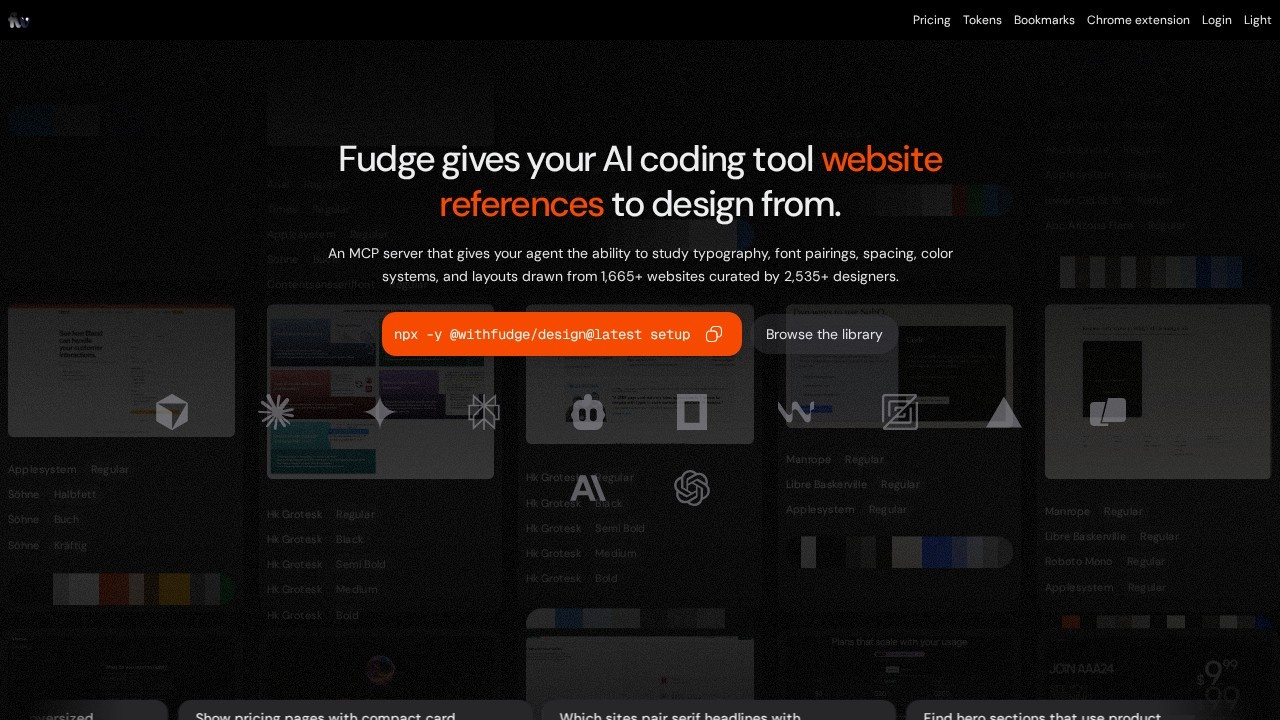
Fudge, by Fudge Labs, is a search engine for design inspiration. Instead of scrolling through generic mood boards or static image galleries, Fudge lets you query real, saved production websites for specific design elements: typography, color palettes, UI patterns, and overall visual inspiration. It treats the live web as a searchable design library.
Application scenarios
Fudge fits best where designers need to find real-world examples quickly, not just curated showcases.
UI/UX research
When you need to see how a specific pattern (like a sticky header or a modal) is implemented across multiple live sites.
Color palette exploration
Searching for "dark mode landing pages" or "pastel gradient buttons" yields actual production examples, not mockups.
Typography reference
Find sites using a specific font pairing or hierarchy style without manually browsing portfolios.
Competitive analysis
Quickly compare design approaches across similar product categories by querying patterns and layouts.
Design system validation
Check how common UI components (cards, navigation, forms) are solved in the wild.
Core Features
Query-based search
Enter natural language queries (e.g., "hero section with large typography and a CTA button") to pull relevant site screenshots.
Real production data
Results come from saved production websites, not demo or concept pages—what you see is what's actually live.
Filter by design element
Narrow results by typography, color palettes, UI patterns, or full page layouts.
Visual-first results
Each result is a screenshot of the relevant section, making it easy to scan and compare.
No sign-up wall (likely)
The tool appears accessible directly from the URL without mandatory account creation for basic queries.
Target users
- UI/UX designers: Need fast access to real-world design patterns for inspiration or validation.
- Product designers: Want to benchmark against competitors or find common UI solutions.
- Front-end developers: Looking for visual references to match design specs or understand layout trends.
- Design students: Exploring how professional sites handle typography, color, and layout.
- Design system maintainers: Researching how other teams implement specific components.
How to use Fudge?
- Go to the site: Navigate to
https://design.withfudge.com/. The interface is clean and search-focused. - Enter a query: Type a natural language description of what you're looking for—e.g., "minimalist blog layout with serif font" or "e-commerce product grid with hover effects."
- Browse results: Fudge returns a grid of screenshots from production websites. Each card shows the relevant section and the site's URL.
- Filter by element: Use the built-in filters to narrow by typography, color palette, UI pattern, or full page. This helps you focus on specific design decisions.
- Click to inspect: Select a result to view the full screenshot and see the context of the design element within the page.
- Iterate: Refine your query or filters to drill down into more specific examples—e.g., "dark mode dashboard with data tables."
Fudge works like a visual search engine for design. You don't need to bookmark sites or maintain a personal collection; the tool surfaces relevant examples from its indexed library. The focus is on speed and relevance—get from idea to visual reference in seconds, not hours of manual browsing.
If you're tired of scrolling through generic inspiration boards that don't show real-world constraints, Fudge offers a direct line to how actual products solve design problems.
Frequently Asked Questions
What is Fudge?
How does Fudge work?
Can I save any website to Fudge?
Is Fudge free to use?
What design elements can I query in Fudge?
How is Fudge different from other design tools?
Fudge - AI Tool Detail
Fudge by Fudge Labs lets you query real design inspiration, typography, color palettes, and UI patterns from saved production websites.
Category:UI design
Visit Link:https://design.withfudge.com/
Tags:design inspiration、UI patterns、typography、color palettes、web query