
Faux Spy
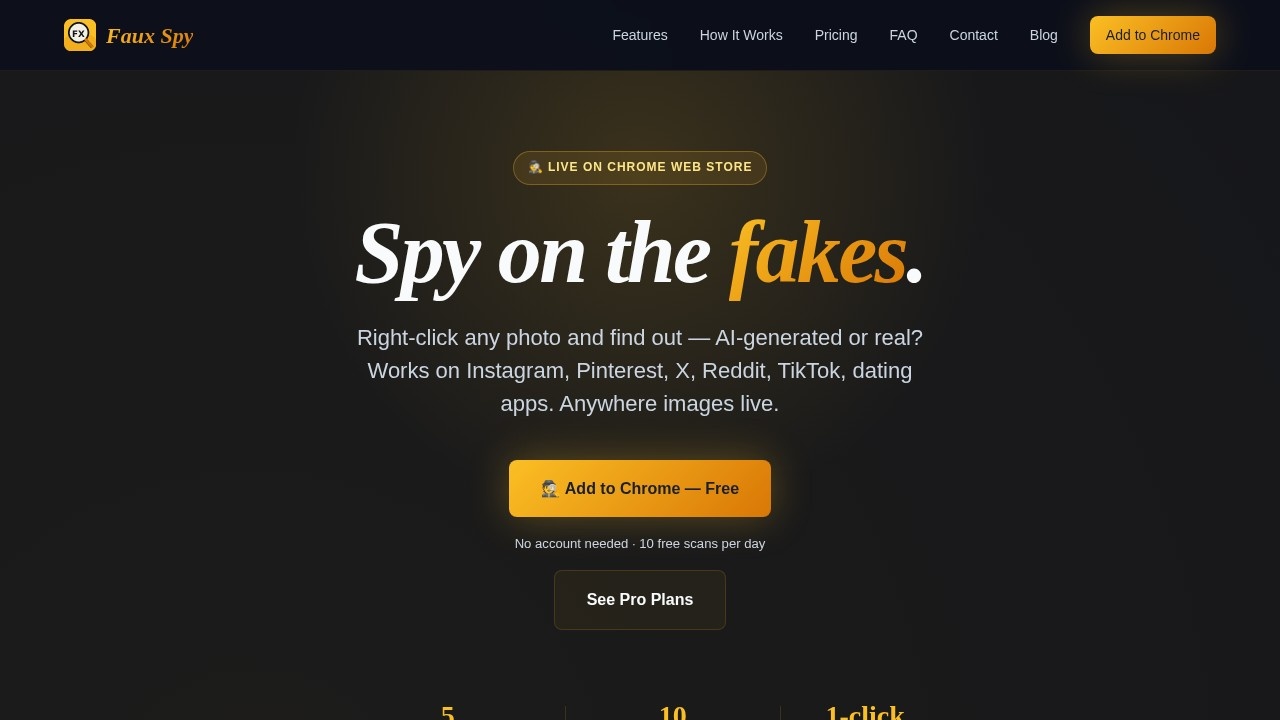
Faux Spy is a browser extension that lets you right-click any photo to instantly check if it's AI-generated or manipulated, helping users verify image authenticity and detect deepfakes with ease.
What is Faux Spy?
Faux Spy is a browser extension that instantly detects whether any image on the web is AI-generated or real. You right-click a photo, get a verdict with a confidence score, and move on. It works across social media, dating apps, news sites, and anywhere images appear. Users rely on it to spot deepfakes, verify profile photos, and avoid sharing manipulated content.Application scenarios
Dating apps
Spot AI-generated profile photos before swiping right on Hinge, Tinder, or Bumble.
Social media
Check if that flawless Instagram or Pinterest image is a real person or a render.
News & social media
Verify dramatic images before sharing them on X, Reddit, or Facebook.
Professional networking
Verify vendor or contact profile photos on LinkedIn for authenticity.
Job boards
Scan candidate or recruiter profile pictures for AI manipulation.
General browsing
Investigate any image you see in your browser—from TikTok to news sites.
Core Features
Bulletproof detection
Catches images from Midjourney, DALL-E, Stable Diffusion, Adobe Firefly, Leonardo AI, and newer generators, with confidence scores instead of vague verdicts.
Works everywhere
Scans images on Instagram, Pinterest, X, Reddit, TikTok, Facebook, LinkedIn, dating apps, news sites, and job boards—anywhere in your browser.
Instant verdict
Hover over any image, click "Investigate," and get a verdict in seconds with detailed confidence scores.
Detective Noir Theme
Sleek dark navy and gold interface with animated confidence bars; drag the result panel anywhere on screen.
Case Files (Pro only)
Every investigation is saved to personal Case Files for reviewing history, spotting patterns, and exporting findings.
Detective Badges
Earn First Catch, Sharp Eye, Faux Hunter, and Master Spy badges as you investigate more images.
Privacy first
Only the image URL you click is seen—not the image itself, your browsing history, or anything else. Results stay on your device.
AI Video Detection (coming soon)
Pro + Video will analyze AI-generated video clips from Sora, Runway, Pika, Veo, and Kling directly in your browser.
Target users
Anyone who needs to verify image authenticity quickly: online daters, journalists, social media managers, recruiters, security researchers, and everyday users who want to avoid being fooled by AI-generated or manipulated photos.How to use Faux Spy?
- Install the Faux Spy extension from the Chrome Web Store (free, no account needed).
- Browse any website with images.
- Use one of three methods: Hover Mode (hover over an image and click the "🕵️ Investigate" button), Ctrl+Click (hold Ctrl or ⌘ and click the image for instant analysis), or Page Scan (click the Faux Spy icon and scan every image on the page).
- Read the verdict and confidence score in the result panel.
Pricing and free trial
Faux Spy offers 10 free scans per day with no account needed. Pro plans are available for more scans and features like Case Files. See Pro plans on the Chrome Web Store listing.Effect review
User reviews on the Chrome Web Store are consistently positive, with real users reporting catching fake profiles on Hinge within seconds and flagging LinkedIn profile photos at 88% AI confidence. The confidence scores provide actionable detail instead of vague "maybe AI" messages. The detective theme adds a fun layer, but the core detection is genuinely useful for everyday verification. With over 10,000 scans run, the tool has proven reliable for casual and professional use alike.Frequently Asked Questions
How does Faux Spy detect AI-generated images?
Is Faux Spy free to use?
Which browsers does Faux Spy support?
Does Faux Spy store or share my images?
Can Faux Spy detect all types of deepfakes?
Faux Spy - AI Tool Detail
Faux Spy is a browser extension that lets you right-click any photo to instantly check if it's AI-generated or manipulated, helping users verify image authenticity and detect deepfakes with ease.
Category:AI content detection
Visit Link:https://www.fauxspy.com/
Tags:AI image detection、deepfake checker、photo authenticity、browser extension、image verification