
Eraser
Eraser by Eraser Labs is a diagram-as-code tool for creating technical diagrams, cloud architecture visuals, and documentation. It uses markdown-like syntax to generate clean, editable diagrams, ideal
What is Eraser?
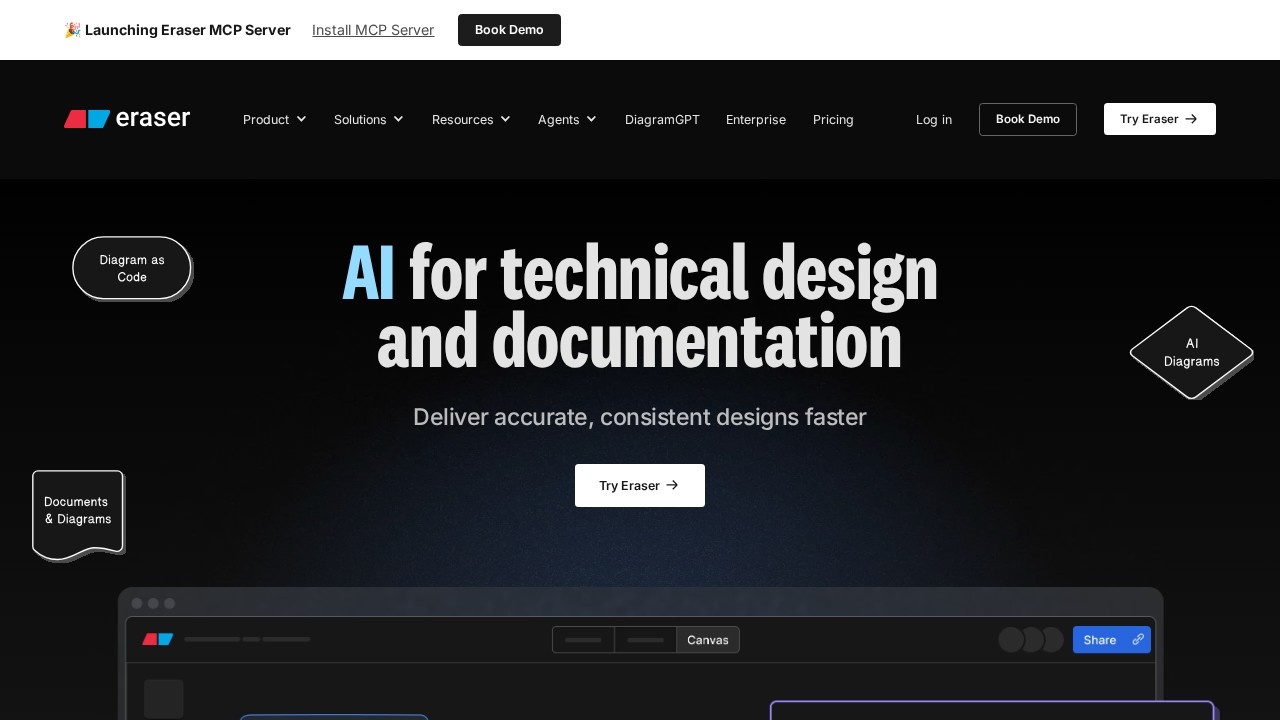
Eraser is a diagram-as-code tool for creating technical diagrams, cloud architecture visuals, and documentation. It uses markdown-like syntax to generate clean, editable diagrams, ensuring they are always legible and easily maintainable. The tool is designed to help technical teams deliver accurate, consistent designs faster, with a focus on minimal UI and performance.Application scenarios
Cloud Architecture
Visualize your infrastructure with automated diagrams.
Entity Relationship
Model data relationships and database schemas.
Flow Chart
Map out process and logic flows for workflows or algorithms.
Sequence
Visualize data models and interaction sequences.
Documentation
Create documentation you will enjoy, with markdown notes and embedded diagram snapshots.
GitHub README
Create, edit, and add diagrams directly to GitHub README files, including pull requests.
Core Features
Diagram-as-code
Write diagrams in markdown-like syntax; they are always legible and easily maintainable.
Version history
Automatically saved with snapshots generated for safety of mind.
Performance
No clutter, no spinners; stay focused on your thoughts with no flickering UI.
⌘K command palette
A powerful new way to interact with the tool quickly.
Markdown notes
Notes are formatted in markdown, ensuring maximum portability—you own your data.
Export options
Save diagrams as PNG, SVG, PDF, and MD files.
GitHub integration
Create, edit, and add diagrams to GitHub README files directly from Eraser; you can even create a PR.
Enterprise security
SOC 2 Type 2 certified and penetration tested annually, with SAML SSO (Microsoft Entra, Okta, and more) and flexible deployment options (multi-tenancy, single-tenancy, private cloud BYOC).
Target users
Technical teams globally—including software architects, cloud engineers, developers, and technical documentation writers—who need to create, maintain, and share technical diagrams and documentation efficiently. The tool is trusted by large enterprises and technical leaders.How to use Eraser?
Sign up or log in at eraser.io via the "Try Eraser" button. Use markdown-like syntax to write diagrams directly in the canvas. Leverage the ⌘K command palette for quick actions. Integrate with GitHub to embed diagrams in README files or create pull requests. Export finished diagrams as PNG, SVG, PDF, or MD. For enterprise teams, contact sales for deployment and SSO setup.Pricing and free trial
The website text does not specify pricing or a free trial. Contact sales for enterprise pricing and deployment options.Effect review
User testimonials highlight real-world effectiveness: a distinguished software architect praised the markdown note-taking feature that allows embedding diagram snapshots directly in the canvas. A technical director built a complex VMWare validated design for NSX-T Network Virtualization in under an hour. These examples confirm Eraser delivers on its promise of speed and clarity—technical teams can produce professional diagrams and documentation with minimal friction, focusing on design logic rather than tool mechanics.Frequently Asked Questions
What is Eraser used for?
How does Eraser generate diagrams?
Is Eraser suitable for cloud architecture diagrams?
Can I edit diagrams created with Eraser?
Do I need design skills to use Eraser?
Eraser - AI Tool Detail
Eraser by Eraser Labs is a diagram-as-code tool for creating technical diagrams, cloud architecture visuals, and documentation. It uses markdown-like syntax to generate clean, editable diagrams, ideal
Category:Prompt tool
Visit Link:https://eraser.io/
Tags:diagram-as-code、technical diagrams、cloud architecture、documentation tool、markdown diagrams