
CronStar
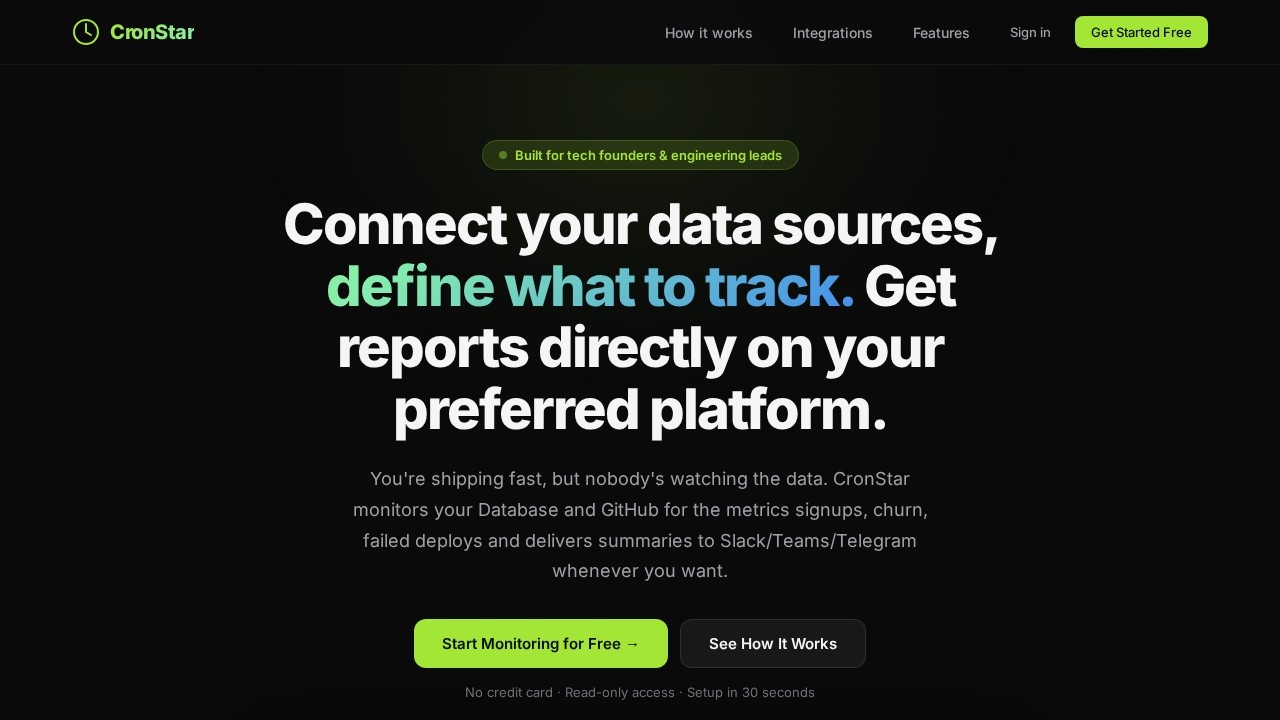
CronStar by CronStar offers AI-powered background workers that monitor databases and GitHub repos, delivering automated summaries to Slack, Teams, or Telegram for streamlined updates.
What is CronStar?
CronStar is an AI-powered background worker that monitors your database and GitHub repositories, then delivers automated summaries directly to Slack, Teams, or Telegram. It replaces manual dashboard-checking with scheduled, plain-English reports on metrics like signups, churn, and failed deploys. The tool reads your schema automatically, generates SQL queries from natural language descriptions, and runs them on a schedule you define. It's built specifically for tech founders and engineering leads who want to stay informed without staring at dashboards.Application scenarios
Daily signup monitoring
Get a Slack summary every morning of yesterday's signups by country, with alerts for drops over 20%.
Churn tracking
Ask "How many users churned this week?" and receive a scheduled report with trends and breakdowns.
Deployment health checks
Monitor GitHub PRs, commits, and CI status to catch failed deploys before they escalate.
Code activity summaries
Receive daily digests of code changes across repositories, including PRs that touch critical files like auth.
Weekly business reviews
Set a Monday morning report on key metrics without building a dashboard or writing SQL manually.
Multi-database oversight
Monitor PostgreSQL, MySQL, MongoDB, SQL Server, and SQLite from one interface with consistent reporting.
Core Features
Natural language queries
Describe what you want to track in plain English (e.g., "How many users signed up yesterday?") and CronStar writes the SQL for you.
Automated scheduling
Pick a schedule—every morning, every hour, every Monday—and CronStar delivers AI summaries to your chosen platform on time.
Read-only access
CronStar only runs SELECT queries against your database, validated before execution, and never writes data.
AES-256 encryption
Your database credentials are encrypted at rest using AES-256-GCM and never stored in plain text.
Full audit trail
Every query CronStar runs is logged with timestamps, giving you complete visibility and no surprises.
AI-powered insights
The tool generates summaries that highlight trends, anomalies, and flag issues like country-level drops in signups.
Multi-platform delivery
Reports go directly to Slack, Teams, or Telegram based on your preference.
Schema auto-discovery
Paste your database connection string and CronStar reads your schema automatically—no manual configuration needed.
Target users
Tech founders and engineering leads who ship fast but need automated oversight of business metrics without building or maintaining dashboards. Also suitable for data-savvy product managers who want daily or weekly summaries of user activity, code changes, and deployment health delivered to their team chat.How to use CronStar?
- Plug in your data: Paste your database connection string or connect GitHub with one click. CronStar reads your schema automatically.
- Tell it what to watch: Write a natural language description like "Every day at 6am, check yesterday's signups by country and flag any drop > 20%."
- Pick a schedule: Choose delivery frequency—every morning, every hour, every Monday—and select your preferred platform (Slack, Teams, or Telegram).
- Get summaries: CronStar generates the SQL, runs it on schedule, and delivers AI-powered summaries to your chat with trends and alerts.
Effect review
CronStar delivers exactly what it promises: automated, AI-generated summaries from your database and GitHub without requiring you to write SQL or build dashboards. The natural language query system works well for common metrics like signups, churn, and deployment failures, and the read-only, encrypted access model addresses legitimate security concerns. For founders and eng leads who already live in Slack or Telegram, this eliminates the friction of checking multiple tools. The 30-second setup claim is believable given the auto-schema detection, and the multi-database support (PostgreSQL, MySQL, MongoDB, SQL Server, SQLite) makes it versatile. While the tool is currently limited to database and GitHub monitoring, the core value—getting actionable summaries without manual effort—is strong for its target audience.Frequently Asked Questions
What is CronStar?
Which messaging platforms does CronStar support?
How does CronStar monitor databases?
Can I customize the summaries CronStar sends?
Is CronStar easy to set up?
Does CronStar require coding skills?
CronStar - AI Tool Detail
CronStar by CronStar offers AI-powered background workers that monitor databases and GitHub repos, delivering automated summaries to Slack, Teams, or Telegram for streamlined updates.
Category:Automation
Visit Link:https://cronstar.tech/
Tags:AI monitoring、database alerts、GitHub automation、Slack summaries、background workers