
Scarlett
AI co-worker by Try Scarlett that integrates with 3,000+ tools in Slack to automate workflows and complete tasks end to end.
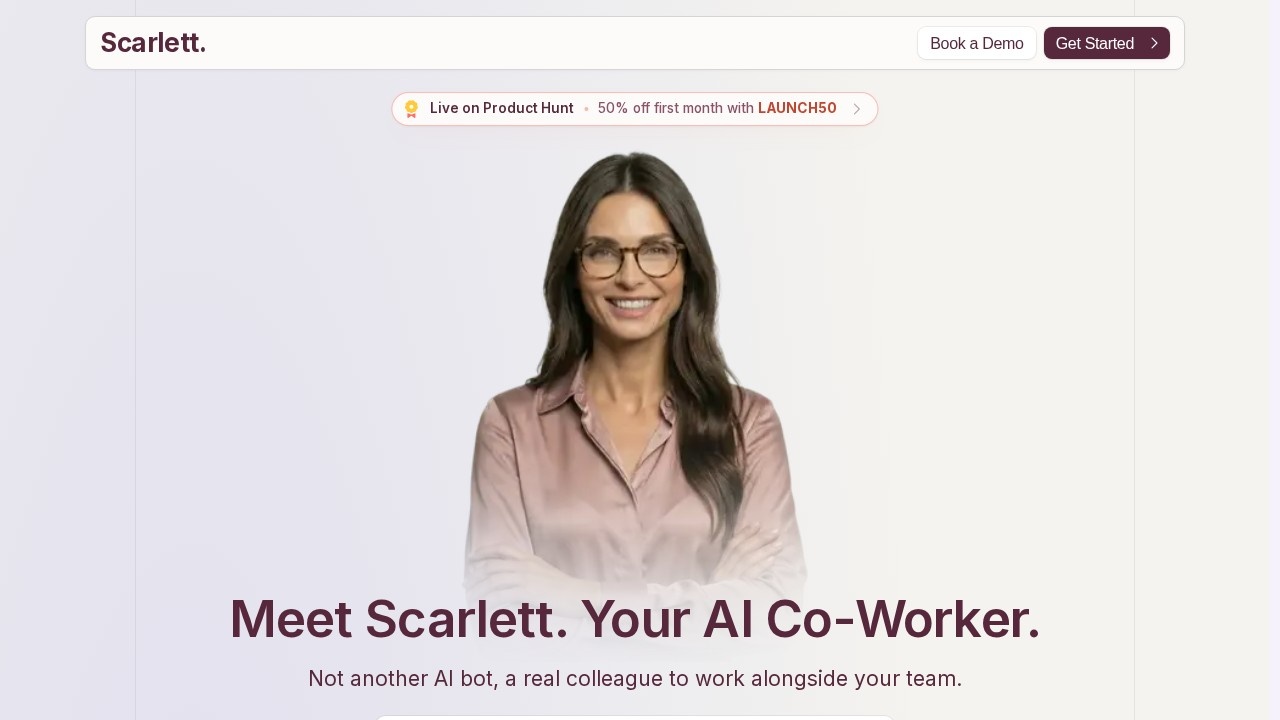
What is Scarlett?
Scarlett is an AI co-worker designed to integrate directly with your team’s Slack workspace. Unlike a simple chatbot, it acts as a real colleague that can perform tasks end to end—from drafting decks and shipping PDFs to writing code and building dashboards. Users connect Scarlett to over 3,000 tools (like CRM, calendar, Stripe, Notion, and Google Ads), then ask it to execute complex workflows without manual handoffs. It’s built to work alongside your team, coordinating tasks and keeping everyone in the loop automatically.Application scenarios
Marketing strategy
Ask Scarlett to pull meeting notes and deliver a ready-to-share PDF marketing strategy.
Daily team briefings
Set up a recurring morning summary from chosen sources, delivered straight to Slack.
Customer support triage
Scan tickets and emails daily, categorize issues, and summarize recurring problems.
Business reporting
Generate weekly reports on revenue, pipeline, support trends, and audience changes.
Meeting prep
Before a meeting, have Scarlett pull attendee info, company context, and the latest email thread into one brief.
Engineering release notes
Automatically turn merged GitHub PRs and Linear issues into customer-facing notes and internal changelogs.
Sales follow-up
Find important Gmail conversations without replies, draft follow-ups, and add reminders.
Core Features
3,000+ tool integrations
Scarlett connects to your CRM, calendar, Google Drive, Stripe, Notion, and more—starting work immediately after setup.
End-to-end task execution
It doesn’t just chat—it drafts decks, ships PDFs, writes code, and builds dashboards.
Side-by-side collaboration
Scarlett works in Slack alongside your team, coordinating tasks and keeping everyone updated.
Autopilot mode
Schedule Scarlett to wake up daily and manage customers, revenue, and growth tasks automatically.
Recurring workflows
Set up daily or weekly tasks like team briefs, support triage, or project status digests.
On-demand analysis
Ask Scarlett to pull data from connected tools (e.g., “Compare Meta Ads data vs. last month”) and deliver real outputs.
Automation proposals
Scarlett suggests new automations based on your workflows, helping you scale without extra effort.
Target users
Scarlett is built for teams and managers who want to offload repetitive, data-intensive tasks. It’s ideal for operations, marketing, sales, engineering, and customer success roles—anyone who needs to pull reports, coordinate updates, or manage workflows across multiple tools without switching contexts. Small business owners can also run entire operations on autopilot using Scarlett’s scheduled tasks.How to use Scarlett?
- Install: Add Scarlett from the Slack App Directory (takes about 2 minutes).
- Connect tools: Link your existing tools—Stripe, Notion, Google Ads, Google Drive, etc.
- Ask: Talk to Scarlett in Slack like a colleague. Example: “Pull our Meta Ads data and compare vs. last month” or “Build me a revenue dashboard.”
- Scarlett delivers: It queries your tools, analyzes data, and outputs real files (PDFs, dashboards, code). You can also set up recurring tasks or let Scarlett propose new automations.
Pricing and free trial
Scarlett offers $50 in free credits to start. You can cancel anytime. No other pricing tiers or subscription details are listed on the site.Effect review
Scarlett stands out because it doesn’t just generate text—it actually completes work by connecting to your existing tools and producing real deliverables like PDFs, dashboards, and code. The ability to run entire workflows on autopilot, from daily briefs to customer success reviews, makes it a practical upgrade for teams drowning in manual coordination. The benchmark comparison on the site claims higher quality and faster responses than alternatives, which aligns with its focus on end-to-end execution rather than chat-only assistance. For teams already deep in Slack, Scarlett feels less like a novelty and more like a genuine productivity multiplier.Frequently Asked Questions
What is Scarlett?
How does Scarlett integrate with Slack?
What tools does Scarlett support?
Can Scarlett automate complex workflows?
Is Scarlett easy to set up?
Does Scarlett require coding skills?
Scarlett - AI Tool Detail
AI co-worker by Try Scarlett that integrates with 3,000+ tools in Slack to automate workflows and complete tasks end to end.
Category:Automation
Visit Link:https://tryscarlett.ai/
Tags:Slack automation、AI workflow、productivity bot、task automation、enterprise AI