
BrowserBash
BrowserBash is a free, open-source CLI tool by its developers that translates plain English into browser automation. It runs on local Ollama or free OpenRouter models, supporting Chrome, LambdaTest, B
What is BrowserBash?
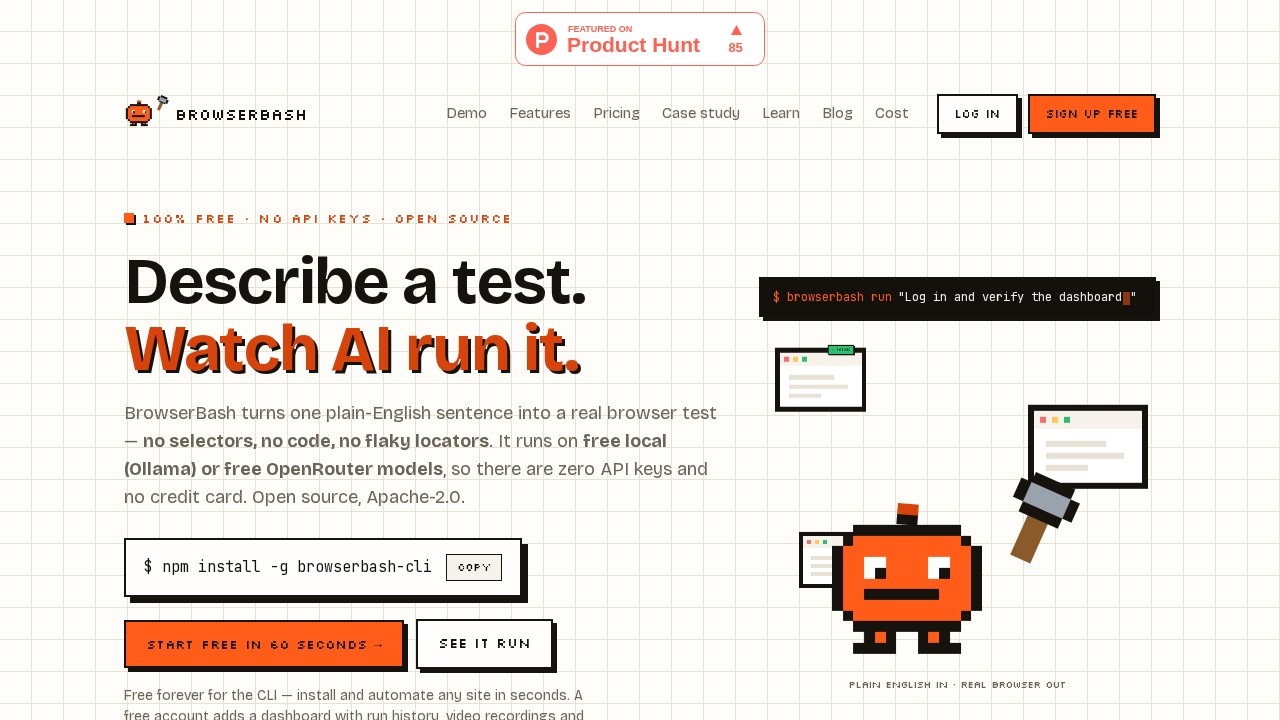
BrowserBash is a free, open-source CLI tool that translates plain English into browser automation. It runs on local Ollama or free OpenRouter models, supporting Chrome, LambdaTest, and other cloud grids. Users write one objective in English, and the tool drives a real Chrome browser from start to finish, outputting structured NDJSON events. It's designed for CI pipelines and AI agents, with exit codes that your pipeline can parse directly.
Application scenarios
Automated E2E testing
Run natural-language test objectives like "Open https://news.ycombinator.com and store the top story title" with exit codes your CI can read.
Web scraping
Extract structured data (headings, prices, points) from any page using plain English commands.
Agent-based automation
Feed the NDJSON event stream into AI agents for complex multi-step workflows.
CI/CD integration
Use the included GitHub Actions recipe to run browser automation as part of your build pipeline.
Secrets management
Automate login flows with masked credentials that never appear in logs.
Markdown test suites
Write committable `_test.md` files with `@import` composition, and get a `Result.md` after every run.
Core Features
Plain English automation
Write one sentence like "Grab the top HN story" and BrowserBash drives Chrome to execute it.
--agent NDJSON mode
Outputs one JSON event per line on stdout with exit codes 0/1/2/3 — no prose parsing needed.
Markdown tests
Create committable `_test.md` files with `@import` composition; a `Result.md` is written after every run.
5 provider options
Run the same objective on local Chrome, CDP endpoints, Browserbase, LambdaTest, or BrowserStack by changing one `--provider` flag.
Secrets masking
Variables marked as secret are masked as `*****` in every log line, remark, and summary.
CI-ready verdicts
The process exit code is the test result, with a GitHub Actions recipe included.
Private by default
Runs never leave your machine unless you add `--upload` — nothing phones home on its own.
Open source all the way down
Apache-2.0 CLI on an MIT engine — the full agent loop is in the repo to read, fork, or fix.
Target users
Software engineers, QA engineers, and DevOps teams who need natural-language browser automation for CI pipelines. Also useful for AI agent developers who want a structured NDJSON event stream and for anyone who wants a free, private alternative to cloud-metered browser automation tools.
How to use BrowserBash?
- Install the CLI globally:
npm install -g browserbash-cli - (Optional) Pull a local Ollama model:
ollama pull qwen3 - Run a command:
browserbash run "Open https://news.ycombinator.com and store the top story title as 'top_story' and its points as 'points'" --agent --headless - For CI, use the included GitHub Actions recipe. No account is required for the CLI — a free dashboard account is optional for run history and recordings.
Pricing and free trial
BrowserBash is free and open source. The default stack (Stagehand + local Chromium + Ollama) costs nothing and requires no API keys. An account is optional and only needed for the free dashboard. No credit balance, no cloud meter, no signup required to run the CLI.
Effect review
BrowserBash delivers exactly what it promises: a free, private CLI that turns plain English into browser automation. The fully-local default stack (Ollama + Stagehand + Chromium) means zero cloud cost and zero data leaving your machine unless you explicitly allow it. The NDJSON event stream and exit codes make it immediately useful for CI pipelines, and the five provider options let you swap from local Chrome to a cloud grid with one flag. For teams tired of metered browser automation tools, BrowserBash is a refreshingly straightforward alternative — no account, no API keys, no lock-in.
Frequently Asked Questions
What is BrowserBash?
How does BrowserBash work?
Is BrowserBash free to use?
What browsers does BrowserBash support?
Do I need coding skills to use BrowserBash?
Can I use BrowserBash offline?
BrowserBash - AI Tool Detail
BrowserBash is a free, open-source CLI tool by its developers that translates plain English into browser automation. It runs on local Ollama or free OpenRouter models, supporting Chrome, LambdaTest, B
Category:Prompt tool
Visit Link:https://browserbash.com/
Tags:browser automation、CLI tool、open-source、natural language、AI testing