
What is FreeTTS?
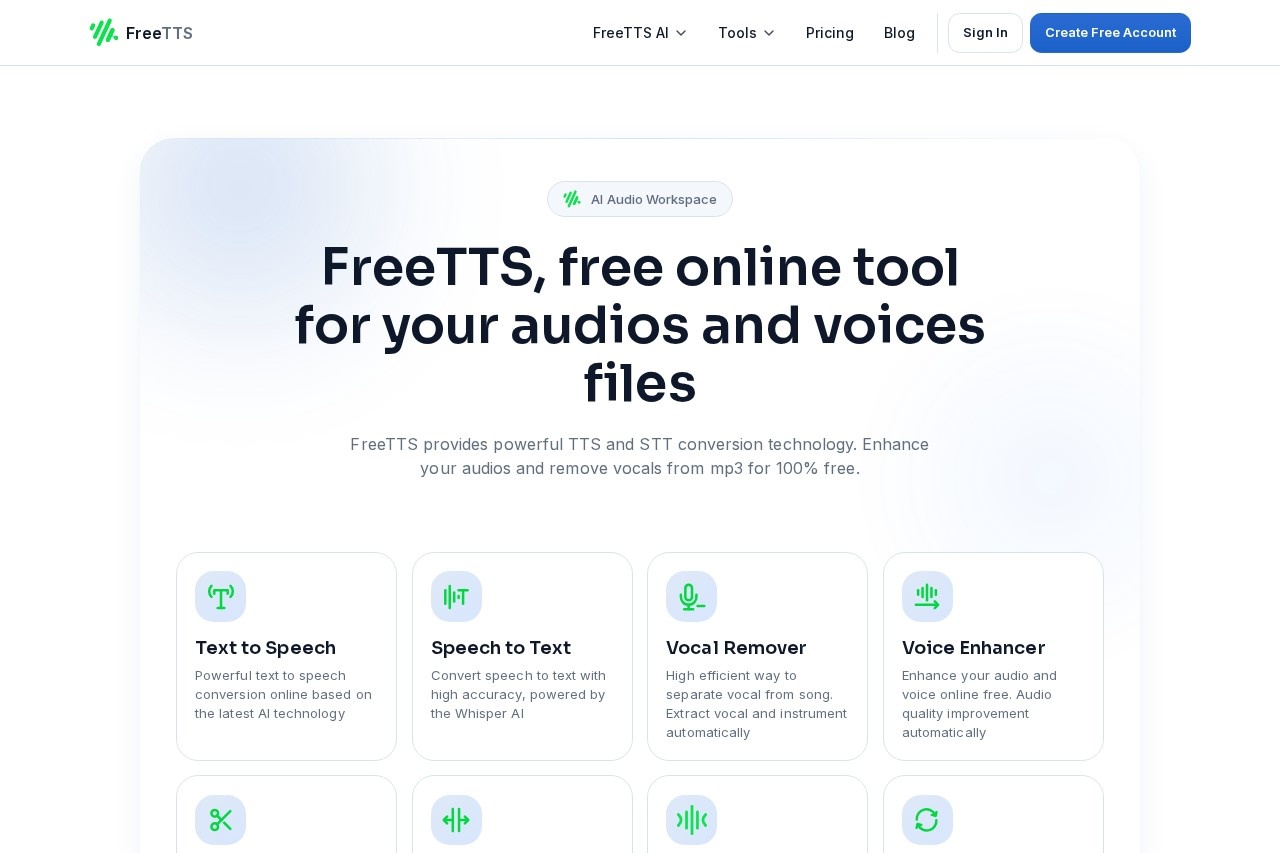
FreeTTS is a free online audio workspace that provides text-to-speech, speech-to-text, audio conversion, editing, and enhancement tools directly in your browser. It uses AI-powered technology to handle tasks like vocal removal, audio cutting, joining, compressing, and batch converting files. Users can process audio without needing an account or paying any fees, with all tools accessible for free. The platform emphasizes speed, accuracy, and privacy, automatically clearing uploaded files after about 12 hours.Application scenarios
Content creation
Convert text into natural speech for voiceovers, audiobooks, or presentations using AI-driven TTS.
Transcription
Transform audio recordings into editable text with high accuracy via Whisper AI-powered speech-to-text.
Music production
Separate vocals from instrumentals in songs using the vocal remover tool.
Audio cleanup
Enhance voice quality or reduce background noise with the voice enhancer for podcasts or recordings.
File management
Cut, join, compress, or convert audio files (MP3, WAV, FLAC, OGG, M4A, AAC) in batch without limits.
Privacy-sensitive projects
Process audio securely with auto-cleared files after 12 hours and no data collection.
Core Features
Text to Speech
Convert written text into natural, high-quality speech using the latest AI technology, ideal for presentations or voiceovers.
Speech to Text
Transform audio into editable text with high accuracy, powered by Whisper AI.
Vocal Remover
Separate vocals from instrumentals automatically, extracting both components from songs.
Voice Enhancer
Improve audio quality and voice clarity automatically for free.
Audio Cutter
Cut audio files into pieces online without needing an account.
Audio Joiner
Merge multiple audio files into one track with no account required.
Audio Compressor
Reduce file size of MP3, WAV, FLAC, and more while maintaining clear, balanced sound quality.
Audio Converter
Convert audio files in batch, supporting formats like MP3, WAV, FLAC, OGG, M4A, and AAC.
Batch Processing
Process or enhance up to 24 files at once, saving time on large-scale projects.
Fast Workflow
Complete tasks in three steps—Upload, Adjust, Export—with an intuitive interface for beginners and professionals.
Target users
FreeTTS is designed for content creators, podcasters, musicians, educators, and professionals who need quick, free audio processing without subscriptions. It suits anyone handling voiceovers, transcriptions, audio editing, or file conversions—from beginners to experienced users—who value privacy and a frictionless workflow.How to use FreeTTS?
Open the FreeTTS website in your browser and select a tool (e.g., Text to Speech, Audio Cutter). Upload your file or enter text, adjust settings as needed, then export the result. No account or sign-up is required—just start processing immediately. For batch tasks, upload multiple files and let the tool handle them in a queue.Pricing and free trial
All tools on FreeTTS are completely free with no hidden fees, subscriptions, or usage limits. The service offers unlimited access to core tools, no paywall interrupting workflow, and fast start without friction—priced at $0.Effect review
FreeTTS delivers a solid set of AI-powered audio tools that work reliably for common tasks like TTS, transcription, and file conversion. The vocal remover and voice enhancer add practical value for music and podcast editing, while batch processing up to 24 files boosts productivity. The 97.8% accuracy claim for AI models suggests good quality, though actual results depend on audio clarity. The privacy-focused auto-clear policy and zero-cost access make it a trustworthy choice for users who need quick, no-commitment audio processing.Frequently Asked Questions
什麼是FreeTTS?
FreeTTS真的免費嗎?
使用FreeTTS需要安裝任何東西嗎?
FreeTTS支援哪些音訊格式?
我可以用FreeTTS編輯音訊檔案嗎?
FreeTTS - AI Tool Detail
FreeTTS 提供免費線上音訊工具,支援文字轉語音、音訊轉換、編輯與增強,讓您直接在瀏覽器中輕鬆處理音訊檔案。
Category:語音合成
Visit Link:https://freetts.com/
Tags:文字轉語音、音頻轉換、音頻編輯、線上音頻工具、免費AI工具