
Whop CLI
Whop CLI by Whop is a unified command-line tool bundling every Whop API resource into one binary, enabling creators to script, developers to automate workflows, and AI agents to integrate seamlessly.
What is Whop CLI?
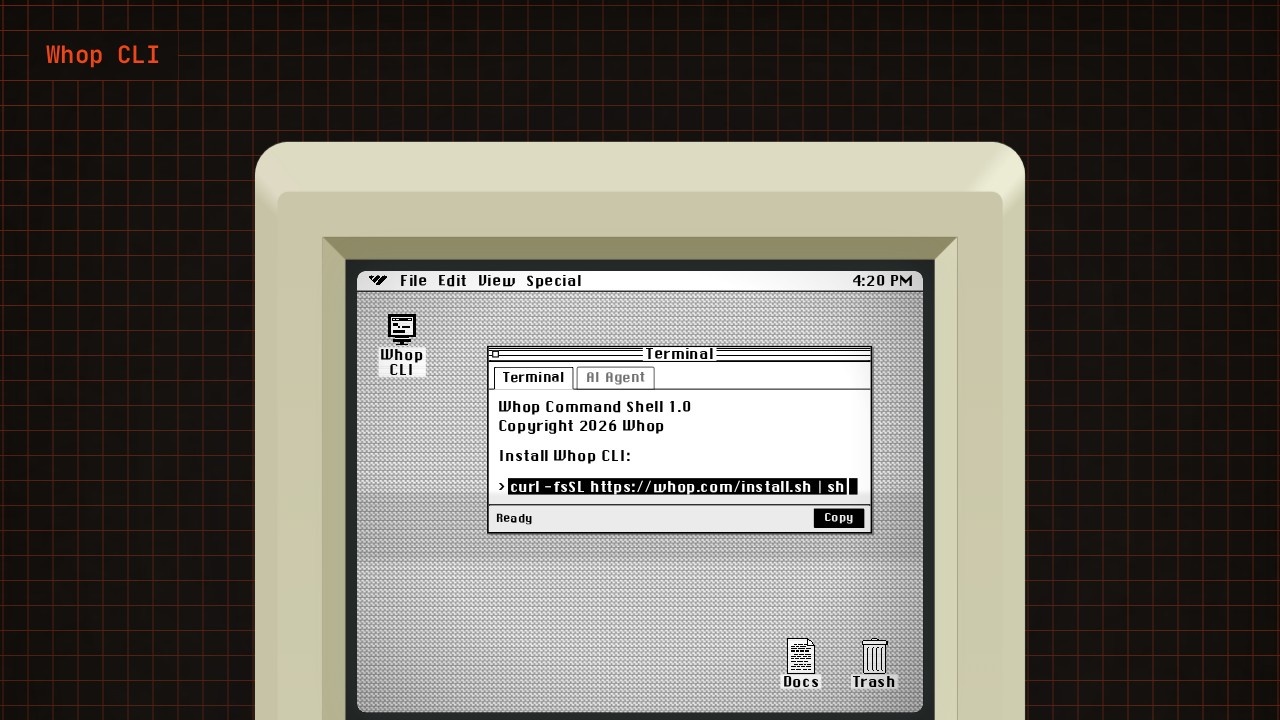
Whop CLI is a command-line interface built for Whop developers, creators, and automation agents. It bundles access to Whop API resources directly into a terminal environment, so you can interact with the platform without leaving your command line. Users install it with a single curl command and then work with Whop's API resources programmatically. The tool is designed to streamline workflows for anyone building on or automating around Whop.
Application scenarios
Developer automation
Script repetitive API calls and manage Whop resources directly from the terminal.
Creator tooling
Build custom workflows that interact with Whop's backend without needing a full web interface.
Agent integration
Connect AI agents to Whop API resources so they can perform actions programmatically.
Rapid prototyping
Test API endpoints and data flows quickly from a local environment.
CI/CD pipelines
Incorporate Whop operations into build or deployment scripts for automated testing or sync.
System administration
Manage Whop resources across multiple accounts or environments from one unified CLI.
Core Features
Single binary installation
Install Whop CLI with a simple curl command (`curl -fsSL https://whop.com/install.sh | sh`) and start using it immediately.
Unified API access
Work with every Whop API resource from one command-line tool, eliminating the need for separate scripts or manual API calls.
Terminal-native workflow
Execute Whop operations directly from your shell, making it easy to chain commands with other CLI tools.
Developer documentation
Access official guidance and reference material at `https://docs.whop.com/developer/cli` for setup and usage details.
Cross-platform support
The curl-based installer works across standard Unix-like environments, making it suitable for most development setups.
Scripting-friendly design
The CLI output is designed for parsing and automation, so you can integrate it into larger scripts or pipelines.
Target users
Whop CLI is built for three primary groups: developers who want to build and manage Whop integrations programmatically, creators who need to automate their Whop-related workflows, and automation agents that require direct API access to perform tasks. If you work with Whop's ecosystem and prefer terminal-based tooling over web dashboards, this CLI is aimed squarely at you.
How to use Whop CLI?
To get started, open your terminal and run the installation command: curl -fsSL https://whop.com/install.sh | sh. Once installed, you can begin issuing commands against Whop API resources directly from your shell. For detailed usage instructions, command syntax, and examples, refer to the official developer documentation at https://docs.whop.com/developer/cli. There's no need to sign up separately for the CLI itself—it works with your existing Whop developer credentials.
Effect review
Whop CLI fills a clear gap for developers and creators who want to move beyond the web dashboard and interact with Whop programmatically. The single-binary install approach is refreshingly straightforward—no package manager dependencies or complex setup steps. For teams already using Whop's API, this tool removes friction by consolidating resource access into one command-line interface. The documentation link suggests the project is backed by proper developer support, which is a good sign for long-term usability. While the website excerpt doesn't include user testimonials or performance metrics, the feature set itself is practical and directly addresses common automation needs. If you're already comfortable in a terminal, Whop CLI is a low-risk, high-convenience addition to your toolkit.
Frequently Asked Questions
What is Whop CLI?
Who can benefit from using Whop CLI?
Does Whop CLI require coding knowledge?
Can Whop CLI be used for automation?
Is Whop CLI available for all operating systems?
How does Whop CLI help with AI integration?
Whop CLI - AI Tool Detail
Whop CLI by Whop is a unified command-line tool bundling every Whop API resource into one binary, enabling creators to script, developers to automate workflows, and AI agents to integrate seamlessly.
Category:API services
Visit Link:https://whop.sh/
Tags:whop-cli、api-automation、developer-tools、ai-agents、workflow-automation