
Volume Shader BM
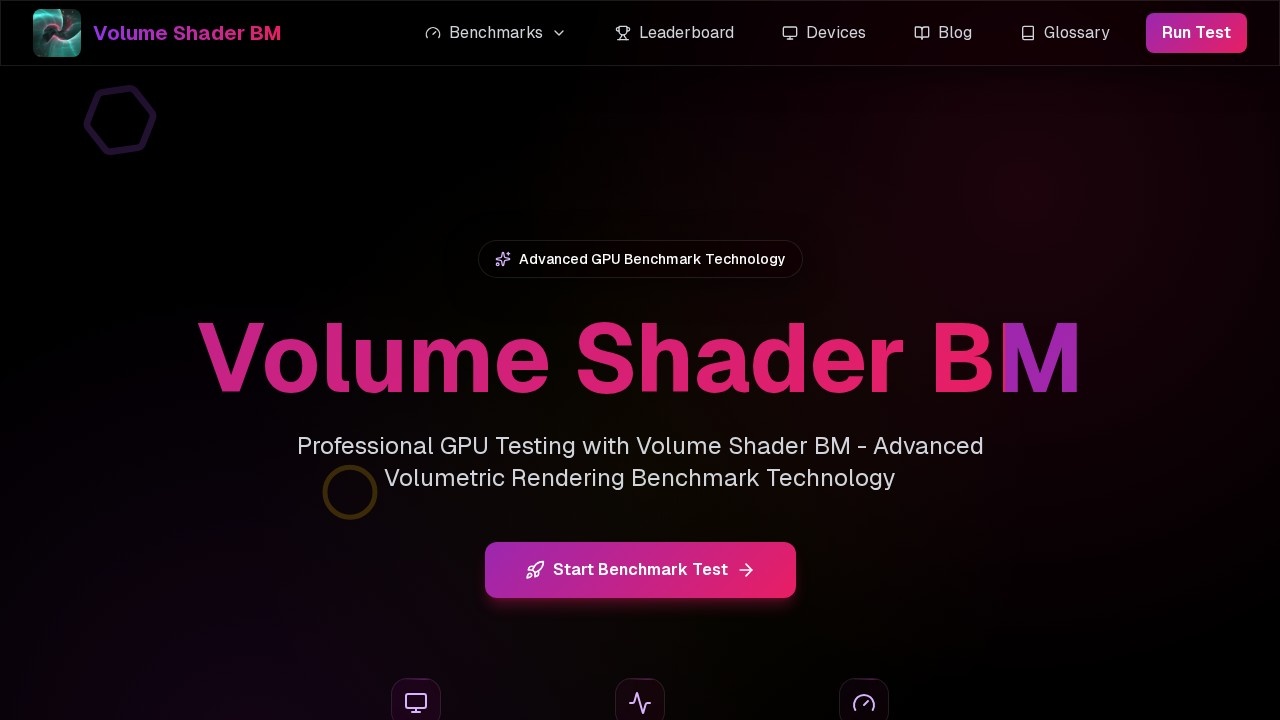
Volume Shader BM by its developer is a GPU benchmark tool for testing performance with advanced volumetric rendering, real-time 3D graphics, and shader processing in WebGL.
What is Volume Shader BM?
Volume Shader BM is a cutting-edge GPU benchmark tool that leverages volumetric rendering technology to test graphics card performance. It pushes your GPU to its limits by rendering complex three-dimensional volumetric data in real-time, providing accurate performance metrics that reflect modern graphics workloads. Unlike traditional benchmarks, Volume Shader BM focuses specifically on volumetric shader performance, evaluating your GPU's ability to handle ray marching algorithms, density sampling operations, and complex lighting calculations essential for next-generation graphics. Professional developers and enthusiasts rely on this benchmark to assess GPU capabilities for demanding applications like game development, scientific visualizations, or medical imaging software.Application scenarios
Game development
Evaluate GPU performance for volumetric shader workloads in next-generation game engines.
Scientific visualization
Test hardware capabilities for rendering complex 3D volumetric data in research and simulation.
Medical imaging software
Assess GPU readiness for processing density sampling and iterative volumetric computations.
Hardware benchmarking
Compare graphics card performance using real-time metrics like frame rates and rendering times.
Professional content creation
Validate GPU power for procedural content generation and complex lighting calculations.
Cross-platform testing
Run benchmarks on any device with WebGL support, from high-end desktops to mobile devices.
Core Features
Real-time testing
Get instant feedback with live FPS counters and performance metrics during benchmark execution.
WebGL based
No downloads required—the benchmark runs entirely in your browser using advanced WebGL technology.
Accurate metrics
Precise performance data with sophisticated measurement algorithms and accurate timing.
Cross-platform
Works on any device with WebGL support, from high-end desktops to mobile devices.
Fractal volume rendering
Pushes your GPU with complex mathematical calculations, measuring frame rates while rendering intricate 3D fractals.
Multiple test scenarios
Runs through various rendering scenarios, each designed to stress different aspects of volumetric shader performance.
Comprehensive results analysis
Compiles frame rates, rendering times, and quality metrics with detailed breakdowns for understanding GPU volume shader capabilities.
GPU capability detection
Automatically detects your GPU capabilities and initializes the WebGL context with optimal rendering parameters.
Target users
Professional developers and enthusiasts who need to assess GPU capabilities for demanding applications like game development, scientific visualizations, or medical imaging software. Hardware reviewers, PC builders, and graphics professionals will also benefit from the focused volumetric shader performance testing.How to use Volume Shader BM?
Open the official website at https://volume-shader.net/ in a WebGL-compatible browser. Click the "Start Benchmark Test" button to begin. The tool automatically detects your GPU capabilities, initializes the WebGL context, and runs through multiple rendering scenarios. Real-time FPS and performance metrics are displayed during execution. After completion, comprehensive results including frame rates, rendering times, and quality metrics are presented with detailed breakdowns.Pricing and free trial
No pricing or free trial information is provided on the website. The benchmark appears to be freely accessible via the browser without any payment required.Effect review
Volume Shader BM delivers a focused, browser-based GPU benchmark that specifically targets volumetric shader performance—a niche but increasingly important metric for modern graphics workloads. The real-time FPS tracking and detailed results analysis provide actionable insights for developers and enthusiasts, while the WebGL-based approach eliminates installation barriers. The fractal volume rendering test is particularly valuable for evaluating iterative computational capabilities. However, without user feedback or awards mentioned on the site, the tool's real-world accuracy and reliability remain unverified. For those needing a quick, cross-platform volumetric rendering benchmark, this is a solid starting point—but serious benchmarking workflows may want to pair it with traditional GPU tests for a complete picture.Frequently Asked Questions
What is Volume Shader BM?
Is Volume Shader BM free to use?
What hardware does Volume Shader BM test?
Does Volume Shader BM require installation?
What metrics does Volume Shader BM measure?
Can I compare my results with others?
Volume Shader BM - AI Tool Detail
Volume Shader BM by its developer is a GPU benchmark tool for testing performance with advanced volumetric rendering, real-time 3D graphics, and shader processing in WebGL.
Category:3D Modelling/Rendering
Visit Link:https://volume-shader.net/
Tags:GPU benchmark、volumetric rendering、WebGL、real-time 3D、shader processing