
Image3D
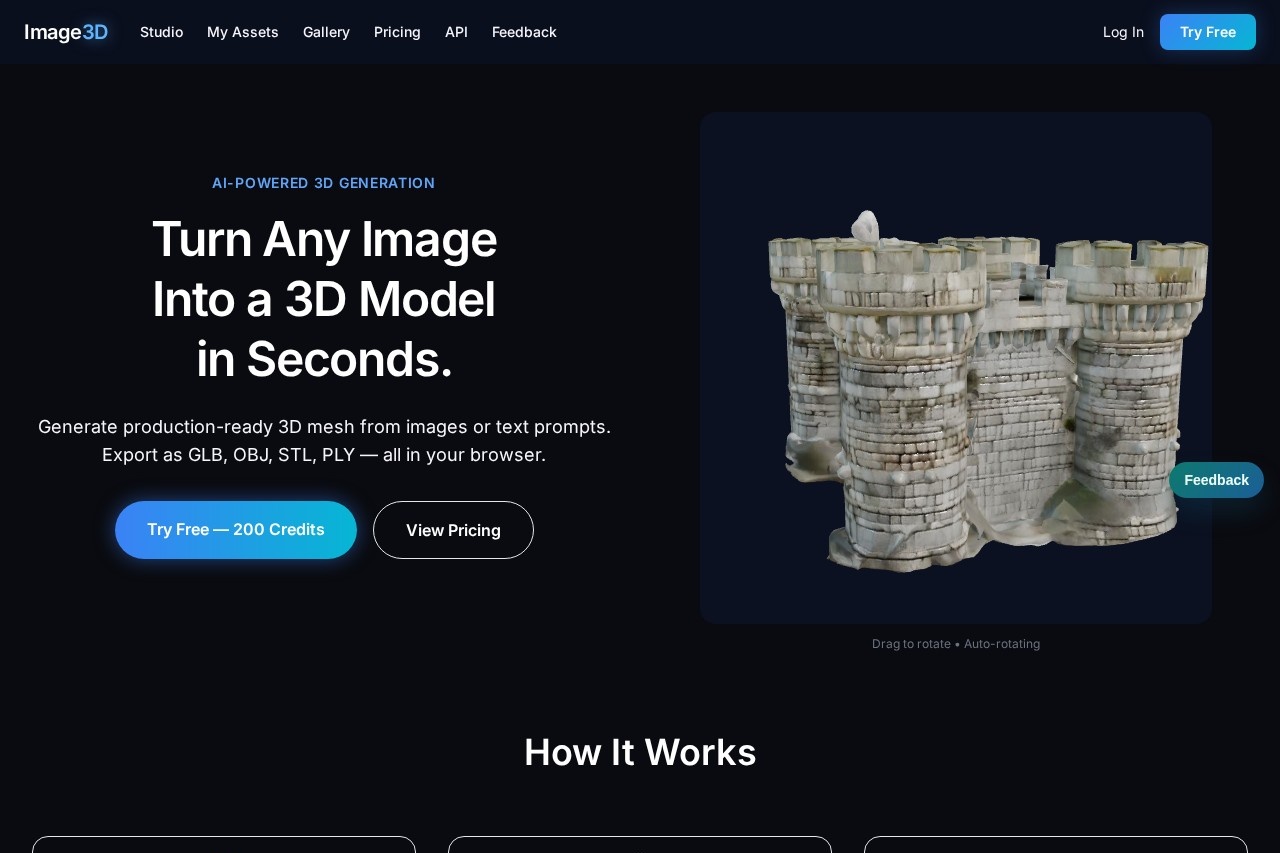
Image3D by Image3D.io is a browser-based tool that generates 3D meshes from a single image or short prompt. It allows for fast previewing, depth adjustment, and export in OBJ, STL, GLB, or PLY formats
What is Image3D?
Image3D is a browser-based AI tool that generates 3D meshes from a single image or a text prompt. It creates production-ready 3D models with PBR textures in seconds. Users can preview, adjust, and export their models directly in the browser without any local software. It is designed for applications in gaming, 3D printing, augmented reality, and visualization.Application scenarios
Game asset creation
Quickly generate 3D models from concept art or text descriptions for use in game engines.
3D printing prototyping
Create exportable STL or OBJ files suitable for physical prototyping and printing.
AR/VR development
Produce GLB models ready for integration into augmented and virtual reality experiences.
Visualization and CAD
Use generated models in common CAD and 3D visualization workflows.
Content creation
Produce commercially licensed 3D assets for videos, marketing materials, or digital art.
Core Features
Dual input modes
Generate a 3D mesh by uploading a reference image or by typing a descriptive text prompt.
Multi-format export
Export your 3D model as GLB, OBJ, STL, or PLY files directly from your browser.
Adjustable quality tiers
Select from Standard, Pro, or Ultra quality settings for the AI generation.
PBR textures
Receive models complete with physically based rendering textures like diffuse, normal, and roughness maps for realistic lighting.
In-browser preview
Rotate and inspect your 3D model in an interactive viewer before exporting.
Permanent storage
Generated models are stored permanently in your account.
Commercial licensing
Use generated assets for commercial projects according to your active plan's terms.
Credit-based system
Execute generations using credits, which are allocated monthly based on your subscription.
Team access
Enterprise plans offer custom volume, API access, and dedicated account management for studios.
Target users
Hobbyists and individual creators looking for an accessible 3D modeling tool. Professional 3D artists and designers needing to rapidly prototype assets. Game development and AR/VR studios requiring a pipeline for model generation. Teams in need of commercial-grade assets with appropriate licensing.How to use Image3D?
Visit the Image3D website and sign up for a free account using Google OAuth or an email magic link; no credit card is required for the trial. Choose between "Text to 3D" or "Image to 3D" mode. Upload your reference image or type your text prompt, then select a quality tier (Standard, Pro, or Ultra). The AI will generate the mesh, which you can preview and rotate in the browser workspace. Finally, export the model in your preferred format (GLB, OBJ, STL, or PLY) for use in your project.Pricing and free trial
Image3D offers a free trial starting with 200 credits, requiring no credit card. Its paid plans are:- Starter: $9.99/month, offering 2,500 credits, all quality tiers, PBR textures, a commercial license, and permanent storage.
- Creator: $39.99/month, offering 11,000 credits, priority queue access, and the ability to buy extra credit packs.
- Power: $89.99/month, offering 30,000 credits, top priority queue access, and dedicated support.
- Enterprise: Custom pricing with volume discounts, API access, SLA guarantees, and a dedicated account manager.
One-time credit packs are also available for purchase, starting at $4.99 for 500 credits.
Effect review
Image3D positions itself as a practical solution for rapid 3D asset creation, emphasizing speed and browser-based convenience. The ability to generate a textured model from an image in under 40 seconds, as demonstrated on the site, addresses a significant bottleneck in traditional 3D workflows. The inclusion of PBR textures and commercial licensing in its plans makes the output suitable for professional use cases. For users needing to iterate quickly or convert 2D concepts into 3D objects, the tool's straightforward process and export flexibility provide clear utility. The credit system allows for predictable scaling from hobbyist to studio-level usage.Frequently Asked Questions
What is Image3D?
What file formats can I export my 3D models in?
Do I need to install any software to use Image3D?
Can I adjust the depth of my generated 3D model?
What types of input does Image3D accept?
Is there a limit to how many 3D models I can create?
Image3D - AI Tool Detail
Image3D by Image3D.io is a browser-based tool that generates 3D meshes from a single image or short prompt. It allows for fast previewing, depth adjustment, and export in OBJ, STL, GLB, or PLY formats
Category:3D Modelling/Rendering
Visit Link:https://image3d.io/
Tags:3D modeling、image to 3D、mesh generation、browser-based