
Pixal3D
Pixal3D by Pixal3D converts a single source image into a textured GLB 3D model, offering browser preview, download, generation history, and credits.
What is Pixal3D?
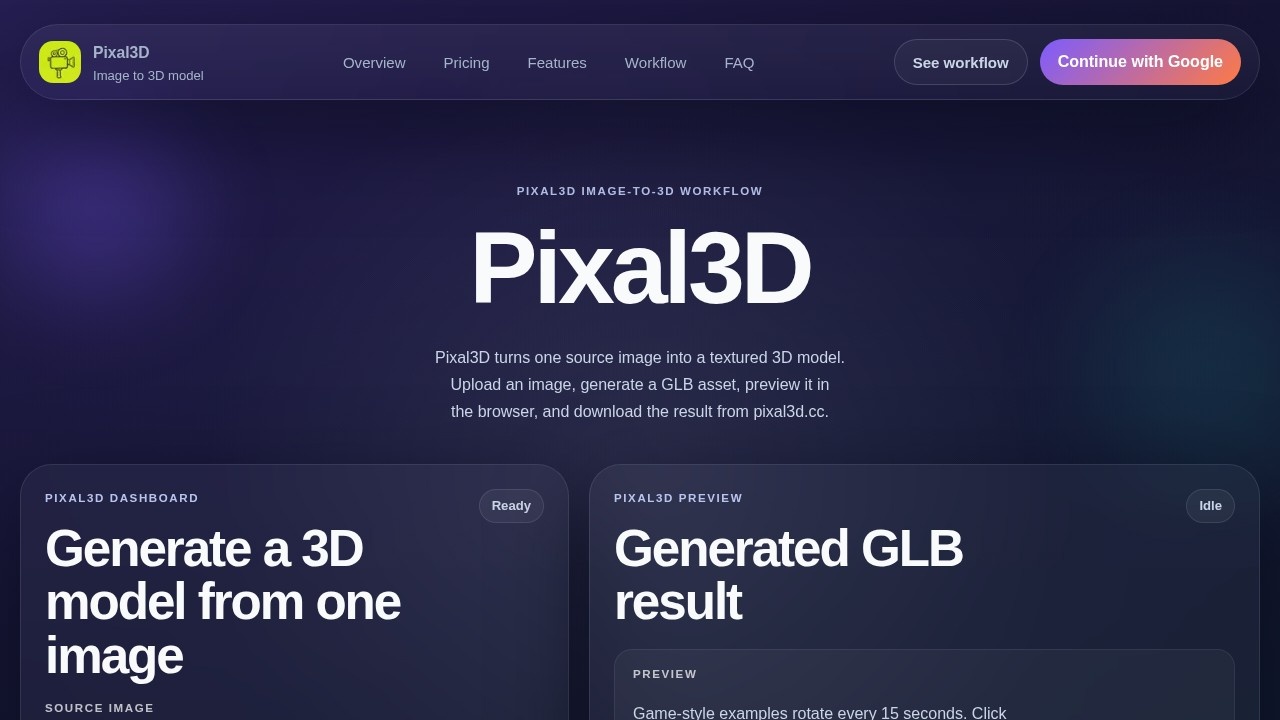
Pixal3D is a focused image-to-3D model generator. It converts a single source image into a textured GLB 3D model. Users upload an image, choose a resolution, and generate a downloadable GLB asset. The dashboard handles upload, resolution choice, queue tracking, preview, credits, R2-backed result storage, and generation history. It is designed for quick, browser-based 3D asset creation without manual geometry building.
Application scenarios
Game development
Create stylized characters, props, and environments from a single image for game assets.
Product visualization
Generate high-res 3D models of products for e-commerce or marketing previews.
Character design
Turn concept art or character sketches into textured, downloadable GLB models.
Virtual worlds
Build city scenes, fantasy creatures, and sci-fi armor for VR/AR or metaverse projects.
Board game prototyping
Convert board-game scene images into interactive 3D models for previews.
Collectible asset creation
Produce toy-like or stylized 3D models for collectible or display purposes.
Core Features
Single-image input
Upload one image of a product, prop, character, or object to generate a textured GLB model.
Resolution options
Choose between Standard 1024p (70 credits) for fast drafts and High-res 1536p (100 credits) for more texture detail.
Browser preview
View the generated GLB model interactively in the browser before downloading.
GLB download
Download the final textured 3D model as a GLB file for use in other applications.
Generation history
Access past generated models through the dashboard's history feature.
Credit system
Use credits to generate models; credits are consumed per generation based on resolution.
R2-backed storage
Generated results are stored on R2 infrastructure for reliable access.
Gallery previews
Browse example models (e.g., Anime city scene, Cartoon character, Fantasy creature) to see output quality.
Target users
Pixal3D is built for hobbyists, beginners, and creators who need fast 3D assets from a single image. It suits game developers, product designers, concept artists, and anyone prototyping 3D content without 3D modeling expertise.
How to use Pixal3D?
- Go to pixal3d.cc and access the dashboard.
- Upload a source image (product, prop, character, or object).
- Choose a resolution: Standard 1024p (70 credits) or High-res 1536p (100 credits).
- Click "Generate 3D Model" to start generation.
- Preview the result in the browser.
- Download the GLB file or view it in your generation history.
Pricing and free trial
Pixal3D offers three plans with a limited-time 50% off launch offer:
- Basic (Monthly): $9.90/m ($118.80/year) – 12,960 credits/year (1,080 credits/month average) – up to 185 standard or 129 high-res models/year – Standard generation speed, no watermark, private generation, commercial use license.
- Standard (Monthly): $19.90/m ($238.80/year) – 26,160 credits/year (2,180 credits/month average) – up to 373 standard or 261 high-res models/year – Priority generation.
- One-time purchase: $238.80 (Basic) or $478.80 (Standard) – same credit allocations as annual plans but paid once.
No free trial is mentioned on the site.
Effect review
Pixal3D delivers exactly what it promises: a fast, no-fuss way to turn a single image into a textured GLB model. The gallery examples show solid results for stylized characters, game props, and environments, though the site notes current previews use public Khronos glTF assets until users replace them with their own. The credit system and resolution tiers give clear cost expectations, and the 50% launch discount makes it affordable for beginners. For creators who need quick 3D assets without learning complex modeling tools, Pixal3D is a practical, straightforward solution.
Frequently Asked Questions
What is Pixal3D?
What file format does Pixal3D output?
Can I preview the 3D model before downloading?
Does Pixal3D save my generation history?
How do credits work in Pixal3D?
What kind of images can I use with Pixal3D?
Pixal3D - AI Tool Detail
Pixal3D by Pixal3D converts a single source image into a textured GLB 3D model, offering browser preview, download, generation history, and credits.
Category:3D Modelling/Rendering
Visit Link:https://pixal3d.cc/
Tags:image-to-3d、3d model generator、textured glb、browser preview、ai 3d conversion