
TryCase
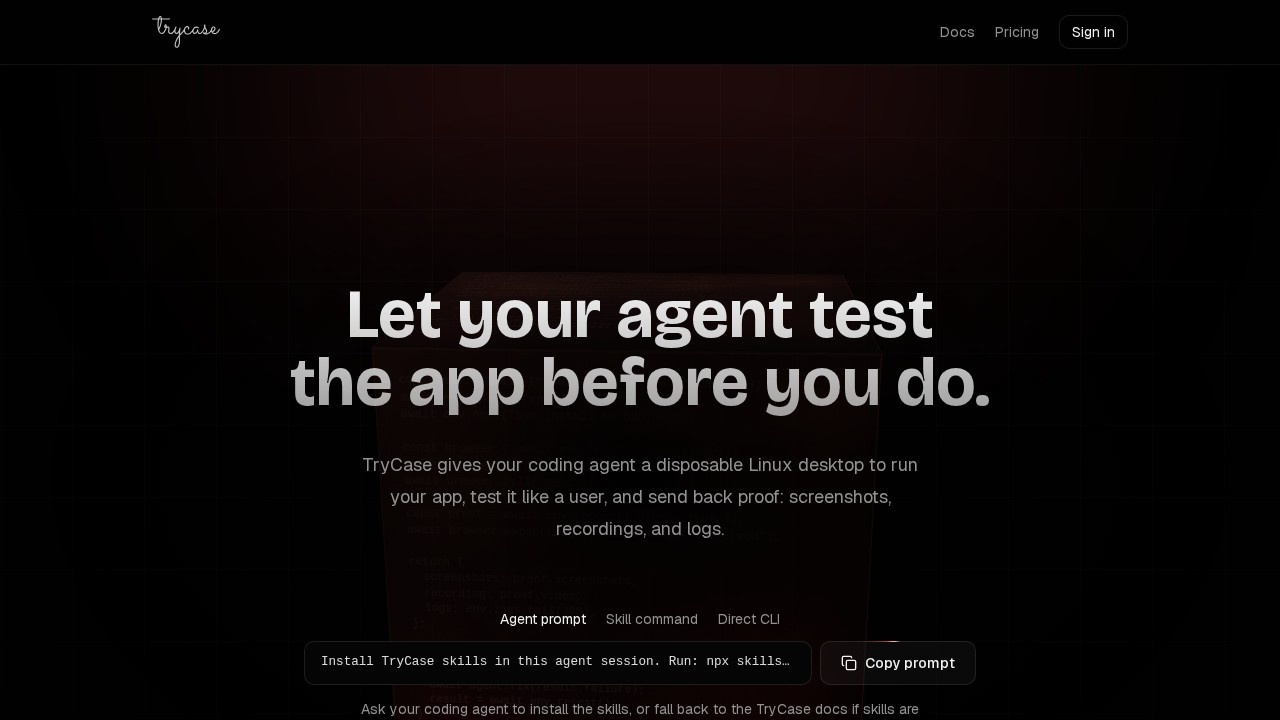
TryCase by TryCase provides disposable environments for LLMs to run apps, verify changes, and capture screenshots, recordings, logs, and artifacts for testing and debugging.
What is TryCase?
TryCase provides disposable environments for LLMs to run apps, verify changes, and capture screenshots, recordings, logs, and artifacts for testing and debugging. It allows developers to programmatically launch isolated Linux environments, upload repositories, execute commands, and interact with web browsers for automated testing. The tool is designed to iterate on failing flows until they pass, making it a robust solution for AI-driven testing and debugging workflows.Application scenarios
Automated regression testing
Run app builds and verify UI flows with browser automation, capturing screenshots and recordings for proof.
AI agent debugging
Let an agent automatically fix failures and retest until the flow passes, reducing manual intervention.
CI/CD pipeline validation
Integrate disposable environments into continuous integration to test code changes before deployment.
End-to-end (E2E) testing
Simulate user interactions like clicking buttons, filling forms, and checking for expected results (e.g., "Order confirmed").
Log and artifact collection
Capture detailed logs, screenshots, and video recordings of test runs for post-mortem analysis.
Multi-step workflow iteration
Upload a repo, install dependencies, start a dev server, and run browser tests in a single scripted sequence.
Core Features
Disposable environment launch
Spin up a fresh Linux environment with a single API call (`trycase.launch({ os: "linux" })`).
Repository upload
Upload a code repository directly into the environment for testing.
Command execution
Run any shell command (e.g., `bun install && bun dev`) inside the environment.
Browser automation
Open a browser, click elements by selector, fill form fields, and assert page content (e.g., `browser.expect(page).toShow("Order confirmed")`).
Recording and proof capture
Record test sessions with video and take screenshots via `env.record({ video: true })`.
Log retrieval
Access the last 200 lines of logs with `env.logs.tail(200)` for debugging.
Automated retesting
Loop through failing flows, have an agent fix the issue, and retest until the result passes.
Target users
- Software developers who need to test app builds in isolated environments.
- QA engineers looking to automate E2E testing with browser interactions and visual proof.
- AI/ML engineers building agents that can debug and retest code autonomously.
- DevOps teams integrating disposable test environments into CI/CD pipelines.
How to use TryCase?
To use TryCase, developers write code that calls the TryCase API. The typical workflow involves launching an environment, uploading a repository, executing setup commands, opening a browser, performing user actions, recording the session, and checking for expected outcomes. If a test fails, the tool can iterate with an agent fixing the failure and retesting. Detailed documentation and examples are available on the official website.Effect review
TryCase offers a pragmatic, code-first approach to disposable testing environments that feels purpose-built for AI-assisted debugging. The ability to script an entire test cycle—from environment launch to browser interaction to log collection—makes it highly efficient for repetitive validation tasks. The retesting loop, where an agent automatically fixes failures, is a standout feature that could significantly reduce manual debugging time. While the tool is clearly developer-focused and requires coding skills, its direct API design and focus on proof (screenshots, video, logs) make it a strong candidate for teams already using automation in their workflows. The lack of a visual UI or no-code option may limit its appeal to non-technical testers, but for those comfortable with code, it delivers exactly what it promises.Frequently Asked Questions
What is TryCase?
How do disposable environments work?
What types of artifacts can I capture?
Can TryCase be integrated with CI/CD pipelines?
Is TryCase suitable for non-LLM applications?
TryCase - AI Tool Detail
TryCase by TryCase provides disposable environments for LLMs to run apps, verify changes, and capture screenshots, recordings, logs, and artifacts for testing and debugging.
Category:Code generation
Visit Link:https://www.trycase.dev/
Tags:LLM testing、disposable environments、AI debugging、automated verification、app testing