
Toyo
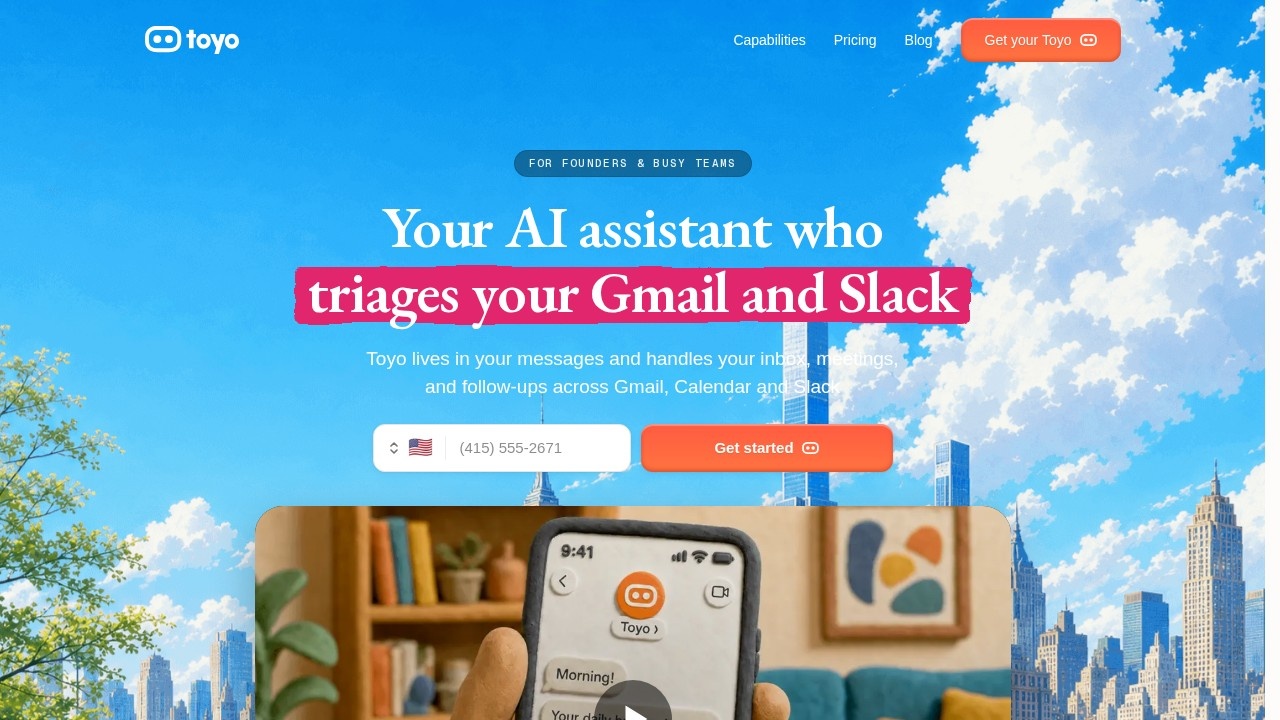
AI assistant by Toyo for founders and busy teams, integrated into messaging, learns your workflow, and automates tasks that consume your week.
What is Toyo?
Toyo is an AI assistant designed specifically for founders and busy teams. It lives inside your messaging apps and handles calls, texts, inbox management, meetings, and follow-ups. Toyo integrates directly with Gmail, Calendar, Slack, Notion, and more, so you don't need to switch between tools to stay on top of tasks.Application scenarios
Inbox management
Toyo handles your Gmail inbox, reducing the time spent triaging and replying to emails.
Meeting follow-ups
It automates the follow-ups you promise during calls, so you don't forget commitments.
Calendar coordination
Toyo manages scheduling and reshuffling meetings, eliminating "calendar Tetris."
Slack and messaging
It works within Slack and other messaging platforms to track and respond to conversations.
Document and contract management
Toyo helps you find and send contracts, preventing lost opportunities from missed follow-ups.
Task automation for solo founders
It reduces the admin burden, letting you focus on deep work instead of routine tasks.
Core Features
Call and text handling
Toyo can answer calls and texts on your behalf, acting as a virtual assistant.
Multi-platform integration
It plugs into Gmail, Calendar, Notion, Slack, and more, centralizing your workflow.
Automated follow-ups
Toyo tracks promises made in calls and ensures you don't forget to send follow-ups or contracts.
Inbox management
It helps you triage and reply to emails, preventing "graveyard of half-replies."
Calendar management
Toyo handles scheduling and meeting reshuffling, freeing up your mornings.
Workflow learning
The assistant learns your workflow over time, reducing the need for manual setup.
No new dashboard required
Toyo works within your existing messaging apps, so you don't need to manage another interface.
Target users
Founders, solo entrepreneurs, and busy team members who juggle multiple roles (product, sales, customer success). It's ideal for anyone overwhelmed by inbox management, calendar coordination, and follow-up tasks—especially those who have tried virtual assistants but found the setup too time-consuming.How to use Toyo?
To get started, visit toyo.ai and sign up for a free month. Toyo integrates with your Gmail, Calendar, Notion, Slack, and other tools. Once connected, you can begin using it within your messaging apps to handle calls, texts, and automated task management. No complex setup is required—just plug it in and let it learn your workflow.Pricing and free trial
The website offers a "Get 1 month free" promotion to support their launch. No other pricing tiers or costs are mentioned in the provided text.Effect review
Toyo directly addresses the pain points founders and busy teams face daily: lost follow-ups, calendar chaos, and inbox overwhelm. The user testimonials on the site highlight real frustrations—like forgetting contract renewals or spending mornings on "calendar Tetris"—which Toyo aims to solve. The lack of a new dashboard is a smart design choice, as users explicitly dislike adding another interface. While the site doesn't provide independent reviews or quality metrics, the feature set suggests it can significantly reduce administrative overhead for those who stick with the setup. For solo founders and small teams, Toyo could be a practical alternative to hiring a virtual assistant.Frequently Asked Questions
What is Toyo and how does it work?
Which messaging platforms does Toyo support?
How does Toyo learn my workflow?
What kind of tasks can Toyo automate?
Is Toyo suitable for solo founders or only teams?
How do I get started with Toyo?
Toyo - AI Tool Detail
AI assistant by Toyo for founders and busy teams, integrated into messaging, learns your workflow, and automates tasks that consume your week.
Category:Personal Assistant
Visit Link:https://toyo.ai/
Tags:AI assistant、workflow automation、productivity tool、task management、team collaboration