AiPy
AiPy is a versatile AI assistant designed for a wide range of tasks, including content creation, coding assistance, and intelligent conversation.
What is AiPy?
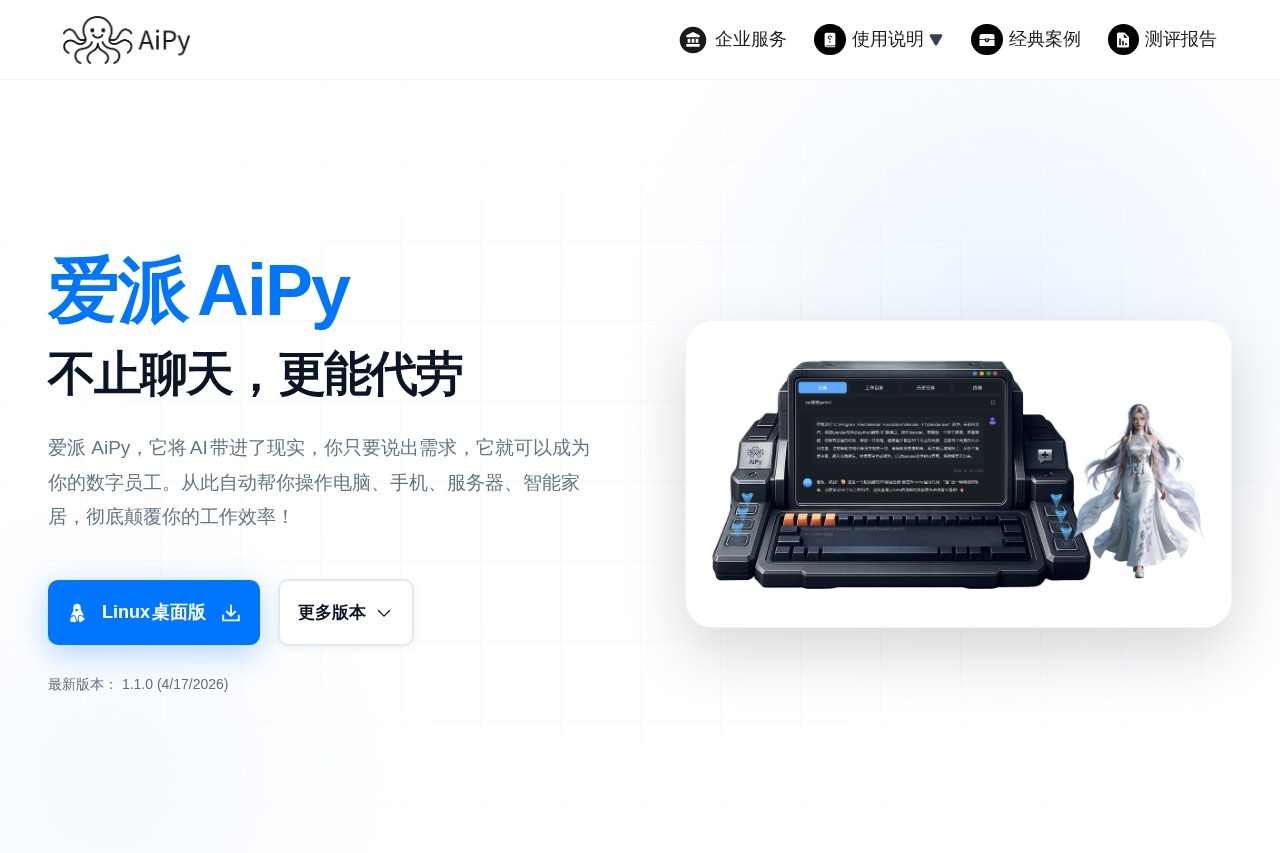
AiPy is a desktop AI assistant that combines a large language model with a Python execution environment. It is designed to understand user requests and then directly execute tasks on a user's computer, phone, server, or smart home devices. Users describe a need, and AiPy acts as a "digital employee" to automate the operation of software and hardware. Its core promise is to automate complex, real-world workflows beyond simple chat, fundamentally changing how work gets done.Application scenarios
Medical Analysis
Automatically analyzing photos of hospital test reports to extract data, assess conditions, and recommend treatment.
Media Processing
Extracting and transcribing human speech from local video files to create subtitles.
Device Automation
Remotely controlling a printer from a phone or automating tasks within software like FreeCAD for 3D modeling.
Content Creation
Generating commercial-quality, multi-tonal voice audio from text using local models.
Administrative Work
Automating the generation of reports and the scripting and sending of timed emails.
Mobile Device Control
Automating actions on a connected smartphone, such as browsing an app like TikTok.
Data Analysis
Processing and analyzing large volumes of unstructured or complex data, such as scientific datasets.
Core Features
Cross-Platform Control
Automate tasks across Windows, macOS (Intel and Apple Silicon), and Linux desktop systems.
Local Software Automation
Directly control and operate other software installed on your computer, like FreeCAD or email clients.
Mobile Device Integration
Automate actions on smartphones connected to your computer.
Peripheral Device Control
Automate tasks involving hardware peripherals like printers.
Local File Analysis
Analyze and process files stored on your local machine or internal network, including large files (10GB+).
Local AI Processing
Utilize local, open-source AI models for tasks like speech recognition and voice synthesis, ensuring data privacy.
Large-Scale Data Handling
Simultaneously analyze thousands of files or massive datasets.
Internal Network Access
Analyze files on local area networks (LAN) and connect to internal databases.
Content Generation
Create images, audio, and video from text prompts.
Chinese Language Interface
Offers full support for a Chinese-language user interface.
Target users
AiPy targets a broad range of users who deal with repetitive digital tasks or complex data. This includes non-technical professionals, product managers, researchers, data analysts, testers, designers, and administrative staff in fields like e-commerce, healthcare, engineering, and content creation. It is particularly positioned for users in mainland China who need a powerful, locally-installable automation tool without access barriers.How to use AiPy?
AiPy is a desktop application. You begin by downloading and installing the appropriate version for your operating system (Windows, macOS, or Linux) from the official website. Once installed, you interact with it by stating your request in natural language. The AI then formulates a plan and uses its integrated Python environment to execute the necessary steps on your system, controlling software, analyzing files, or managing connected devices automatically.Effect Review
User testimonials highlighted on the site suggest AiPy delivers significant practical utility and time savings. Users report solving long-standing data analysis problems in minutes, automating financial reconciliation to prevent substantial losses, and generating complex documents like bidding proposals. The ability to control professional software like CAD tools and create functional systems without coding expertise is repeatedly emphasized. The feedback paints a picture of a tool that moves beyond conceptual AI assistance to provide tangible, high-impact automation for both personal and business workflows.Frequently Asked Questions
What is AiPy?
What tasks can AiPy help with?
Is AiPy free to use?
How does AiPy handle user privacy?
Can AiPy generate code in multiple programming languages?
How accurate is AiPy's content creation?
AiPy - AI Tool Detail
AiPy is a versatile AI assistant designed for a wide range of tasks, including content creation, coding assistance, and intelligent conversation.
Category:Personal Assistant
Visit Link:https://www.aipyaipy.com/?referral=BJ5OOSP&utm=cg&cgv=j1oe74ge23
Tags:AI assistant、content creation、coding assistant、conversational AI、versatile AI