
Teable
Teable by Teable enables businesses to turn data into AI workflows and custom apps. It connects data sources and builds tailored solutions, ensuring a perfect fit for any business need.
What is Teable?
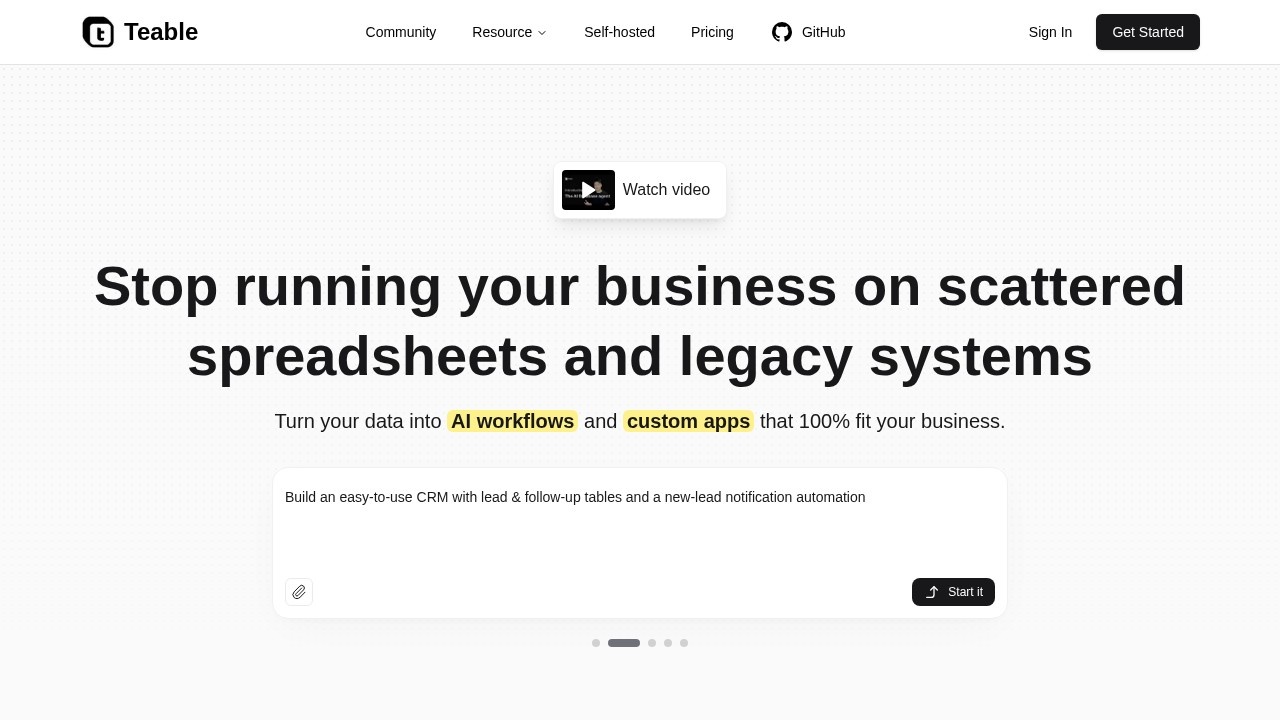
Teable is an AI database platform that turns scattered spreadsheets and legacy systems into AI workflows and custom apps. It lets you manage data, automate tasks, and build tailored solutions entirely through natural language prompts. Users can connect data sources, process files, and create apps—all without coding. The tool is designed to ensure your business workflows fit perfectly, not the other way around.Application scenarios
Receipt and document extraction
Upload receipts or PDFs, and Teable extracts vendor names, amounts, dates, and other structured data automatically.
CRM and lead management
Build a simple CRM with lead and follow-up tables, plus automated notifications for new leads.
Sales contract analysis
Extract buyer details, term dates, payment terms, and governing law from multiple contract PDFs.
Resume screening
Organize candidate profiles by basics, experience, skills, certifications, and gaps from uploaded resumes.
Customer feedback analysis
Analyze spreadsheets to add sentiment tags, feedback categories, and draft replies for each row.
Marketing content generation
Batch-generate images and copy for product launches, social media, and marketing ops.
Task and project tracking
Manage tasks, track progress, and automate alerts with a visual, all-in-one team solution.
Core Features
AI-powered data extraction
Describe what you need (e.g., "extract vendor name and total amount"), and Teable processes files like receipts, PDFs, and spreadsheets.
Natural language workflow automation
Automate triggers, actions, and rules by simply chatting—no complex setup.
Connect and migrate data
Link your existing tools and migrate data into Teable using natural language commands.
AI-assisted data pipelines
Process files and millions of rows with AI-driven pipelines for cleaning, enrichment, or transformation.
Custom app builder
Turn your data into functional apps—UIs, dashboards, and workflows—by describing them in chat.
Personalized email sending
Create and send business-aware, personalized emails at scale directly from your data.
Batch image and copy generation
Generate images and marketing copy in one step for product ops and campaigns.
Template marketplace
Access production-ready templates from the Teable community, including a Task Tracker, CRM, and product launch site.
No learning curve
Describe your needs, and Teable organizes your work in minutes without requiring technical skills.
Target users
Business owners, operations managers, sales teams, marketers, and data analysts who need to move beyond spreadsheets and legacy systems. It’s ideal for anyone who wants to automate workflows, extract insights from documents, or build custom apps without coding—from small teams to enterprise users.How to use Teable?
- Sign up at Teable.ai and sign in.
- Watch the introductory video or browse the template marketplace for a starting point.
- Use natural language prompts to describe your task—e.g., "Organize these receipts and extract vendor name" or "Build a CRM with lead tables."
- Connect your data sources (files, spreadsheets, or existing tools) and let Teable process them.
- Automate workflows or build custom apps by chatting with the platform. No manual coding required.
Effect review
Teable delivers on its promise of turning data into actionable workflows with minimal effort. The natural language interface makes it accessible for non-technical users, while the ability to process millions of rows and integrate with existing tools gives it enterprise-grade capability. The template marketplace provides a quick start for common use cases like CRM and task management. However, the effectiveness depends on the complexity of your data—simple extraction tasks work seamlessly, but highly specialized workflows may require some iteration. Overall, Teable is a solid choice for teams looking to streamline data operations without hiring developers.Frequently Asked Questions
What is Teable?
What types of data sources can Teable connect to?
Do I need coding skills to use Teable?
Can Teable be customized for specific business needs?
Is Teable suitable for small businesses?
How does Teable ensure data security?
Teable - AI Tool Detail
Teable by Teable enables businesses to turn data into AI workflows and custom apps. It connects data sources and builds tailored solutions, ensuring a perfect fit for any business need.
Category:Automation
Visit Link:https://teable.ai/
Tags:AI workflows、custom apps、data integration、business automation、no-code AI