
SlidesAI
SlidesAI by SlidesAI.io is an AI presentation maker that instantly transforms text into professional slides, ideal for educators, students, and business professionals seeking quick, visually compellin
What is SlidesAI?
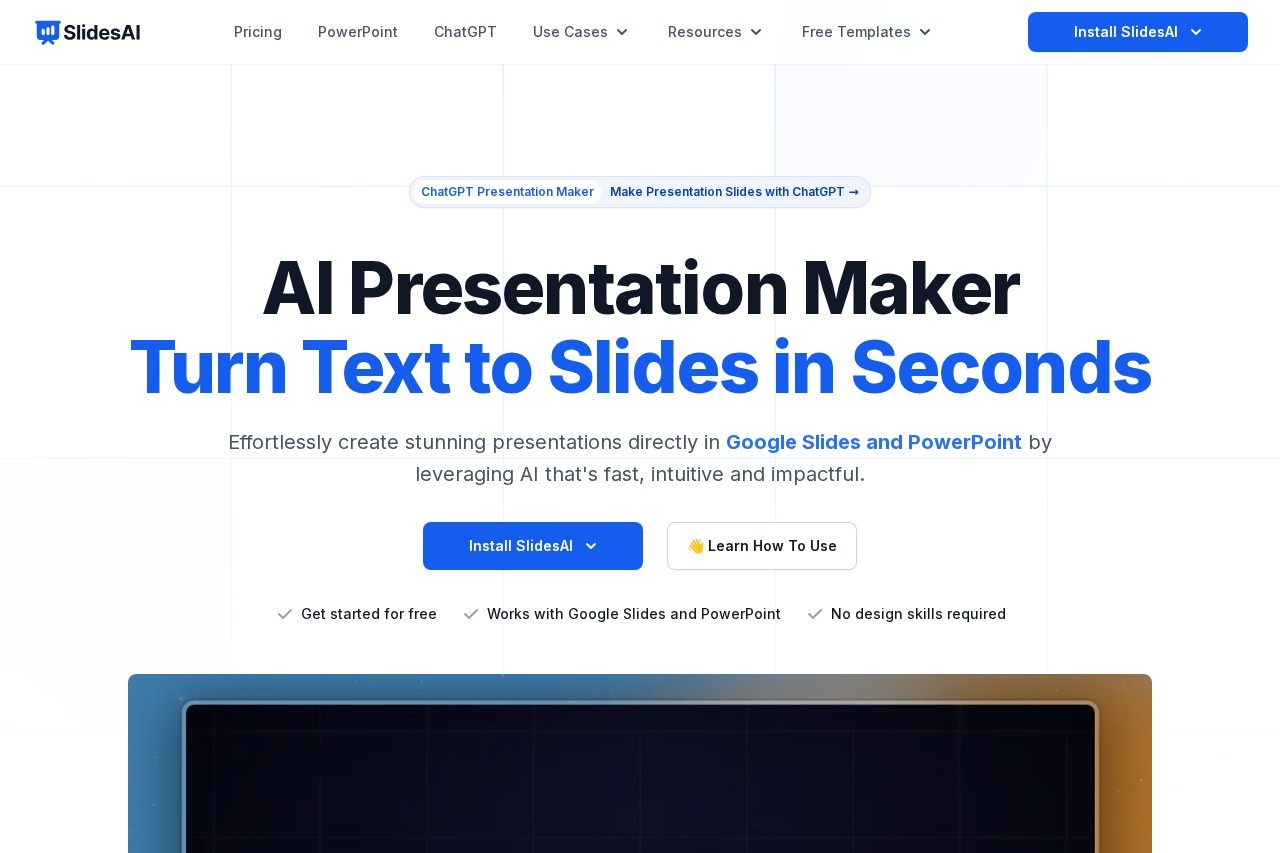
SlidesAI is an AI presentation maker that transforms text into professional slides. It works directly inside Google Slides and PowerPoint as an add-on, allowing users to create and edit presentations without switching tools. The tool is designed for educators, students, and business professionals who need to generate visually compelling presentations quickly.Application scenarios
Business reporting
Professionals can rapidly turn meeting notes or project updates into formatted slide decks.
Academic lectures
Educators and students can convert research text or lesson content into structured presentations.
Quick pitch decks
Users can generate investor or client presentations from a simple topic or pasted notes.
Multilingual presentations
Teams working across different languages can create slides in over 100 supported languages.
Template-based design
Individuals without design skills can instantly apply professional visual templates to their content.
Core Features
Text-to-slides generation
Enter a topic or paste notes, and the AI builds a complete slide deck in seconds.
Platform integration
Create and edit presentations natively within Google Slides and Microsoft PowerPoint.
Tone and template selection
Choose the presentation's tone and select a visual template that fits your message.
Content refinement
Tweak wording, rephrase text, translate content, and adjust layouts directly from the add-on panel.
Automatic summarization
The AI can summarize slide content into easily digestible bullet points or subtitles.
Outline preview
Preview the presentation structure before generating the final slides.
Export and share
Export your finished presentation as a PPTX file, fully compatible with both major platforms.
Multilingual support
Generate and interface with the tool in over 100 languages, including English, Spanish, French, Italian, Japanese, and Russian.
Target users
SlidesAI is built for users who need to create presentations efficiently within their existing workflow. It explicitly serves educators, students, and business professionals. The tool is also noted as being used by leading companies and universities, indicating suitability for organizational and academic teams.How to use SlidesAI?
First, install the SlidesAI add-on from the Google Workspace Marketplace or the Microsoft Office Add-ins store. Open a new or existing presentation in Google Slides or PowerPoint. Enter your topic or paste your text into the SlidesAI panel, then select your desired tone and a visual template. Preview the outline, let the AI generate the slides, and finally refine the content, layouts, or wording directly within the panel. You can then share or download the presentation.Effect review
Based on user testimonials featured on the site, SlidesAI saves significant time by automating the formatting and summarization of content into bullet points. Users report that it makes slide creation much easier than manual methods and integrates seamlessly into their existing Google Slides workflow. The support team is highlighted as being responsive and helpful. With over 14 million installs and 2000+ reviews, the tool demonstrates substantial adoption and utility for its core function of rapidly converting text into structured presentations.Frequently Asked Questions
What is SlidesAI?
How does SlidesAI work?
Who is SlidesAI for?
Is SlidesAI free to use?
What file formats does SlidesAI support?
Can I customize the AI-generated slides?
SlidesAI - AI Tool Detail
SlidesAI by SlidesAI.io is an AI presentation maker that instantly transforms text into professional slides, ideal for educators, students, and business professionals seeking quick, visually compellin
Category:PPT generation
Visit Link:https://slidesai.io/
Tags:presentation maker、slide generator、AI presentation、text to slides、presentation design