
Slack
Slack is a team collaboration platform by Slack Technologies for messaging, file sharing, project management, and workflow automation.
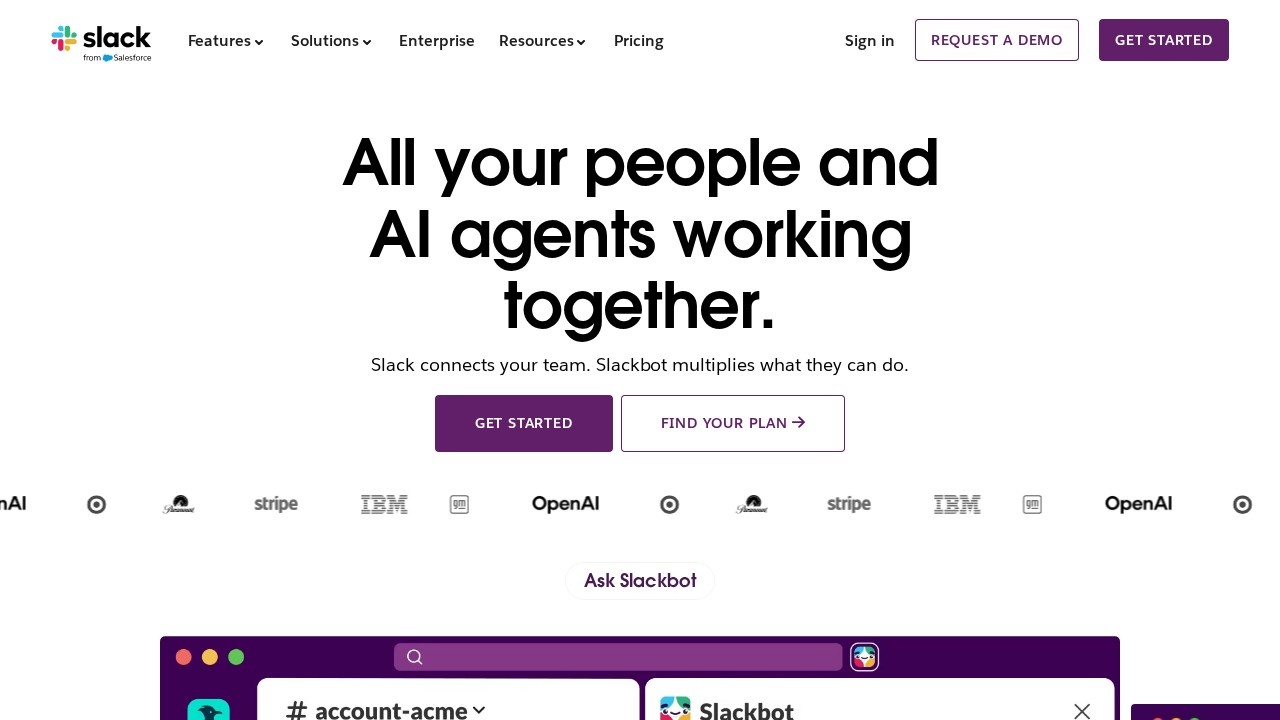
What is Slack?
Slack is a team collaboration platform that connects people, AI agents, and tools in one place. Users rely on it for messaging, file sharing, project management, and workflow automation. It integrates AI to summarize conversations, search across company knowledge, and coordinate work across apps and agents. Slack is trusted by top teams and designed to help teams work faster and stay aligned.Application scenarios
Team messaging
Chat with colleagues, clients, and vendors in real-time using channels or direct messages.
Project management
Track tasks, approve deliverables, and manage projects without leaving conversations.
Workflow automation
Automate daily stand-ups, project updates, and approvals using click-based or code-based workflows.
AI-assisted research
Ask Slackbot to summarize missed conversations, get fast answers, or look up customer data.
Video meetings
Hop on a huddle with built-in video and use AI note-taking to capture meeting notes automatically.
Customer relationship management
Bring CRM data from Salesforce into Slack so deals keep moving forward.
Code review
Use Github Copilot within Slack to review code and collaborate on development tasks.
Core Features
Slackbot AI agent
A personal agent that knows you and your team, coordinates work across apps and agents, and can summarize conversations, answer questions, and automate tasks.
AI-powered search
Search across your company’s entire memory—files, decisions, and conversations—to find instant context.
Channels
Flexible, transparent spaces for working with your team, AI assistants, and agents.
Huddles
Built-in video tool with AI note-taking that automatically captures meeting notes.
Slack Connect
Chat with clients and vendors in real-time directly from Slack, replacing email.
Workflows
Build time-saving automations by click or by code, no coding skills required.
Lists
Track, approve, and mark tasks as complete without leaving the conversation.
Templates
Pre-built templates for project plans, briefs, and other common workflows to get started quickly.
Salesforce integration
Bring customer insights and CRM data into Slack conversations for deal management.
AI note-taking
Automatically take notes during huddles using AI.
Target users
Slack is designed for teams of all sizes, including remote and hybrid teams, project managers, developers, sales and customer success teams, and executives. It’s particularly useful for organizations that need to collaborate across departments, with clients, or with AI agents. The platform is trusted by top teams, including Anthropic.How to use Slack?
- Sign up: Go to slack.com and click "Get started" to create a workspace.
- Set up channels: Create channels for teams, projects, or topics to organize conversations.
- Invite team members: Add colleagues, clients, or vendors using Slack Connect.
- Use Slackbot: Ask Slackbot questions, summarize conversations, or automate tasks directly in chat.
- Enable AI features: Turn on AI note-taking in huddles or use AI-powered search to find information.
- Build workflows: Use the workflow builder (by click or code) to automate daily tasks like stand-ups or approvals.
Pricing and free trial
The website text does not include specific pricing or free trial details. Visit slack.com/pricing for current plans.Effect review
Slack’s AI features—like Slackbot, AI-powered search, and AI note-taking—are practical enhancements that reduce time spent on repetitive tasks. The platform claims users save an average of 97 minutes per week with AI, and automations increase time saved by 35%. Real-world testimonials, such as from Anthropic’s Head of Americas, confirm that Slack is essential for growth, speed, and alignment. While the site doesn’t offer independent performance benchmarks, the feature set clearly supports faster decision-making and reduced context-switching for teams. For organizations already using Slack, the AI upgrades are a meaningful productivity boost.Frequently Asked Questions
What is Slack?
Is Slack free to use?
Can Slack integrate with other tools?
How do I create a channel in Slack?
Is Slack secure for business use?
Can I use Slack on mobile?
Slack - AI Tool Detail
Slack is a team collaboration platform by Slack Technologies for messaging, file sharing, project management, and workflow automation.
Category:Project Management
Visit Link:https://slack.com/
Tags:team collaboration、messaging、workflow automation、project management、file sharing