
Sam 3D
Sam 3D is a 3D modeling tool by its developer that converts photos or text prompts into usable 3D models. It enables faster creation of products, characters, and scene assets with browser preview, fle
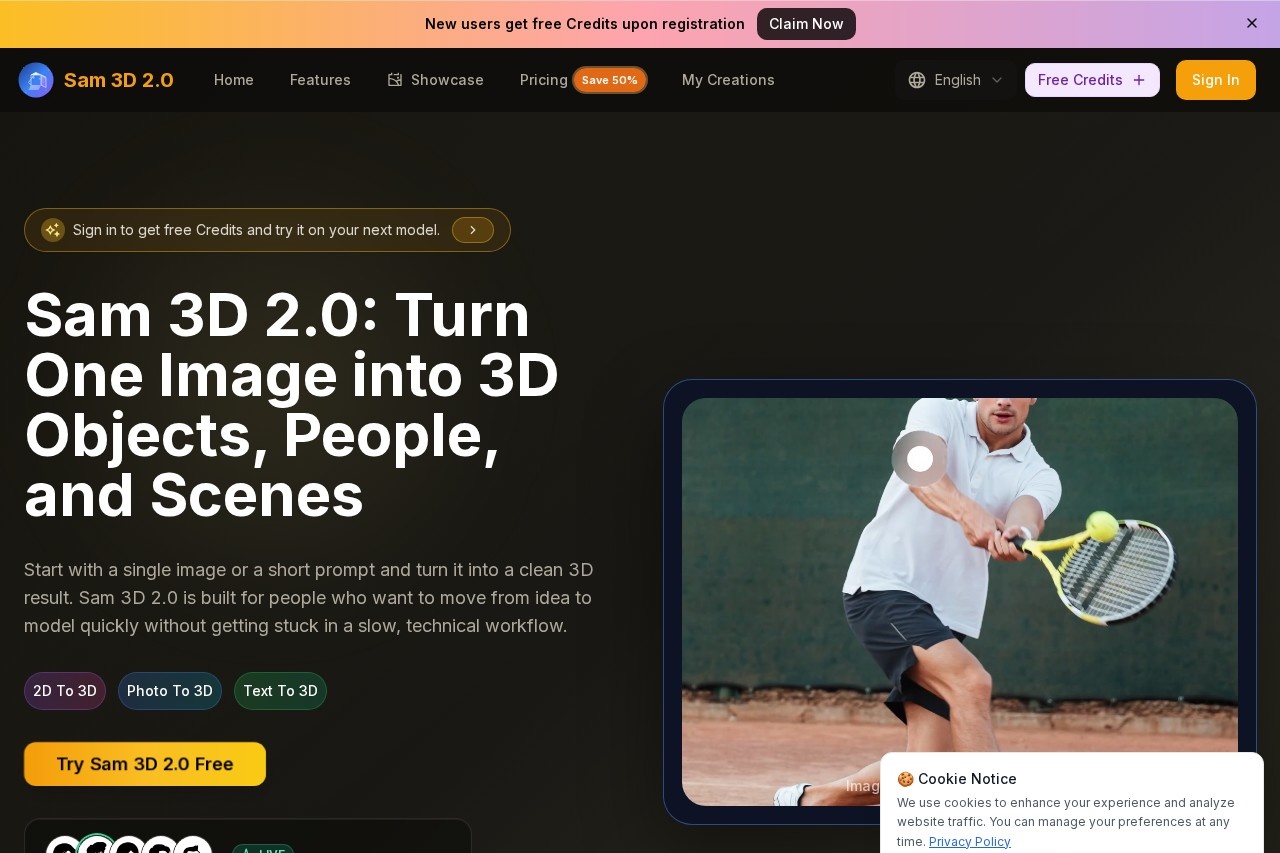
Sam 3D Review: Turn Photos and Text into 3D Models Fast
What is Sam 3D?
Sam 3D is a 3D modeling tool that converts a single image or a short text prompt into clean 3D objects, people, and scenes. It is designed for users who want to move from an idea to a usable 3D model quickly without getting stuck in slow, technical workflows. The platform supports real-time preview, quick revisions, and high-resolution exports for design, games, and XR workflows.
Application scenarios
Product mockups
Turn one product photo into a 3D object for e-commerce visuals, packaging studies, and concept reviews.
Game asset creation
Generate 3D objects, body models, and scene elements for game workflows and character concepts.
XR and AR concepts
Create 3D scene assets that can be rotated and inspected online before moving into XR projects.
Avatar and character design
Start from a single image to create body-focused and character-driven 3D concepts for avatars, story scenes, and campaign visuals.
Design reviews
Generate scene-oriented 3D elements that teams can preview and inspect online before finalizing.
E-commerce visuals
Produce high-resolution 3D exports for product presentations and online catalogs.
Core Features
Image-to-3D reconstruction
Upload a single photo (JPG, PNG, WEBP, max 5MB) and generate a 3D object, body model, or scene asset.
Text-to-3D generation
Enter a short prompt to create 3D assets from scratch when you don’t have a reference image.
Real-time preview
View and rotate generated 3D models directly in the browser before exporting.
Style Gallery
Pick a visual style first, then generate consistent results by refining the prompt or image input.
Instant generation
Models are produced quickly, with consistent styles and high-resolution exports.
Object, body, and scene workflows
Choose between object reconstruction, body/character modeling, or scene-oriented generation.
Step-by-step workflow
Upload one image or enter a prompt, define shape/material/pose, generate, then review and export the model.
Free credits for new users
Sign in to get free credits and try the tool on your next model.
Target users
Sam 3D is built for designers, game developers, 3D artists, e-commerce teams, and XR creators who need to generate 3D assets quickly from a single reference or idea. It suits professionals who want to skip complex modeling software for fast prototyping, concept reviews, and production-ready exports.
How to use Sam 3D?
- Sign in to the platform to receive free credits and start a new model.
- Upload a single image (JPG, PNG, or WEBP, max 5MB) or enter a text prompt to describe the object, character, or scene you want.
- Choose a workflow: object reconstruction, body/character modeling, or scene-oriented generation.
- Select a style from the Style Gallery if desired, then click "Generate 3D Model."
- Preview and rotate the generated model in real time, make revisions as needed, then export the final high-resolution file.
Effect review
The website reports over 30 verified reviews and a 5.0 rating from happy users, indicating strong early adoption and satisfaction. The tool’s ability to turn a single image or short prompt into clean 3D models with real-time preview and high-resolution exports makes it practical for fast prototyping and asset creation. While the focus is on speed and simplicity, the consistent styles and body/scene workflows suggest it can handle a range of professional use cases from e-commerce to game design. For users who need quick 3D results without deep technical skills, Sam 3D appears to deliver a reliable, streamlined experience.
Frequently Asked Questions
What is Sam 3D?
How does Sam 3D create 3D models?
Can I preview models in a browser?
Is Sam 3D free to use?
What file formats does Sam 3D support?
Sam 3D - AI Tool Detail
Sam 3D is a 3D modeling tool by its developer that converts photos or text prompts into usable 3D models. It enables faster creation of products, characters, and scene assets with browser preview, fle
Category:3D Modelling/Rendering
Visit Link:https://www.sam3d2.com/
Tags:3D modeling、photo to 3D、text to 3D、AI asset generation、3D preview