RCAi
RCAi by rcaiapp.com is an AI tool that converts incident timelines into professional Root Cause Analyses in under 60 seconds. Built for SREs and on-call engineers, it integrates with xMatters, PagerDu
What is RCAi?
RCAi is an AI tool that converts incident timelines into professional Root Cause Analyses (RCAs) in under 60 seconds. Built by SREs for SREs, it eliminates the manual drudgery of post-mortem writing. Users paste alerts, timestamps, and actions taken, then receive a complete RCA with executive summary, root cause, and action items. It integrates with incident management platforms like PagerDuty, xMatters, Datadog, Grafana, and Slack.Application scenarios
Incident post-mortems
SREs and on-call engineers can generate a full RCA from a pasted timeline, saving hours of manual write-up time.
Executive reporting
Produce professional, shareable RCAs with executive summaries for management review.
Team collaboration
Export RCAs to Confluence, Notion, or Markdown for team-wide visibility and action tracking.
Multi-tool incident import
Import timelines directly from PagerDuty, xMatters, Datadog, Grafana, or Slack.
Continuous improvement
Generate action items from incidents to drive system reliability and prevent recurrence.
Core Features
RCA generation in under 60 seconds
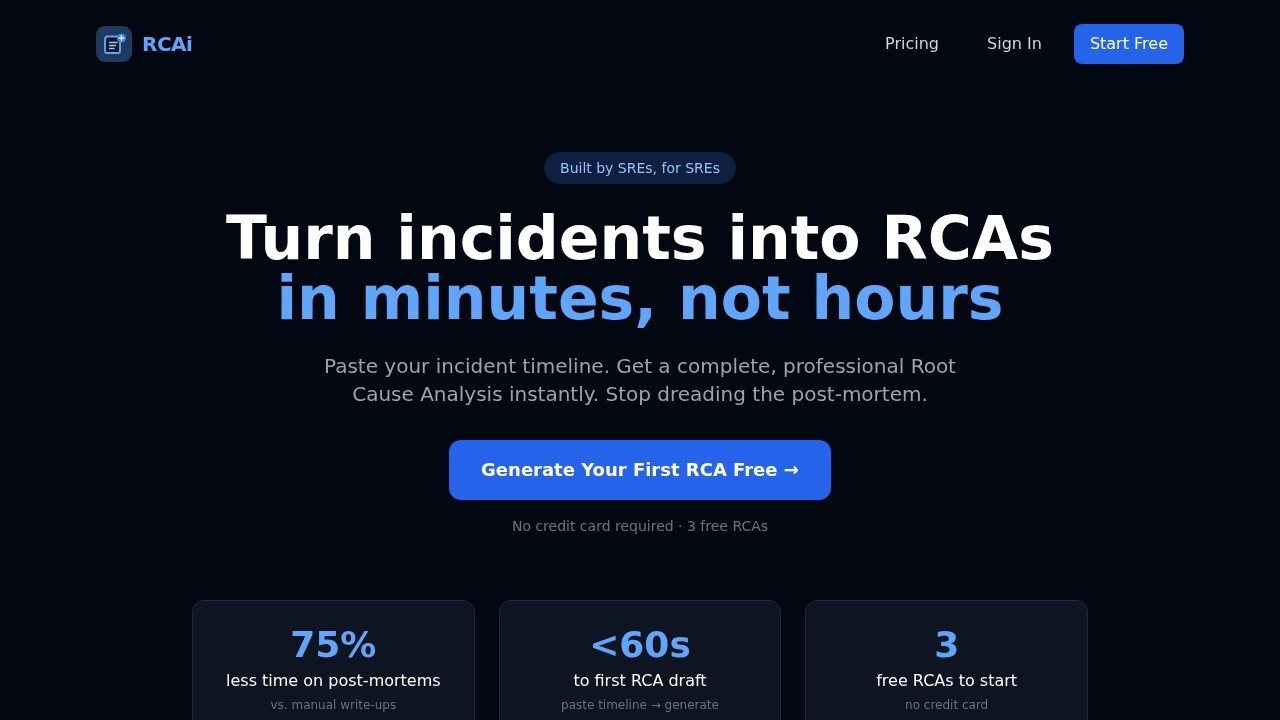
Paste your incident timeline and get a complete, professional RCA draft instantly.
Executive summary, timeline, root cause, and action items
The output includes all key sections of a standard post-mortem.
PagerDuty integration (Team plan)
Import incident data directly from PagerDuty to kickstart your RCA.
Enterprise integrations (Enterprise plan)
Import from xMatters, Datadog, Grafana, and Slack.
Export options (Starter plan and above)
Export RCAs as PDF, Markdown, or copy to Confluence and Notion.
Save and edit RCAs
All plans allow saving and editing generated RCAs within the app.
Multiple templates
Standard template is included on Free and Starter; Team and Enterprise plans unlock all templates.
Security-first design
RCA inputs and outputs are sent to Anthropic's API under commercial terms that do not train on customer content. Integration credentials are used per import and never stored.
Target users
RCAi is built for Site Reliability Engineers (SREs), on-call engineers, and DevOps teams who need to produce professional RCAs quickly after incidents. It also serves managers and incident commanders who want to streamline post-mortem workflows and reduce the time spent on manual documentation.How to use RCAi?
- Sign up for free — no credit card required, and you get 3 free RCAs lifetime.
- Paste your incident timeline — drop in alerts, timestamps, actions taken, and impact. Alternatively, import from PagerDuty (Team plan) or other integrations (Enterprise plan).
- Generate your RCA — the AI produces an executive summary, timeline, root cause, and action items in under 60 seconds.
- Edit and save — refine the RCA directly in the app.
- Export and share — on Starter ($49/mo) and above, export as PDF, Markdown, or copy to Confluence and Notion.
Pricing and free trial
RCAi offers a free tier with 3 RCAs lifetime, no credit card required. Paid plans start at $49/month (Starter) for 5 RCAs/month, PDF & Markdown export, Confluence & Notion copy, and email support. The Team plan ($149/month) includes unlimited RCAs, PagerDuty integration, all templates, 5 team seats, and priority support. The Enterprise plan ($499/month) adds unlimited seats, custom templates, integrations with Datadog, Grafana, Slack, and xMatters, and dedicated support.Effect review
RCAi directly addresses a painful, time-consuming task for SRE teams: writing post-mortems. The claim of 75% less time on post-mortems vs. manual write-ups is compelling, and the sub-60-second generation time suggests real productivity gains. The founder's personal story—an SRE at Sony Interactive Entertainment building the tool after a teammate faced four incidents in one week—lends credibility. While the free tier is generous (3 RCAs lifetime), the paid plans are necessary for exports and integrations. For teams already using PagerDuty, Datadog, or xMatters, the Enterprise plan's import capabilities could make RCAi a seamless part of their incident response workflow.Frequently Asked Questions
What is RCAi?
How fast does RCAi generate a Root Cause Analysis?
Who is RCAi built for?
Does RCAi integrate with incident management tools?
What input does RCAi require?
RCAi - AI Tool Detail
RCAi by rcaiapp.com is an AI tool that converts incident timelines into professional Root Cause Analyses in under 60 seconds. Built for SREs and on-call engineers, it integrates with xMatters, PagerDu
Category:AI Writing
Visit Link:https://www.rcaiapp.com/
Tags:root cause analysis、SRE、incident management、on-call tools、PagerDuty integration