
Qordinate
Qordinate by Qordinate AI helps teams coordinate work from Slack, WhatsApp, iMessage, and Telegram. Get status updates, follow up, prep meetings, and move tasks across apps using chat.
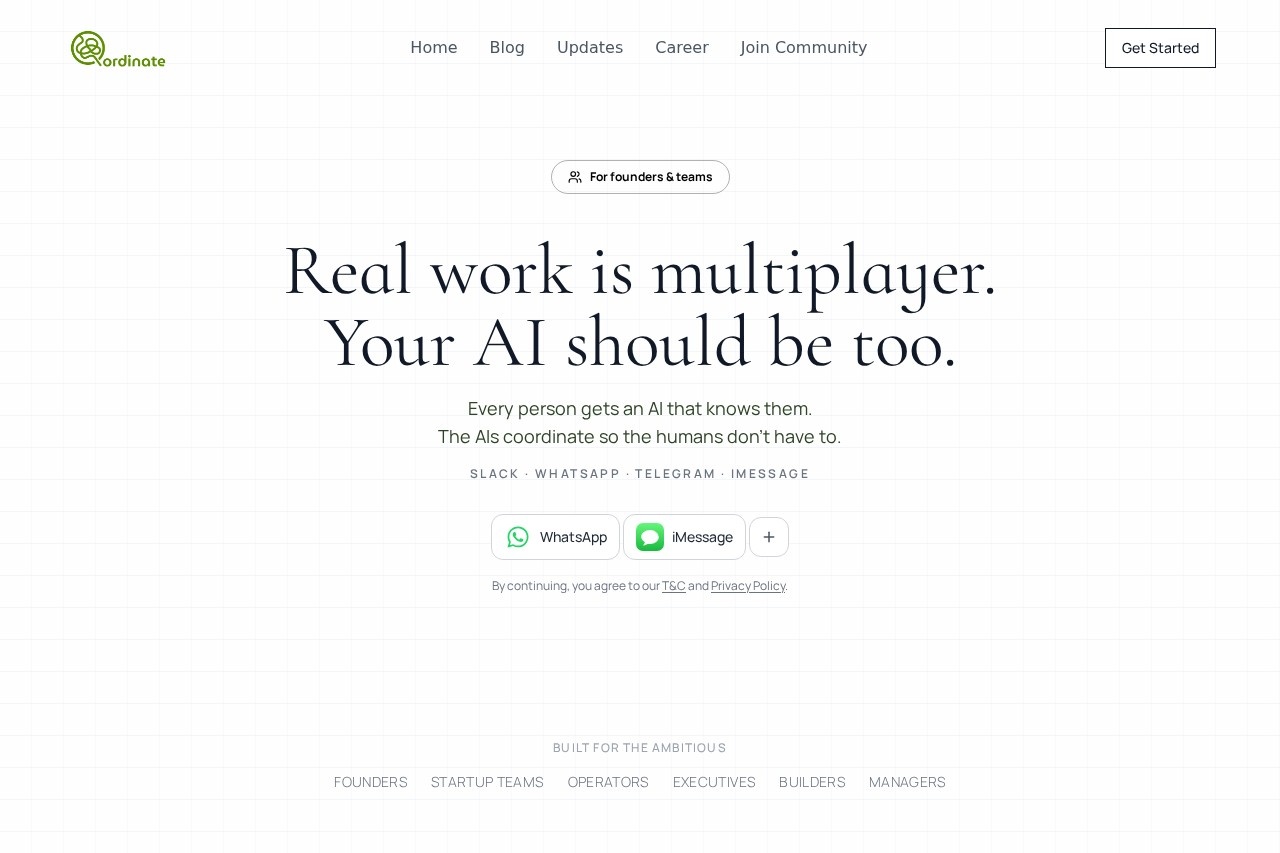
What is Qordinate?
Qordinate is an AI-powered coordination layer that helps teams manage work directly from their existing messaging apps like Slack, WhatsApp, Telegram, and iMessage. It gives each team member a personal AI agent that remembers their preferences, past decisions, and working style. These agents then coordinate with each other automatically, so humans don't need to chase down updates, decisions, or follow-ups. The product is built by founders for teams who ship work together, aiming to reduce coordination debt without requiring a new app.Application scenarios
Decision tracking
When Sarah needs a decision from James, her AI chases his AI instead of James himself, keeping work moving.
Meeting preparation
The AI surfaces the right context before every call, review, or decision without being asked.
Cross-app task management
Teams can move tasks across Slack, WhatsApp, Telegram, and iMessage without switching tools.
Status updates
Get proactive status updates from team members without manual check-ins.
Long-term project memory
Each agent remembers preferences and past decisions, not just recent messages, so context carries over.
Tool integration
Qordinate plugs into calendar, docs, code, and chat tools like Google Calendar, GitHub, Notion, and Asana for a unified coordination layer.
Core Features
Multi-platform agent
One AI agent reachable on Slack, WhatsApp, Telegram, and iMessage—no new app to adopt.
Agent-to-agent follow-ups
When a decision or input is needed, one agent automatically follows up with another agent, not the human.
Proactive briefing
Surfaces relevant context before calls, reviews, or decisions without being prompted.
Long-term memory per person
Each agent remembers individual preferences, past decisions, and working style across interactions.
Tool stack integration
Connects with calendar, docs, code, and chat tools (e.g., Google Calendar, GitHub, Notion, Asana, Figma, Linear) as a single coordination layer.
Respectful assistance
Designed to know when to step in and when to stay out of the way, based on context, relationships, and intent.
Cross-app task movement
Move tasks across messaging platforms without losing context or requiring manual re-entry.
Team coordination infrastructure
Built for founders, startup teams, operators, executives, builders, and managers who ship work with others.
Target users
Qordinate is built for founders, startup teams, operators, executives, builders, and managers who work in multiplayer environments. It's designed for ambitious teams that need to stay aligned across messaging apps without adding another heavyweight tool. The product is especially useful for teams where coordination debt—chasing updates, decisions, and follow-ups—slows down shipping.How to use Qordinate?
Start by visiting the Qordinate website at https://www.qordinate.ai/ and clicking "Get Started." You'll agree to the terms and privacy policy, then connect your team's messaging platforms (Slack, WhatsApp, Telegram, or iMessage). Each team member gets a personal AI agent that integrates with your existing tools like Google Calendar, GitHub, Notion, and Asana. The agents then automatically follow up, prep meetings, and move tasks across apps—all from the threads you already live in.Effect review
Qordinate's approach of having AI agents coordinate with each other instead of humans chasing humans is a practical solution for busy teams. The emphasis on long-term memory per person and proactive briefing suggests it can genuinely reduce meeting prep time and decision bottlenecks. The multi-platform support (Slack, WhatsApp, Telegram, iMessage) is a strong differentiator, as it eliminates the friction of adopting a new app. While the website doesn't include user testimonials or performance metrics, the feature set is clearly targeted at teams who value attention and want to ship work faster without adding noise. For teams already living in chat apps and juggling multiple tools, Qordinate appears to be a thoughtful, lightweight coordination layer.Frequently Asked Questions
What is Qordinate?
Which messaging apps does Qordinate support?
Can Qordinate update task statuses across different apps?
How does Qordinate help with meeting preparation?
Is Qordinate free to use?
Do I need to install any additional software?
Qordinate - AI Tool Detail
Qordinate by Qordinate AI helps teams coordinate work from Slack, WhatsApp, iMessage, and Telegram. Get status updates, follow up, prep meetings, and move tasks across apps using chat.
Category:Automation
Visit Link:https://www.qordinate.ai/
Tags:Slack integration、team coordination、AI task management、cross-platform chat、meeting preparation