
Pencil
Pencil by Pencil.dev is a design tool integrated directly into your IDE, enabling engineers to create and iterate on UI designs without switching contexts, thereby accelerating development workflows.
What is Pencil?
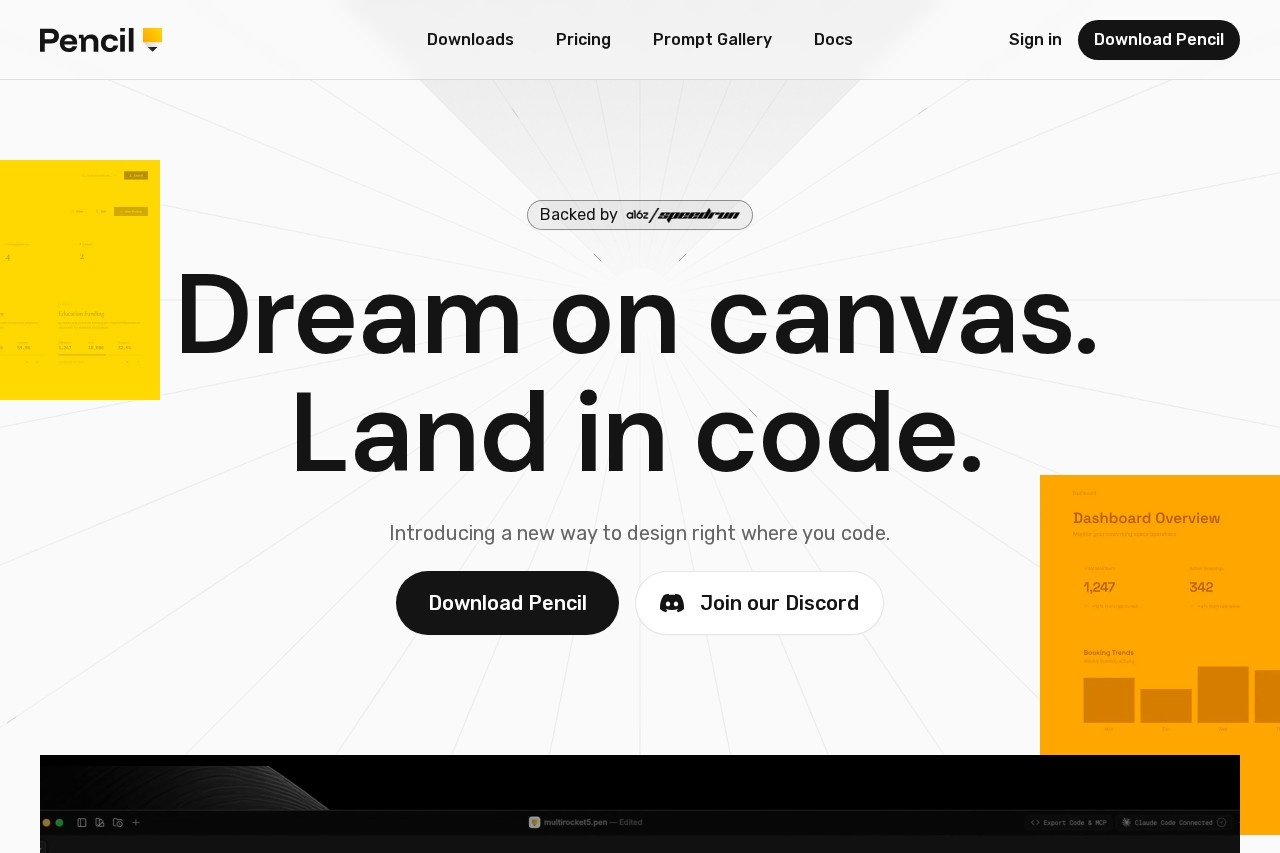
Pencil is an agent-driven design canvas that integrates directly into your IDE. It enables engineers to create and iterate on UI designs without switching away from their coding environment. The tool uses an open design format that lives within your codebase, ensuring design and code remain tightly coupled. Its core promise is to eliminate design handoffs by letting you design on a canvas and land directly in production-ready code.Application scenarios
UI/UX design iteration
Engineers can design and tweak user interfaces directly within their development workflow.
Prototyping and screen creation
Prompt entire screens or specific components in context to quickly build prototypes.
Design system integration
Leverage existing brand kits or curated design systems to maintain visual consistency.
Code-aligned design production
Generate pixel-perfect, production-ready HTML, CSS, and React code from visual designs.
Migrating designs from other tools
Copy and paste vector designs, text, and styles directly from Figma into the development environment.
Version-controlled design work
Manage design files alongside code using Git for versioning, branching, and merging.
Core Features
Infinite design canvas
Design products with pixel-perfect precision without ever leaving your IDE.
Vibe designing with precision
Prompt entire screens or specific parts directly in context using curated actions or custom ones.
Pixel-perfect code generation
Ship production-ready apps where the generated HTML, CSS, and React code stays true to the original design.
Curated design kits
Build products using component-based design kits that provide the craft of a senior designer.
Custom design system integration
Plug in your team’s existing design system directly from your codebase.
Fully open file format
Read, debug, or extend design files with your own tools, avoiding vendor lock-in.
Figma import
Copy and paste designs directly from Figma with vectors, text, and styles coming over intact.
Design as code
Store design files in your code repository to version, branch, and merge them using Git.
Target users
This tool is built primarily for engineers and development teams. It benefits developers who want to own the UI design process, teams looking to collapse the gap between design and engineering, and organizations that want their design assets version-controlled and living directly within their codebase.How to use Pencil?
Pencil is integrated directly into your IDE. The workflow involves opening the Pencil canvas within your coding environment to begin designing. You can prompt for designs, use or import design kits, and edit elements. The designs and the generated code reside together in your project's repository, allowing for seamless iteration between the visual canvas and the code.Effect review
Pencil positions itself as a practical solution to a chronic workflow problem: the disconnect between design and development. By embedding a capable design canvas inside the IDE and treating designs as code, it promises a significant acceleration in building interfaces. The focus on pixel-perfect code generation, integration with existing tools like Figma and Git, and the use of an open file format suggests a tool built for real-world engineering rigor, not just visual prototyping. For teams willing to adopt this integrated model, it could fundamentally streamline how UI is built and maintained.Frequently Asked Questions
What is Pencil?
How does Pencil accelerate development workflows?
Which IDEs does Pencil support?
Is Pencil suitable for non-engineers?
Does Pencil require an internet connection?
How do I get started with Pencil?
Pencil - AI Tool Detail
Pencil by Pencil.dev is a design tool integrated directly into your IDE, enabling engineers to create and iterate on UI designs without switching contexts, thereby accelerating development workflows.
Category:UI design
Visit Link:https://pencil.dev/
Tags:UI design、IDE integration、developer tools、design workflow、code collaboration