
Wonder
Wonder by Wonder is a design tool that lets you generate designs, make precise edits, and work with code context on a single canvas.
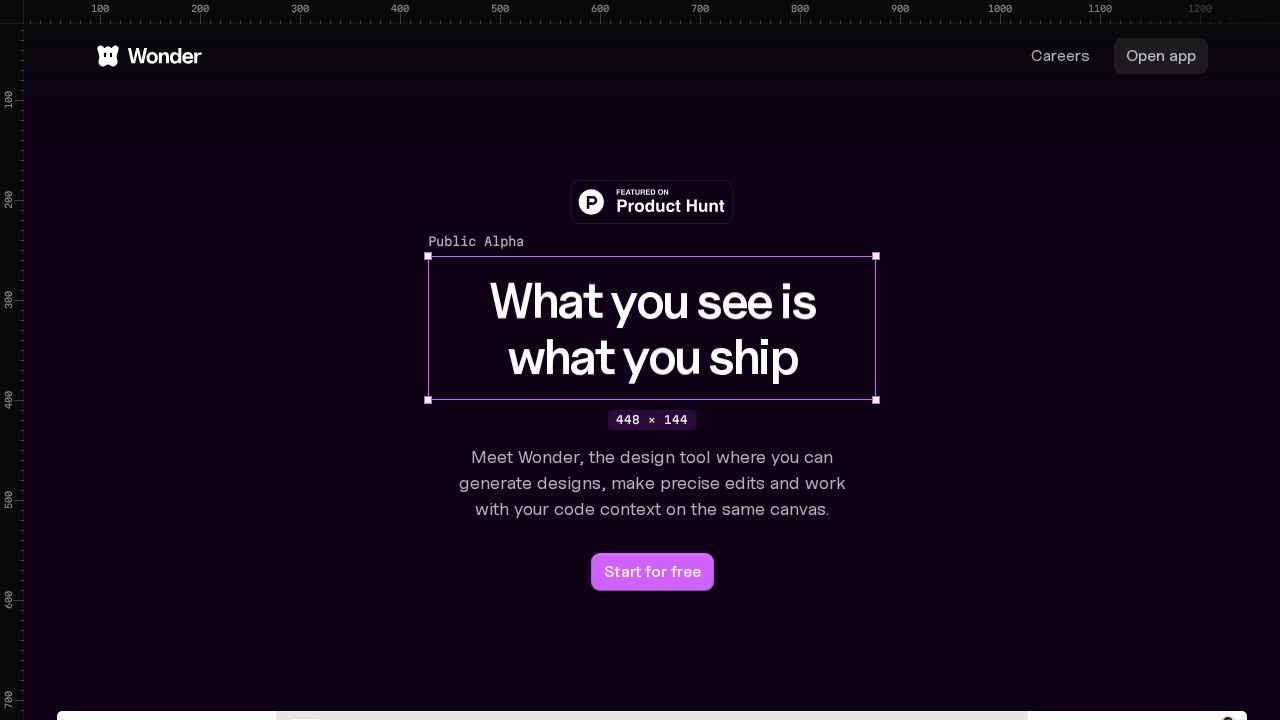
What is Wonder?
Wonder is a design tool that lets you generate designs, make precise edits, and work with your code context on the same canvas. It bridges the gap between design and development by turning every design into real, production-ready code—React + Tailwind, no handoff required. You can design with an AI agent, chat with it, edit alongside it, and everything you create becomes the exact code you ship. The tool is currently in Public Alpha and is proudly supported by Claude Opus 4.6.Application scenarios
Rapid prototyping
Start new flows and create design projects from scratch, reducing time from idea to canvas.
Production handoff
Copy React + Tailwind code directly from your designs and ship without needing a separate development handoff.
Iterative design exploration
Build on previous designs to explore iterations and surface new options without losing flow state.
Asset generation
Generate images directly on the canvas, replacing placeholder assets with real visuals by describing what you need.
Interactive visuals
Bring designs to life with shaders to create stunning, interactive visuals and 10x design quality.
Code-connected workflows
Connect Wonder to your coding agent, iterate freely on existing code, and ship straight back to production.
Core Features
AI design agent
Describe what you'd like to design, and the AI agent generates layouts, styles, and full design projects on the canvas.
Code-backed canvas
Every design is real code (React + Tailwind), so you can copy and ship directly—no separate handoff needed.
Iteration on context
Build on previous designs to explore new options and variants while maintaining flow state.
MCP integration
Connect Wonder to your coding agent via the Wonder MCP Toolkit for seamless code and canvas collaboration.
Style and layout tools
Change styles, create variants, make flows, swap images, adjust spacing, edit copy, and change themes using familiar tools.
Image generation
Generate images right on the canvas by describing what you need—no more placeholder assets.
Shader support
Apply shaders to designs to create stunning, interactive visuals and significantly enhance design quality.
Push to code
Export designs as code or send them directly to your coding agent for production deployment.
Target users
Designers and developers who want to own the full design-to-production loop. It's ideal for front-end developers, UI/UX designers, product teams, and anyone building web interfaces who wants to skip the traditional handoff and ship real code directly from their design tool.How to use Wonder?
Visit app.wonder.design and start for free. Describe what you'd like to design in the prompt area (e.g., "Art App" or any design idea). Use the AI agent to generate layouts, iterate with style and variant tools, and generate images or apply shaders directly on the canvas. When ready, push your design to code—copy the React + Tailwind output or send it to your connected coding agent for production.Pricing and free trial
The website text does not mention specific pricing or free trial details beyond "Start for free" and "Try Wonder Free." No further pricing information is available from the provided content.Effect review
Wonder delivers on its promise of "what you see is what you ship" by making every design production-ready code from the start. The AI agent handles ideation and layout generation, while the code-backed canvas eliminates the traditional handoff bottleneck that slows down design-to-development workflows. The ability to connect Wonder to a coding agent and iterate on existing code is a standout feature for teams already using AI-assisted development. For designers and developers who want to move faster from concept to deployment, Wonder offers a practical, integrated solution that keeps the full loop in one place.Frequently Asked Questions
What is Wonder?
How does Wonder differ from other design tools?
Can I use Wonder for code-related tasks?
Is Wonder free to use?
What platforms does Wonder support?
Can I collaborate with my team on Wonder?
Wonder - AI Tool Detail
Wonder by Wonder is a design tool that lets you generate designs, make precise edits, and work with code context on a single canvas.
Category:UI design
Visit Link:https://wonder.design/
Tags:AI design tool、code-aware canvas、precise editing、Wonder