
Builder.io
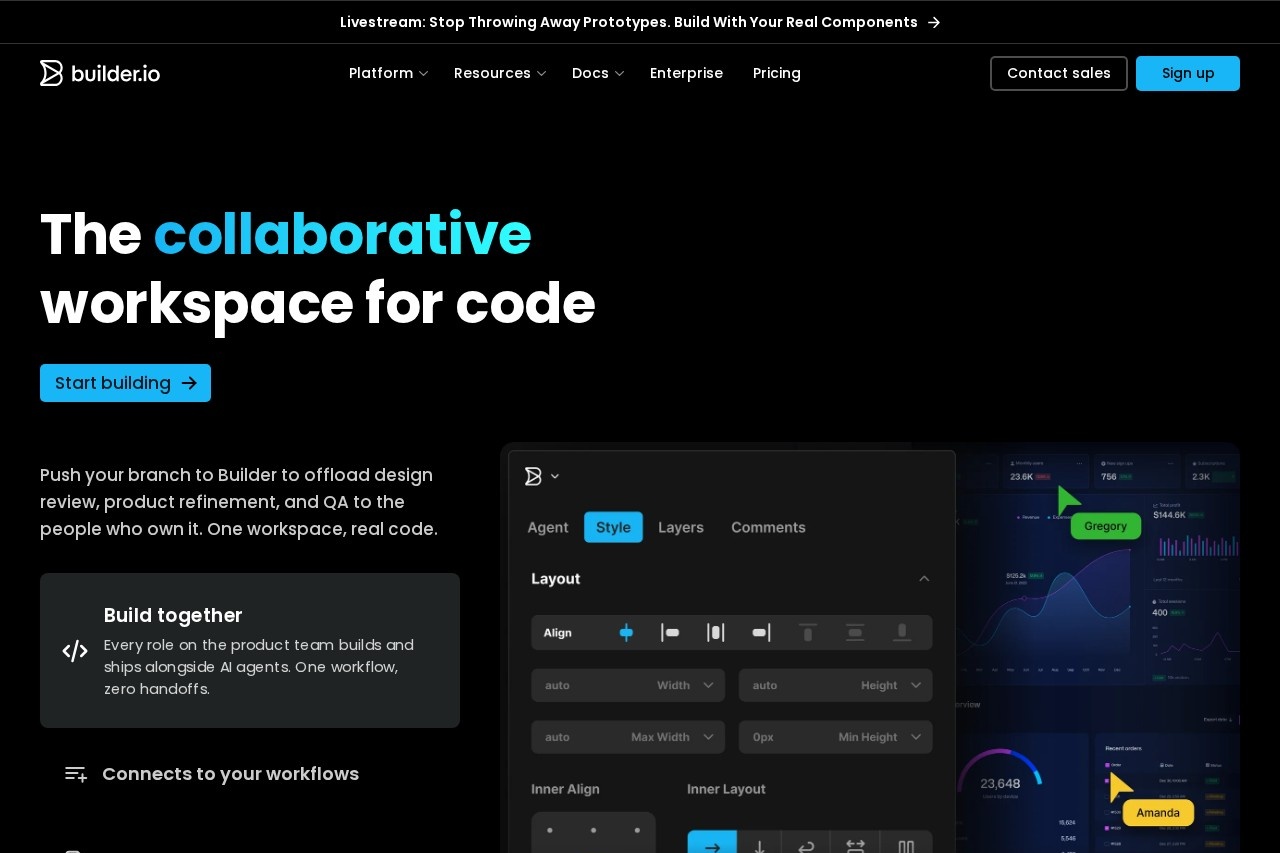
Builder.io by Builder.io connects designers, PMs, and engineers to your real codebase and design system, enabling faster shipping with less back-and-forth.
What is Builder.io?
Builder.io is a collaborative development platform that connects designers, product managers, and engineers to your real codebase and design system. It enables teams to ship faster with less back-and-forth by generating production-ready web apps, UIs, and headless content. The platform offers two core products: Fusion for generating production-ready web apps and UIs, and Publish for generating, iterating, and optimizing pages and headless content. Builder.io also includes Visual Copilot, which converts Figma designs to production code in half the time.
Application scenarios
Web app development
Generate production-ready web apps and UIs directly from your design system and codebase.
Prototyping
Ship prototypes that accelerate the entire software development lifecycle.
Design-to-code conversion
Use Visual Copilot to turn Figma designs into production code in half the time.
Landing page creation
Generate and publish landing pages without developer dependency.
Headless CMS management
Generate, iterate, and optimize pages and headless content through the Publish product.
Content publishing
Generate and publish experiences without needing developer support.
Core Features
Fusion
Generate production-ready web apps and UIs using your existing design system and codebase.
Publish
Generate, iterate, and optimize pages and headless content for faster content delivery.
Visual Copilot
Convert Figma designs to production code in half the time, reducing manual handoff work.
Real component integration
Connect directly to your real codebase and design system, so outputs are consistent with existing code.
Collaborative workflows
Enable designers, PMs, and engineers to work together on the same platform, reducing back-and-forth.
Headless content management
Manage and publish content independently of the frontend, with full developer control over the codebase.
AI-powered generation
Use AI to accelerate coding tasks while staying within your design system.
Target users
- Engineering teams: Code faster with AI and your design system, reducing manual coding effort.
- Design teams: Design with code and handoff with confidence, knowing outputs match production components.
- Product teams: Ship prototypes that accelerate the entire software development lifecycle.
- Content teams: Generate and publish experiences without developer dependency, enabling faster content updates.
How to use Builder.io?
To get started with Builder.io, visit the official website at builder.io. From there, you can explore the two main products—Fusion and Publish—depending on your needs. For design-to-code workflows, use Visual Copilot to connect your Figma designs to your codebase. The platform integrates directly with your existing design system and codebase, so you can begin generating production-ready code immediately. For detailed setup instructions, refer to the documentation available on the site.
Effect review
Builder.io offers a practical solution for teams struggling with design-to-code handoffs and slow development cycles. The platform’s ability to connect directly to your real codebase and design system means outputs are immediately usable in production, not just prototypes. Visual Copilot’s promise of cutting Figma-to-production time in half is particularly valuable for teams with high design iteration frequency. While the platform seems well-suited for organizations with established design systems, its effectiveness likely depends on the quality of those existing components. Overall, Builder.io appears to be a solid choice for teams looking to streamline collaboration between design, product, and engineering.
Frequently Asked Questions
What is Builder.io?
Who can use Builder.io?
How does Builder.io reduce back-and-forth?
Does Builder.io integrate with existing codebases?
Is Builder.io suitable for large teams?
How does Builder.io handle design systems?
Builder.io - AI Tool Detail
Builder.io by Builder.io connects designers, PMs, and engineers to your real codebase and design system, enabling faster shipping with less back-and-forth.
Category:UI design
Visit Link:https://builder.io/
Tags:visual development、design-to-code、developer tools、component-based