
Pixso
Pixso is a collaborative AI design tool by Chinese developers, serving as a local alternative to Figma. It features AI-generated UI designs and React/Vue code, integrating prototyping, design, and han
What is Pixso?
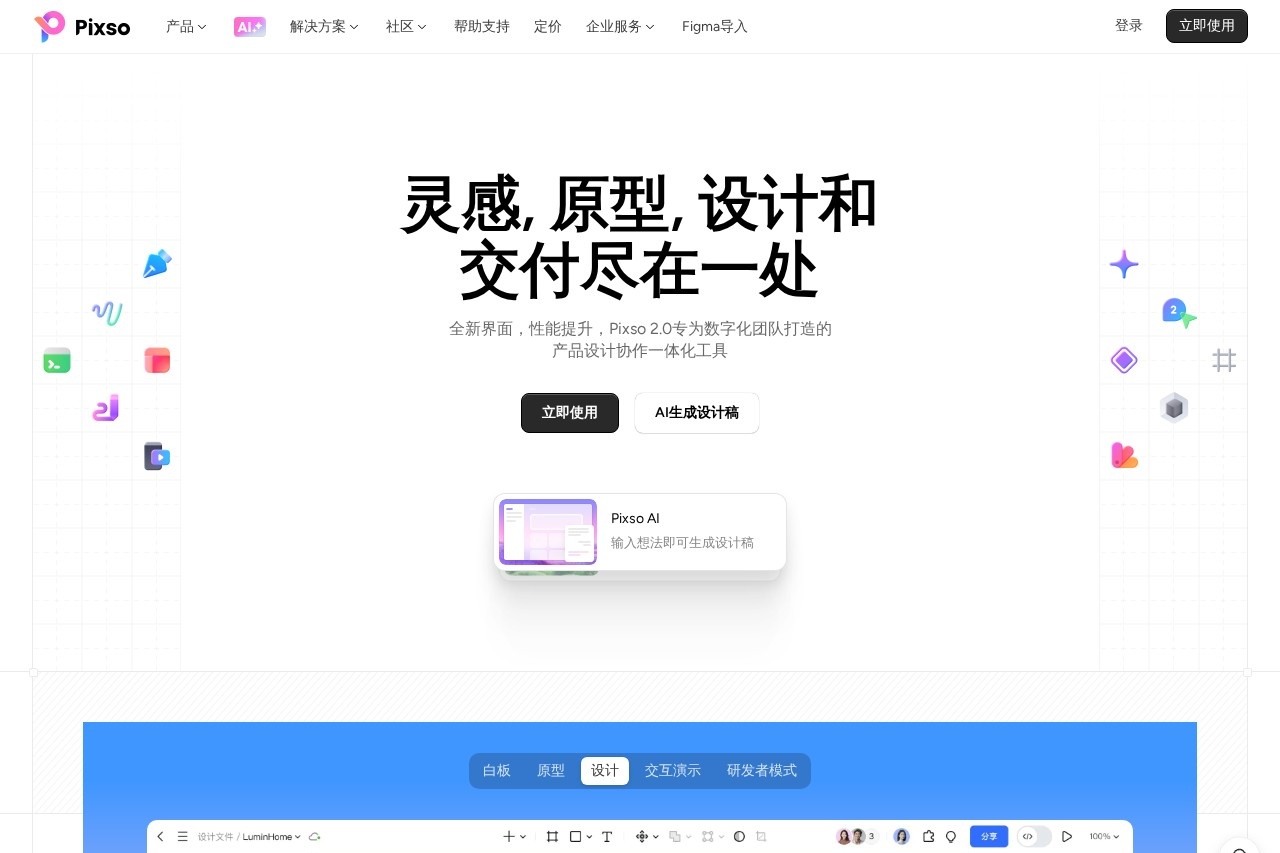
Pixso is a collaborative product design platform that integrates whiteboarding, prototyping, UI design, and developer handoff into a single cloud tool. It serves as a local alternative to Figma, built for digital teams to manage the entire product design workflow. The tool features AI capabilities for generating design drafts and production-ready code for frameworks like React and Vue. Its core purpose is to centralize design assets and collaboration to improve team efficiency and productivity.Application scenarios
Product planning and strategy
Teams use the whiteboard to collect inspiration, conduct market analysis, and map product roadmaps.
Requirement documentation and alignment
Product managers create PRDs, mind maps, and flowcharts in a unified format to visualize and track requirements.
Interactive prototyping
Designers quickly build high-fidelity, clickable prototypes with rich components and interactive effects for demonstration.
UI/UX design and system management
Designers create detailed interfaces, manage design systems with components and variables, and ensure visual consistency.
Developer handoff and delivery
Developers inspect designs, get accurate specs and code, and collaborate via comments directly on the design file.
Team and file management
Managers organize projects, control versions, and share team resource libraries across distributed teams.
Core Features
AI-generated design drafts
Input ideas to have AI generate design layouts automatically.
Integrated whiteboard
Collect inspiration, perform competitive analysis, conduct user research, and facilitate team brainstorming in a collaborative space.
Interactive prototyping
Use drag-and-drop connections to define page logic and add advanced transition animations for realistic demos.
Precise UI design tools
Utilize powerful vector editing, pen tools, auto-layout, and support for variable fonts and visual effects like glass morphism.
Design system management (DSM)
Create and publish shared component libraries, styles, and variables to maintain design consistency across teams.
Developer mode
Access a dedicated workspace for developers to inspect designs, view measurements, and export production-ready code for Web, Android, and iOS.
Real-time multi-user collaboration
Multiple team members can edit designs simultaneously, with instant syncing and built-in commenting and @mention tools.
Comprehensive file compatibility
Import design files from Figma, Axure, Sketch, Adobe XD, and SVG formats.
Version history management
Automatically save and name file versions, allowing teams to revert to or compare any historical state.
Mobile preview
Scan a code to view and interact with prototypes directly on a mobile device for authentic testing.
Target users
Pixso is built for cross-functional digital product teams. Key beneficiaries include:- Designers who need to create UI/UX designs, manage design systems, and collaborate with developers.
- Product Managers who are responsible for defining requirements, creating prototypes, and aligning stakeholders.
- Developers who require accurate design specs, code snippets, and a streamlined handoff process.
- Team Managers and Leaders who oversee project tracking, team collaboration, and maintaining centralized design assets.
How to use Pixso?
Visit the official website to start using the tool. The platform is cloud-based, so you can begin by creating a whiteboard for brainstorming, importing an existing design file, or starting a new design document. For AI features, you can input a text idea to generate a design draft. Teams can collaborate in real-time on the same file, use the prototyping tools to add interactions, and finally use the developer mode to inspect and hand off the design. All files are managed in a hierarchical cloud workspace.Frequently Asked Questions
What is Pixso?
How does Pixso's AI assist in design?
Is Pixso free to use?
Can Pixso be used for team collaboration?
What file formats does Pixso support?
Does Pixso integrate with other tools?
Pixso - AI Tool Detail
Pixso is a collaborative AI design tool by Chinese developers, serving as a local alternative to Figma. It features AI-generated UI designs and React/Vue code, integrating prototyping, design, and han
Category:UI design
Visit Link:https://pixso.cn/
Tags:UI design、collaborative design、prototyping、code generation、Figma alternative