
Notion
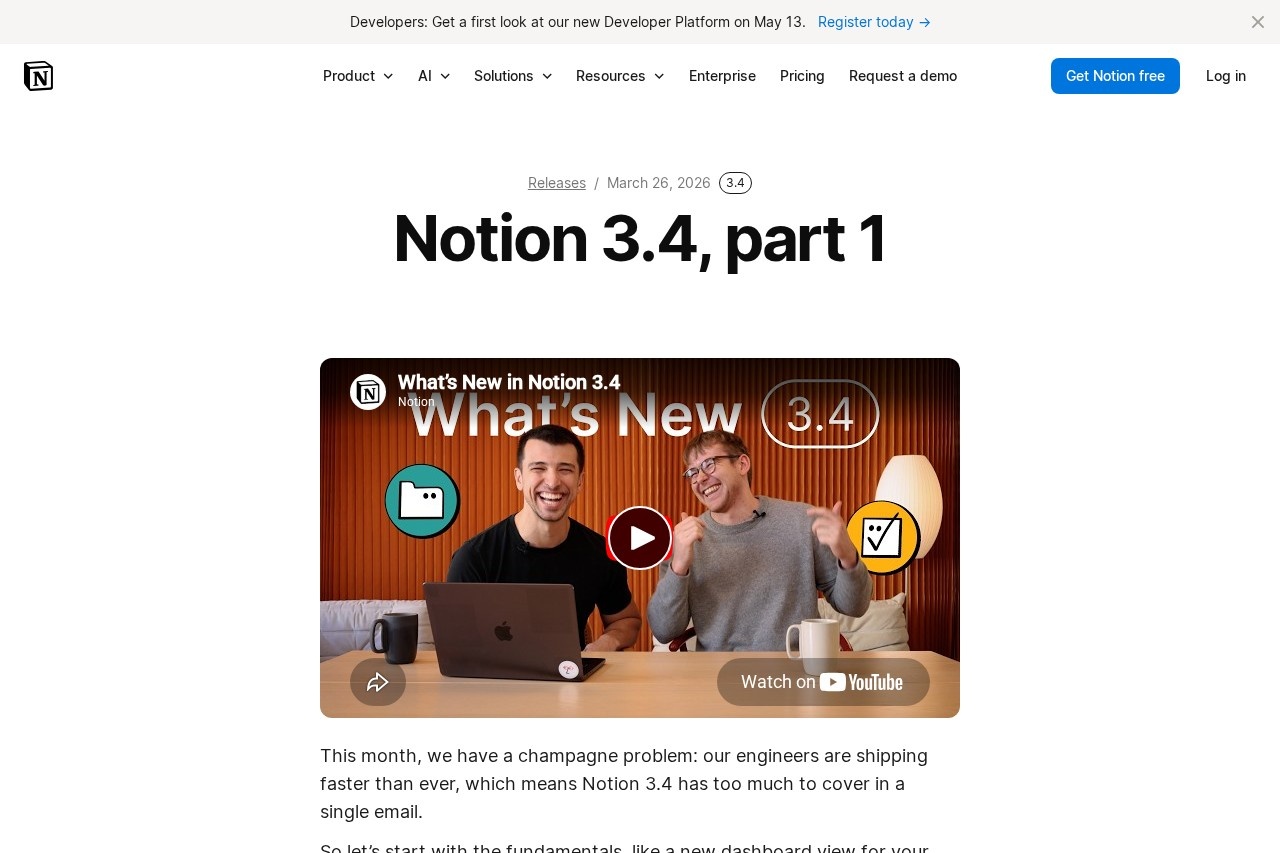
Productivity platform by Notion for databases, docs, and collaboration, featuring a new dashboard view, redesigned sidebar, and presentation mode for slideshows.
What is Notion?
Notion is a productivity platform that combines databases, docs, and collaboration tools into a single workspace. The latest release (Notion 3.4) introduces a new dashboard view for databases, a redesigned sidebar with four customizable tabs, and a presentation mode that turns any doc into a slideshow. Users can generate images, charts, and diagrams directly within pages, and archive old content to improve search and AI results. It’s designed to help teams organize work, visualize data, and present ideas without switching between separate apps.Application scenarios
Project management
Create dashboards with charts, KPIs, and metrics to monitor progress and changes at a glance.
Team collaboration
Use the redesigned sidebar to quickly access pages, agent chats, meetings, and notifications.
Presentations
Turn any Notion page into a slideshow with presentation mode, avoiding the need to rebuild content in separate tools.
Content creation
Generate images, process diagrams, and onboarding visuals directly from text using the Notion Agent.
Documentation
Organize content into clean, clickable sections with the new tabs block, reducing subpage clutter.
Workspace cleanup
Archive old pages to keep search and navigation tidy while preserving access for AI responses.
Core Features
Dashboard view
Bring together charts, KPIs, and metrics into one dashboard for a bird’s-eye view of your databases. You can describe the dashboard you want to the Notion Agent, and it will build and update it for you.
Redesigned sidebar
The sidebar is now organized into four tabs (pages, agent chats, meetings, notifications) and is highly customizable—you can toggle sections on or off.
Presentation mode
Present directly from a Notion page using the shortcut ⌘ + opt + p (Mac) or Ctrl + alt + p (Windows). It’s currently in beta for Plus, Business, and Enterprise users.
Tabs block
Organize content into clickable sections within a page, eliminating the need for nested subpages.
AI-powered generation
Generate images, charts, slides, and diagrams by asking the Notion Agent. Visuals stay connected to the plan, brief, and decisions behind them.
Archive pages
Mark old pages as archived instead of deleting them. Archived pages are hidden from search by default, improving search results and AI responses.
H4 headers
A new heading size between H3 and regular text for better content hierarchy.
Markdown Content API
Markdown tools can now read and write Notion directly, simplifying integrations.
SDK improvements
Integrations are easier to build and more reliable, with automatic retries.
Target users
Notion is built for teams and individuals who need a unified workspace for docs, databases, and collaboration. It’s especially useful for project managers, content creators, and product teams who want to visualize data, present work without switching tools, and keep their workspace organized. Business and Enterprise plan users get access to the dashboard agent and presentation mode.How to use Notion?
Sign up at Notion’s website and create a workspace. To use the new features: opt into the redesigned sidebar from settings, create a database and use the dashboard view to add charts and KPIs, or open any page and press ⌘ + opt + p (Mac) / Ctrl + alt + p (Windows) to start a presentation. For AI features, describe what you need (e.g., “a dashboard for sales metrics”) to the Notion Agent. Archive pages by marking them as archived instead of deleting. Visit the official site for full walkthroughs and documentation.Pricing and free trial
The website text mentions that the dashboard view and Notion Agent are available on Business & Enterprise plans. Presentation mode is in beta for Plus, Business, and Enterprise users. No specific prices or free trial details are provided in the text.Effect review
Notion 3.4 delivers a meaningful upgrade to its core workspace experience. The dashboard view and redesigned sidebar directly address common complaints about navigation and data visualization, while the presentation mode eliminates the friction of exporting content to separate slideshow tools. The AI generation features (images, charts, diagrams) feel well-integrated, keeping visuals in context rather than forcing users to switch to external tools. The archive function is a practical addition for teams dealing with growing workspaces. Overall, this release strengthens Notion’s position as a versatile productivity hub, though the dashboard agent and presentation mode are limited to higher-tier plans.Frequently Asked Questions
What is Notion?
Is Notion free?
What are the key features of Notion?
Can I use Notion for presentations?
How does the new dashboard view work?
Is Notion suitable for team collaboration?
Notion - AI Tool Detail
Productivity platform by Notion for databases, docs, and collaboration, featuring a new dashboard view, redesigned sidebar, and presentation mode for slideshows.
Category:Knowledge Base
Visit Link:https://www.notion.com/releases/2026-03-26
Tags:productivity、collaboration、document management、AI-powered workspace、dashboard