
MusicToVideo
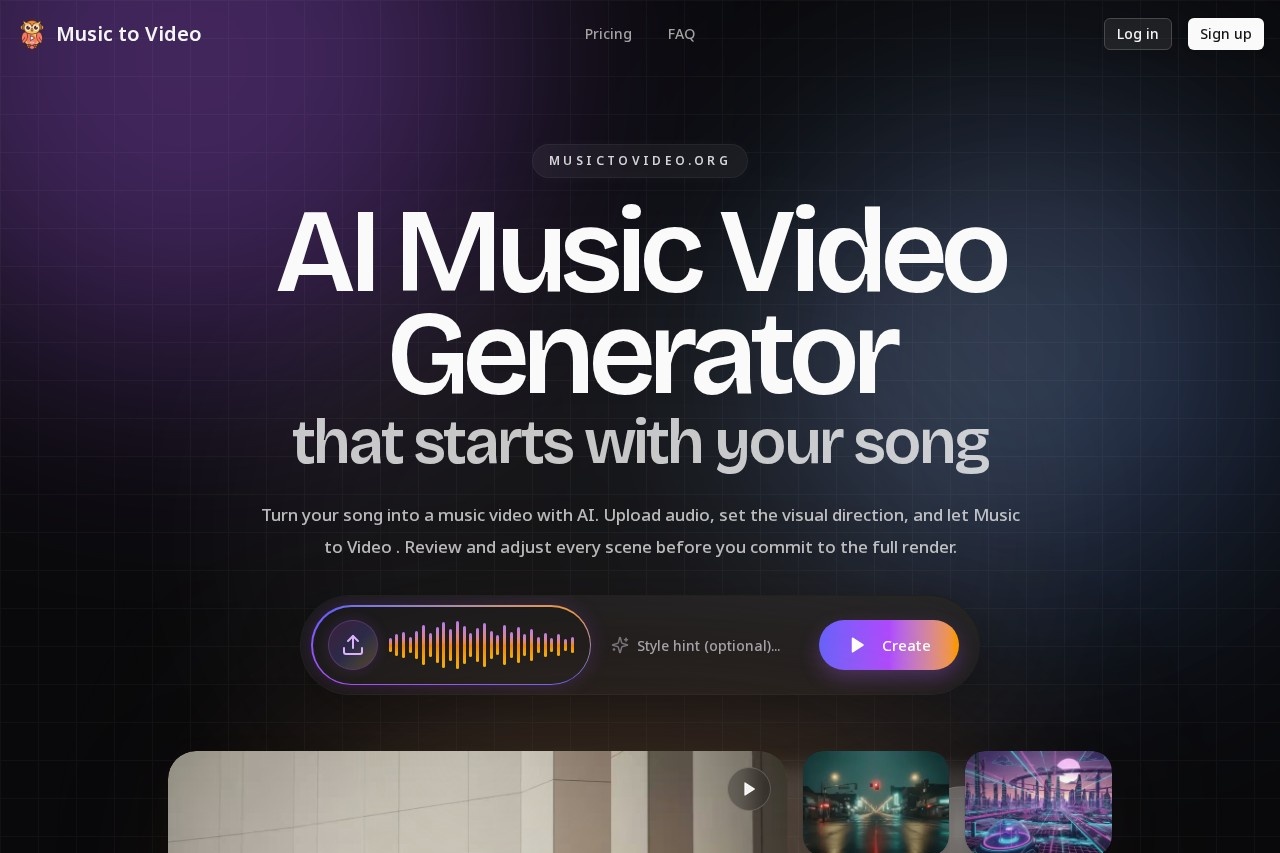
MusicToVideo by MusicToVideo.org enables independent artists to upload songs and generate AI music videos quickly, featuring scene previews, prompt editing, and adjustments before final rendering.
What is MusicToVideo?
MusicToVideo is an AI music video generator. It enables independent artists to upload a song and generate a complete music video. The core differentiator is its workflow that allows users to review and adjust scene prompts and first-frame visuals before committing to a full, final render. Users employ it to translate a finished audio track into a video-ready project with more creative control.Application scenarios
Artist pre-vis & creative direction
Create a reviewable video direction from audio before booking physical production crews or locations.
Independent music video creation
Generate a complete music video from a song without the need for traditional filming.
Creative direction validation
Test visual concepts like character, palette, and atmosphere against a track before final production.
Scene-by-scene video editing
Adjust and regenerate specific segments of a video without rerendering the entire project.
Core Features
Audio-aware segmentation
The system automatically breaks the uploaded track into meaningful sections so visuals can follow energy changes, chorus lifts, and narrative turns.
First frames before full render
Each segment gets initial visual coverage, allowing users to validate the creative direction before the full video is generated.
Editable scene prompts
Users can rewrite prompts and adjust shot language for any segment, then regenerate only the parts that need improvement.
Prompt-based visual direction
Users set the visual direction by describing the desired mood, story cues, styling, or camera language.
AI-prepared generation flow
The system reads the song, splits it, writes scene directions, and prepares first-frame coverage for user review.
Segment-level regeneration
Users can fix weak scenes, like a chorus that misses the mark, without discarding and rerendering the entire video idea.
Target users
This tool is built for musicians, creators, and labels. It specifically benefits independent artists and creative teams who want to turn songs into music videos without giving up creative control or investing in full-scale filming upfront.How to use MusicToVideo?
The process involves three core steps. First, upload your audio file and describe the desired vibe through mood, story, or styling cues. Second, review the AI-prepared project: see the segmented track, the written scene directions, and the first-frame visuals for each part. Third, adjust the prompts for any weak scenes, then proceed to generate the final composed video output with more confidence.Effect review
MusicToVideo is designed to address common pain points in AI video generation, specifically the risk and wasted resources of "black-box" rendering. By prioritizing a review and adjustment phase, it shifts confidence earlier in the creative process. The feature set implies a practical tool for artists who need a tangible visual draft to align with their audio, potentially saving significant time and iteration costs. The value proposition is clear: it trades one-click simplicity for a more controllable, less guesswork-heavy path to a final video that better matches the artist's original vision.Frequently Asked Questions
What is MusicToVideo?
How does MusicToVideo work?
What features does MusicToVideo offer?
Who can use MusicToVideo?
Is there a cost to use MusicToVideo?
Can I edit the AI-generated video before finalizing it?
MusicToVideo - AI Tool Detail
MusicToVideo by MusicToVideo.org enables independent artists to upload songs and generate AI music videos quickly, featuring scene previews, prompt editing, and adjustments before final rendering.
Category:Video generation
Visit Link:https://musictovideo.org/
Tags:AI music video generator、independent artists、prompt editing、scene preview、video rendering