ModelHub
A native macOS menu-bar app by Conscious Engines for discovering, downloading, and managing LLMs from HuggingFace, LM Studio, Ollama, MLX, and llama.cpp.
What is ModelHub?
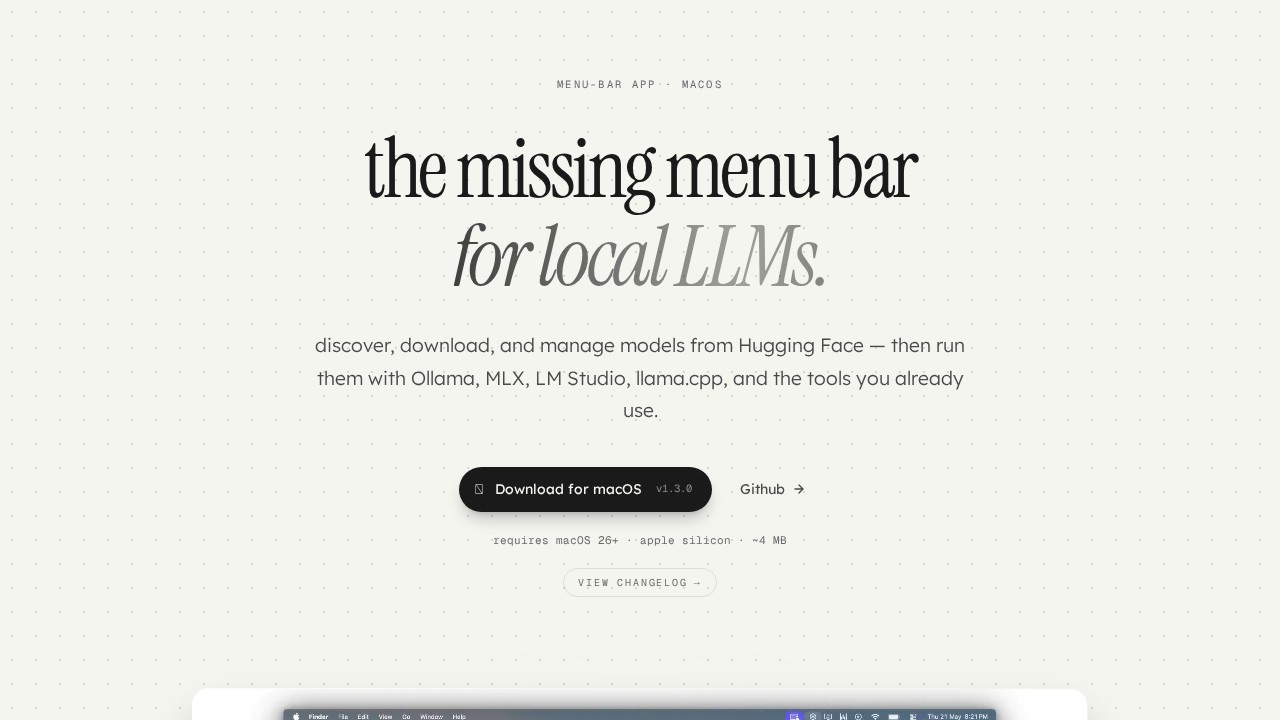
ModelHub is a native macOS menu-bar app from Conscious Engines that lets you discover, download, and manage LLMs directly from Hugging Face. It integrates with tools like Ollama, MLX, LM Studio, and llama.cpp, so you can run models without leaving your workflow. The app is lightweight (~4 MB) and requires macOS 26+ on Apple Silicon. It solves the headache of scattered model files across different folders and tools by bringing everything into one place.Application scenarios
Local LLM discovery
Quickly browse and download models from Hugging Face without opening a browser.
Model management across tools
Keep track of models in LM Studio, Ollama, MLX, and llama.cpp from a single menu bar.
Developer pipelines
Use byte-identical models in any pipeline that relies on the standard Hugging Face cache layout.
Zero-lock-in workflows
Download models through ModelHub, then use them with transformers, mlx-lm, or any tool that reads `~/.cache/huggingface/hub/`.
Uninstall-safe storage
Remove ModelHub and keep all your downloaded models intact—no migration needed.
Quick model cleanup
Delete unused models without switching between terminal commands or multiple app windows.
Core Features
One menu bar, every model
Access all your local LLMs from a single macOS menu-bar icon—no more digging through folders.
Hugging Face integration
Browse, download, and manage models directly from Hugging Face's repository.
Multi-tool compatibility
Run downloaded models with Ollama, MLX, LM Studio, llama.cpp, and any tool that uses the standard cache.
Standard cache layout
Every download replicates the official Hugging Face cache structure (blobs, snapshots, refs) so models are byte-identical to `huggingface-cli` downloads.
No lock-in
Uninstall ModelHub anytime—your models remain in `~/.cache/huggingface/hub/` and work with any compatible tool.
Lightweight footprint
The app is only ~4 MB and runs natively on Apple Silicon (macOS 26+).
Target users
Developers and power users who run local LLMs on macOS and want a unified way to manage models across multiple tools. Anyone tired of juggling browser tabs for Hugging Face, terminal commands for Ollama, and separate folders for LM Studio will benefit from ModelHub's centralized approach.How to use ModelHub?
- Download the
.dmgfile from the official site (v1.3.0, macOS 26+, Apple Silicon). - Open the
.dmgand drag ModelHub into your Applications folder. - Launch the app—look for the dot indicator in your menu bar.
- Browse, download, and manage your LLMs directly from the menu bar. No sign-up or account required.
Effect review
ModelHub delivers exactly what it promises: a clean, native macOS menu-bar app that eliminates the friction of managing local LLMs. The cache compatibility is a standout feature—models are byte-identical to those fetched viahuggingface-cli, so there's zero risk of breaking existing pipelines. The zero-lock-in approach (uninstall and keep your models) is a smart design choice that respects user autonomy. For developers already invested in Ollama, MLX, or LM Studio, ModelHub is a practical, low-friction addition to their toolkit. It's not flashy, but it solves a real pain point for anyone running multiple local LLM tools on a Mac.Frequently Asked Questions
What is ModelHub?
Is ModelHub free to use?
Which model sources does ModelHub support?
How do I install ModelHub?
Can I manage downloaded models with ModelHub?
ModelHub - AI Tool Detail
A native macOS menu-bar app by Conscious Engines for discovering, downloading, and managing LLMs from HuggingFace, LM Studio, Ollama, MLX, and llama.cpp.
Category:Large Model Platform
Visit Link:https://studio.consciousengines.com/model-hub
Tags:LLM Manager、macOS AI Tool、Local Model Hub