
Mapify
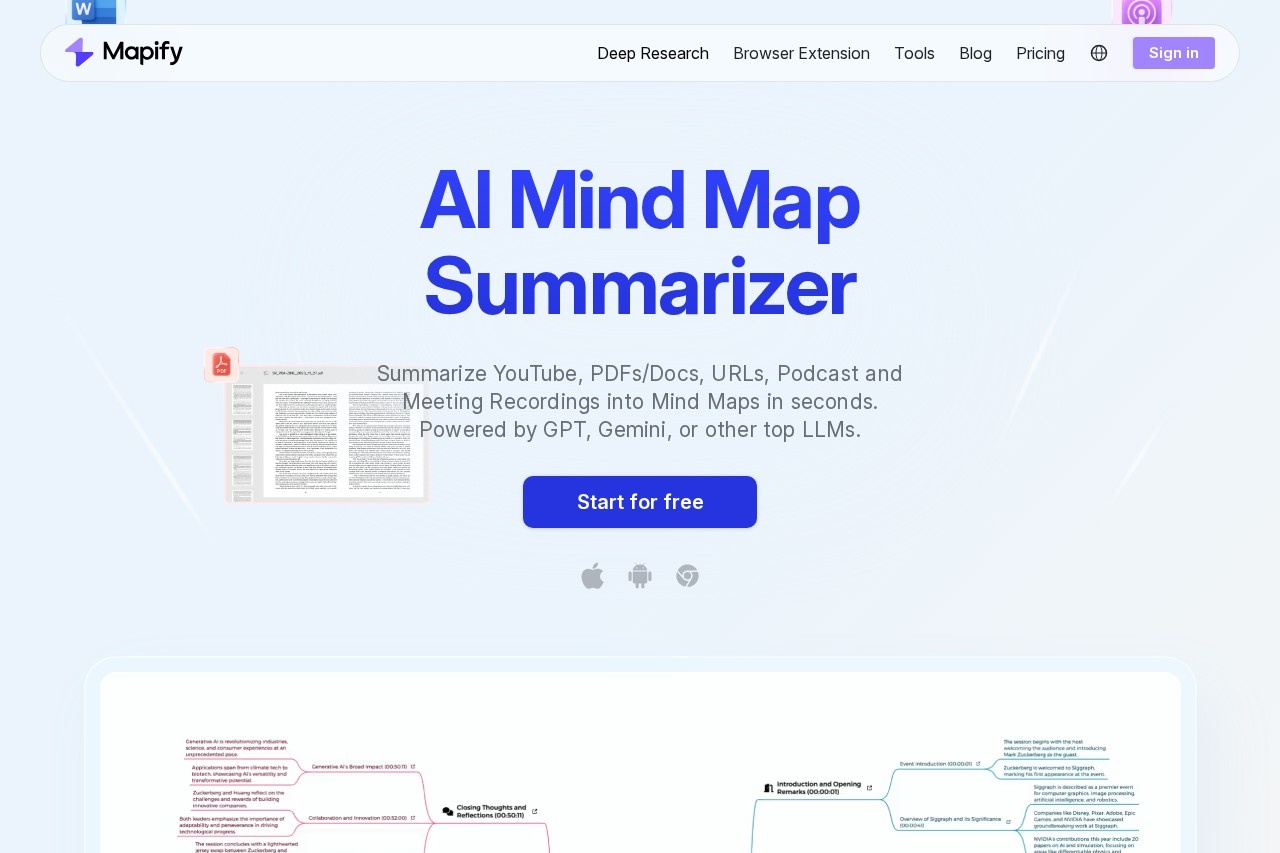
Mapify by Mapify.so is an AI mind mapping tool that quickly converts PDFs, Word docs, PowerPoints, YouTube videos, and images into clear, structured visual mind maps.
What is Mapify?
Mapify is an AI-powered mind mapping tool that instantly converts various content formats into structured visual summaries. It processes PDFs, Word documents, PowerPoints, YouTube videos, webpages, audio recordings, and images to generate mind maps. Users leverage it to quickly distill key points from dense information for learning, work, and brainstorming. The tool is powered by top large language models like GPT and Gemini.Application scenarios
Research
Quickly distill key information from academic papers, articles, or web sources into a visual structure.
Learning
Convert textbook chapters, lecture recordings, or educational videos into study-friendly mind maps.
Brainstorming
Use AI templates to generate and organize ideas for projects or creative sessions.
Analyze
Break down complex documents or meeting transcripts to identify main arguments and supporting details.
Content Review
Transform lengthy reports, podcasts, or news digests into concise, scannable summaries.
Presentation Prep
Turn research or ideas into polished slides for meetings or classrooms.
Core Features
Multi-format input
Convert PDFs, Docs, PowerPoints, YouTube videos, URLs, audio recordings, and images into mind maps.
AI-powered summarization
Generate maps using advanced LLMs like GPT and Gemini for core content extraction.
Chat with your file
Interact directly with uploaded documents to ask questions and gain insights before mapping.
Web-powered AI search
Enable online search to enrich mind map branches with reliable source links and links.
One-click expansion
Instantly grow any branch of the mind map to uncover deeper insights and related ideas.
YouTube integration
Generate maps from videos with clickable timestamps to navigate key moments directly.
Auto transcription
Obtain full, accurate transcripts from audio and video to support understanding.
Cross-platform access
Use Mapify via web, mobile apps, and browser extension with synchronized maps.
Export and share
Share maps via link or export them as images, PDFs, or Markdown files.
AI image generator
Turn concepts within a mind map into vivid images to create contextual illustrations.
Present as slides
Instantly transform any created mind map into a set of polished presentation slides.
AI templates
Jumpstart mapping with ready-made templates tailored for brainstorming, analysis, or planning.
Target users
This tool benefits students, researchers, and professionals who need to process information rapidly. It is trusted by users from top companies and universities. Specific roles include analysts compiling research, educators creating lesson materials, project managers organizing brainstorming sessions, and anyone looking to enhance their study or content digestion efficiency.How to use Mapify?
Using Mapify is straightforward. Users visit the website or app and select the type of content they want to convert, such as a YouTube video, PDF, or webpage. They then provide the link or upload the file. With one click, the AI generates a structured mind map. Users can further chat with the document, expand branches, customize the layout, and finally export or share the final map.Effect Review
Mapify has garnered significant positive recognition, ranking #3 on Product Hunt and holding a 4.8/5 App Store rating. It is trusted by over five million users from leading companies and universities. User testimonials highlight it as a "game-changer" for studying multiple subjects faster, saving "tons of hours" by instantly mapping key points from dense documents and videos. The ability to quickly create a visual hierarchy from information is credited with drastically improving study and memory efficiency. The tool's broad format support and one-click operation deliver on its promise to turn any content into a structured map for clearer thinking.Frequently Asked Questions
What is Mapify?
What file types does Mapify support?
How does Mapify create mind maps from content?
Is Mapify free to use?
Can I edit the mind maps generated by Mapify?
What are the main benefits of using Mapify?
Mapify - AI Tool Detail
Mapify by Mapify.so is an AI mind mapping tool that quickly converts PDFs, Word docs, PowerPoints, YouTube videos, and images into clear, structured visual mind maps.
Category:Document processing
Visit Link:https://mapify.so/
Tags:mind mapping、document conversion、visual organization、AI productivity、content summarization