
Lexora
Lexora is a free flashcard app that creates study cards from text, PDFs, or Excel files. It uses spaced repetition, mock exams, and gamification to help students prepare faster for exams like PAU, opo
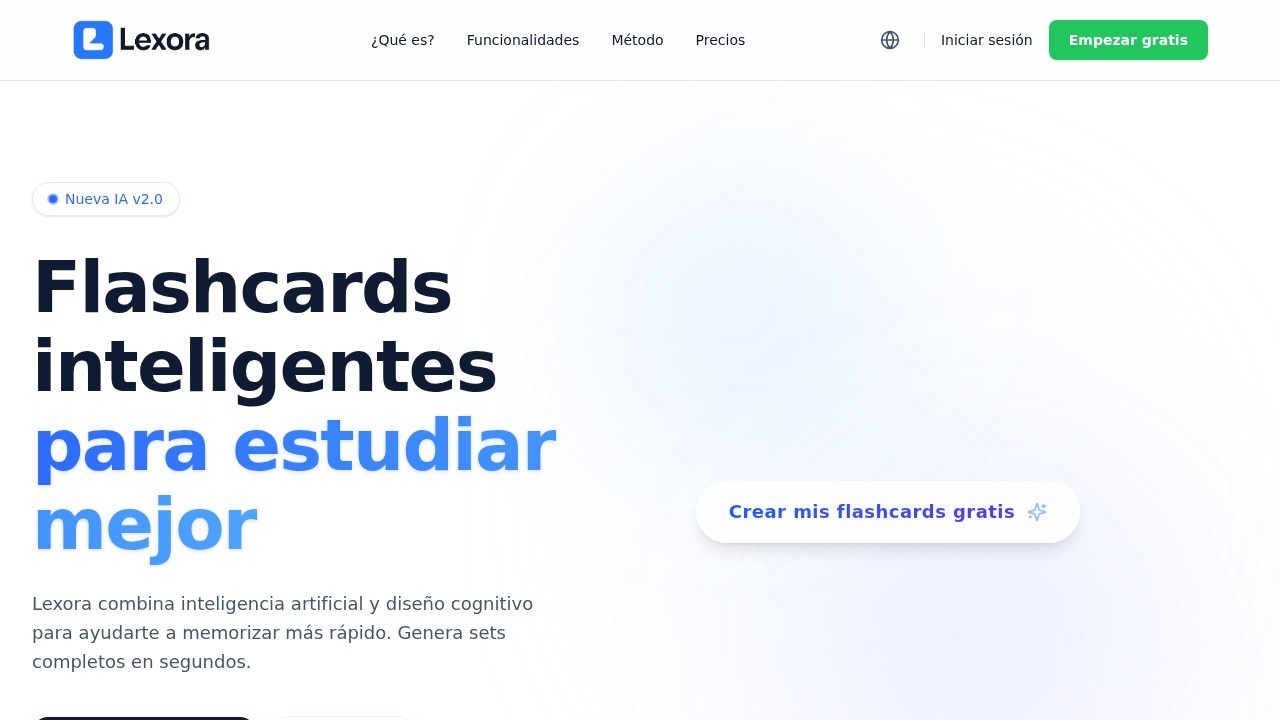
Lexora — AI-Powered Flashcards for Smarter Studying
What is Lexora?
Lexora is a free flashcard app that combines artificial intelligence with cognitive design to help students memorize faster. It generates complete flashcard sets in seconds from text, PDFs, or Excel files. The platform uses spaced repetition, mock exams, and gamification to prepare students for exams like PAU and oposiciones. Lexora syncs in real time between mobile and web, so your study progress follows you everywhere.Application scenarios
Exam preparation
Create flashcards from class notes or textbooks to study for university entrance exams (PAU) or competitive exams (oposiciones).
PDF-based studying
Upload PDFs of your own notes, and Lexora automatically generates flashcards from the content.
Excel data review
Import Excel files to turn spreadsheets into study cards for subjects like statistics or finance.
Quick revision sessions
Use flexible study modes for rapid review or intensive mock exam simulations.
Gamified learning
Turn study sessions into games with challenges, streaks, and competitions to master topics.
Organized study management
Use folders, tags, and filters to keep large sets of flashcards under control.
Core Features
AI-powered flashcard generation
Create complete flashcard sets in seconds using generative AI from your text, PDFs, or Excel files.
Multiple study modes
Choose from quick review, intensive mock exams, or other flexible modes that fit your current study moment.
Gamification system
Study by playing with challenges, streaks, and competitive elements to stay motivated.
Unlimited flashcard creation
Build as many flashcards as you need, with no limits on the number of sets.
Import from Excel or PDF
Upload your own documents and let Lexora automatically convert them into study cards.
Organization tools
Manage your flashcards with folders, tags, and filters for total control over your study material.
Real-time sync
Your study progress syncs instantly between mobile and web, so you can switch devices seamlessly.
Progress analytics
Visualize your advancement and predict when you’re likely to forget each concept.
Target users
Lexora is built for students preparing for exams—especially those studying for university entrance exams (PAU), competitive exams (oposiciones), or any subject requiring heavy memorization. It’s also useful for self-learners who want to turn their notes, PDFs, or Excel data into structured flashcards.How to use Lexora?
- Visit the Lexora website and click Empezar gratis (Start Free) to create an account.
- Upload a PDF, Excel file, or enter text directly, then let the AI generate a complete flashcard set in seconds.
- Choose a study mode—quick review, mock exam, or gamified challenges—and start studying.
- Use folders, tags, and filters to organize your sets as your library grows.
- Switch between mobile and web—your progress syncs automatically in real time.
Pricing and free trial
Lexora is explicitly described as a free flashcard app. The website prominently offers a “Create my flashcards for free” call-to-action and a “Start free” button. No paid tiers or pricing plans are mentioned in the provided text.Effect review
Lexora delivers a solid, no-cost solution for students who need to memorize large amounts of material quickly. The combination of AI generation, multiple study modes, and gamification covers the key pain points of flashcard studying—creation time, engagement, and retention tracking. The real-time sync and organizational features make it practical for long-term exam prep. While the website doesn’t include user testimonials or quality metrics, the feature set is well-aligned with what serious students need. For anyone facing a heavy memorization workload, Lexora is worth trying as a free alternative to paid flashcard tools.Frequently Asked Questions
What file formats does Lexora support for creating flashcards?
Is Lexora free to use?
How does Lexora help with exam preparation?
Can I use Lexora for specific exams like PAU or oposiciones?
Does Lexora offer mock exams?
How does spaced repetition work in Lexora?
Lexora - AI Tool Detail
Lexora is a free flashcard app that creates study cards from text, PDFs, or Excel files. It uses spaced repetition, mock exams, and gamification to help students prepare faster for exams like PAU, opo
Category:AI Learning Assistant
Visit Link:https://www.lexoraflashcards.com/
Tags:AI flashcards、spaced repetition、exam prep、study tool