
ExamBrain
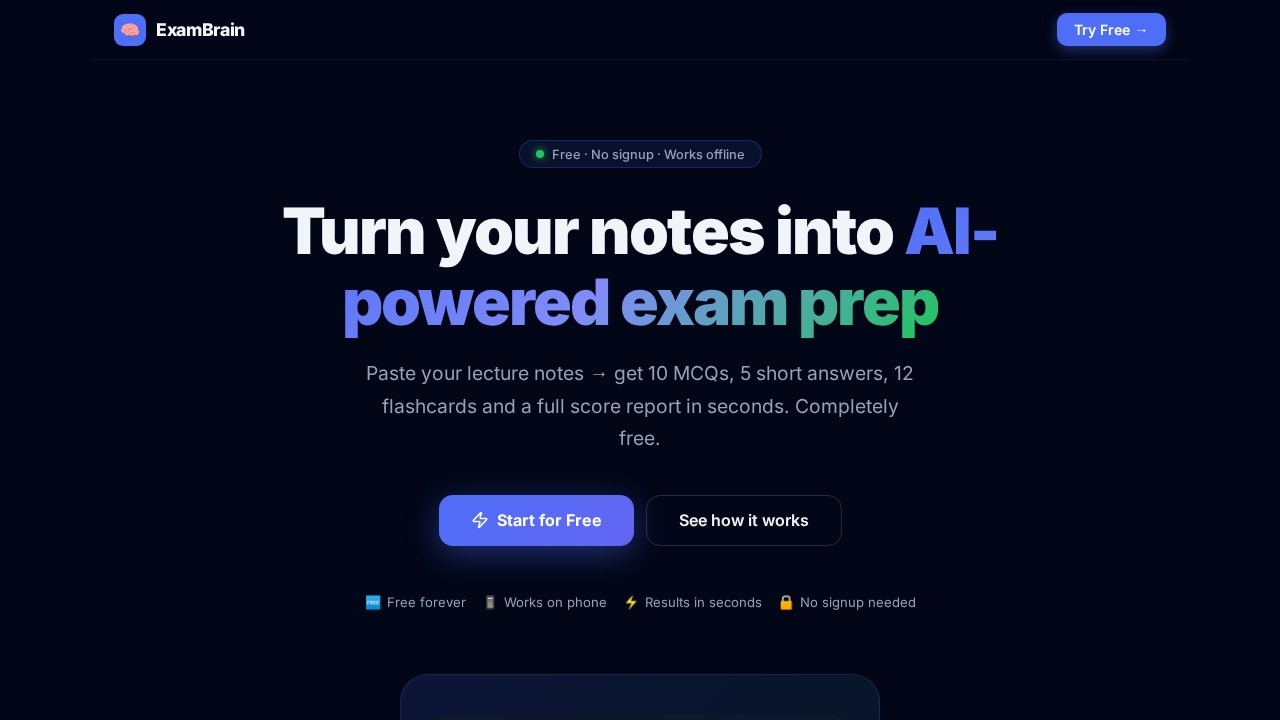
ExamBrain by an independent developer instantly turns lecture notes into 10 MCQs, 5 short answers, 12 flashcards, and a score report. Free, offline, and mobile-friendly for efficient studying.
What is ExamBrain?
ExamBrain is a free, offline-capable AI tool that instantly transforms lecture notes into a complete exam prep toolkit. Students paste or upload study material, and within seconds receive 10 multiple-choice questions, 5 short answer prompts, 12 flashcards, and a detailed score report. It requires no signup, works on mobile devices, and is built by an independent developer for efficient, self-paced studying.Application scenarios
Lecture review
Paste notes from a history lecture to generate targeted MCQs and flashcards on key events and figures.
Textbook chapter prep
Upload a .txt or .md file of a textbook section to create a quiz and score report for self-assessment.
Exam cramming
Use the mobile-friendly PWA to study on the go, with full offline access after the first visit.
Weak topic identification
Review the topic breakdown (e.g., "Causes of Revolution 92%") to pinpoint areas needing more practice.
Daily study habit
Track progress with streaks, badges, and a GitHub-style activity heatmap to maintain consistency.
Short answer practice
Write responses to AI-graded short questions, receiving a 0–100 score and specific feedback on missed points.
Core Features
10 AI MCQs
Difficulty-tagged questions with four plausible options, correct answers, and detailed explanations.
AI-Graded Short Answers
Write your answer and get a 0–100 score with specific feedback and missed key points.
12 Smart Flashcards
3D flip animation, text-to-speech, mastery tracking, and shuffle mode for active recall.
Score Report + PDF
Topic breakdown, weak area alerts, smart study suggestions, and one-tap PDF export.
Streak & Badges
Daily study streak, GitHub-style activity heatmap, and six unlockable achievement badges.
Mobile PWA
Installs on phone (Android or iOS) and works fully offline after the first visit.
No signup required
Paste notes and start quizzing immediately—no account or credit card needed.
File upload support
Accepts .txt and .md file uploads in addition to direct text pasting.
Target users
- Students at any level who need to quickly convert lecture notes or textbook material into practice quizzes and flashcards.
- Self-learners studying for exams or certifications who want a free, no-friction tool for active recall and progress tracking.
- Mobile-first learners who prefer studying on their phone and need offline access without an internet connection.
How to use ExamBrain?
- Open the ExamBrain website on any device (no signup required).
- Paste your lecture notes, textbook sections, or study material directly into the text field. Alternatively, upload a .txt or .md file.
- Click generate—the AI (Groq LLaMA 3.3 70B) processes your content and produces 10 MCQs, 5 short answers, 12 flashcards, and a score report in seconds.
- Take the quiz, flip through flashcards, review weak topics, and export the score report as a PDF. Optionally, install the PWA to home screen for offline use.
Pricing and free trial
ExamBrain is completely free forever. There are no hidden costs, no credit card required, and no signup needed. The product explicitly states "Free forever" and "Always, no hidden costs."Effect review
ExamBrain delivers exactly what it promises: a fast, free, and frictionless way to turn notes into a structured exam prep session. The inclusion of AI-graded short answers with specific feedback is a standout feature that goes beyond simple multiple-choice generation, and the offline PWA support makes it genuinely useful for students on the go. The topic breakdown (e.g., "Reign of Terror 58%") provides clear, actionable insights into weak areas. While the tool lacks advanced customization or integration with learning management systems, its simplicity and zero-cost model make it a solid choice for anyone needing quick, AI-powered quiz generation from their own study materials.Frequently Asked Questions
What is ExamBrain?
Is ExamBrain free to use?
Does ExamBrain require an internet connection?
What types of study materials does ExamBrain generate?
Is ExamBrain mobile-friendly?
Who developed ExamBrain?
ExamBrain - AI Tool Detail
ExamBrain by an independent developer instantly turns lecture notes into 10 MCQs, 5 short answers, 12 flashcards, and a score report. Free, offline, and mobile-friendly for efficient studying.
Category:AI Tutor/Question Bank
Visit Link:https://exambrain.vercel.app/
Tags:exam prep、MCQ generator、flashcards、offline studying、educational AI