ExamBrain
ExamBrain is a free AI study assistant that transforms lecture notes into MCQs, flashcards, and quizzes, with instant score reports. It works offline as a PWA, installable on phones for on-the-go revi
What is ExamBrain?
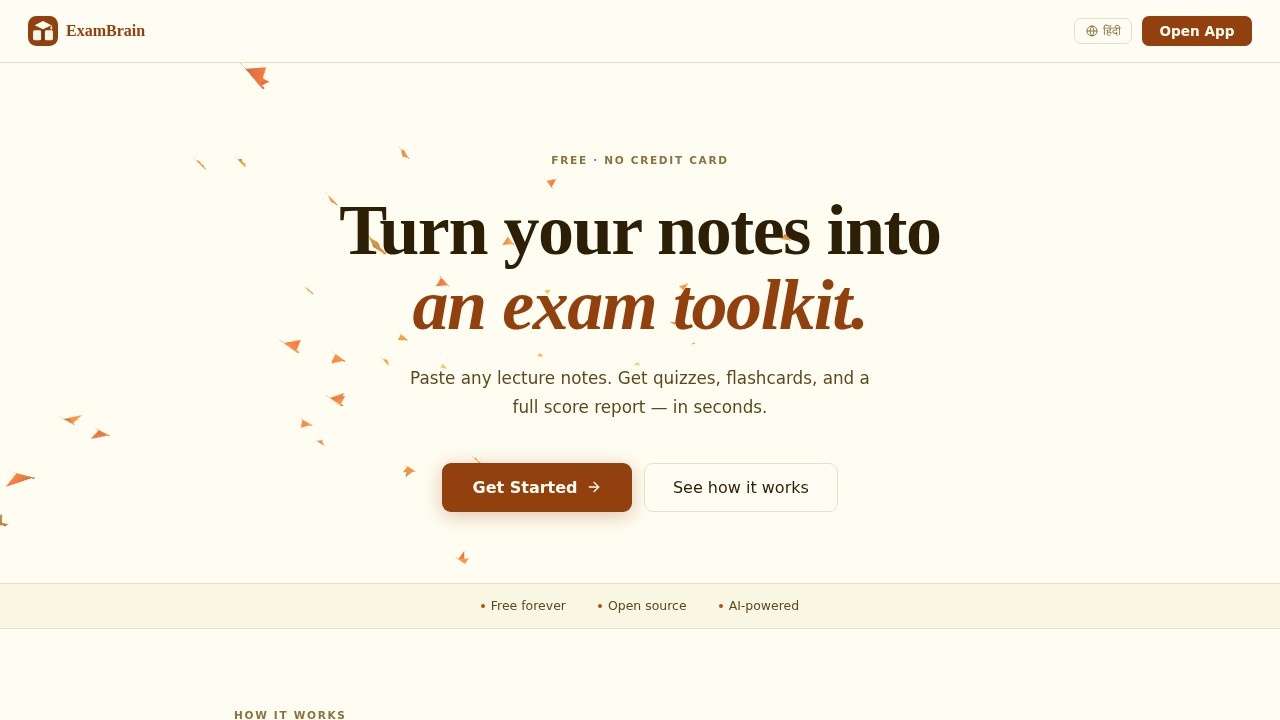
ExamBrain is a free AI study assistant that turns lecture notes into a complete exam preparation toolkit. You paste in your notes, and the AI generates multiple-choice questions, short-answer questions, and flashcards in seconds. It's designed for students who want to move from passive reading to active recall without any setup friction. The tool works offline after the first visit and requires no account to start.
Application scenarios
Exam revision
Generate practice questions from your own lecture notes to test your knowledge before a test.
Flashcard drilling
Convert textbook chapters or notes into 3D flip cards with text-to-speech for quick memorization sessions.
Self-assessment
Use the AI-graded short answers to see exactly where your written responses fall short.
Weak topic identification
Review the score report to spot which topics need more attention before exam day.
On-the-go study
Install the PWA on your phone and study offline anywhere—commutes, waiting rooms, or between classes.
Daily habit building
Track your study consistency with streaks, a heatmap, and unlockable badges.
Core Features
MCQ generation
The AI writes 10 multiple-choice questions from your notes, split across easy, medium, and hard difficulty levels, with full explanations after each answer.
Short answer grading
AI grades your written answers on a 0–100 scale and provides specific feedback on what you got wrong or missed.
Flashcard creation
The tool builds 12 flashcards from your content, presented as 3D flip cards with text-to-speech support.
Score report
A detailed breakdown of your performance by topic, including weak area alerts, exportable as a PDF.
Study streaks
Daily streak tracking, an activity heatmap, and six unlockable badges to keep you motivated.
Offline mode
After the first visit, the app works fully offline—install it on any phone for study sessions without an internet connection.
Open source
The code is available on GitHub, and the tool is powered by the LLaMA 3.3 70B model.
Target users
ExamBrain is built for students at any level who prepare for exams using their own notes. It suits self-learners, university students, and anyone studying for certification tests who wants a structured, AI-driven revision method. Because there's no account and no setup, it's also ideal for users who want a quick, low-commitment study tool without signing up for another platform.
How to use ExamBrain?
The workflow is intentionally short—three steps from notes to exam-ready:
- Paste your notes: Copy any lecture notes, textbook chapters, PDFs, or even images into the tool. Any subject and any format works.
- Let the AI build your kit: The system generates 10 MCQs, 5 short answers, and 12 flashcards from your content automatically.
- Study and improve: Quiz yourself, flip through flashcards, and check the score report to see which topics need more work. No account is required to start.
Pricing and free trial
ExamBrain is completely free. The website states "Free forever" and "No credit card" prominently, and there is no mention of any paid tier or trial period.
Effect review
ExamBrain delivers a focused, no-nonsense approach to exam prep: paste notes, get a full study kit, and see your weak spots immediately. The combination of AI-graded short answers and a topic-level score report gives students more diagnostic detail than typical flashcard apps. The offline PWA support is a practical advantage for mobile-first studying, and the open-source nature adds transparency. While the fixed output size (10 MCQs, 5 short answers, 12 flashcards) may feel limited for longer courses, the instant feedback loop and zero-cost entry make it a solid addition to any student's revision routine.
Frequently Asked Questions
Is ExamBrain really free to use?
Can I use ExamBrain without an internet connection?
What types of study materials can ExamBrain create?
How do I get instant feedback on my performance?
Can I install ExamBrain on my phone for on-the-go studying?
ExamBrain - AI Tool Detail
ExamBrain is a free AI study assistant that transforms lecture notes into MCQs, flashcards, and quizzes, with instant score reports. It works offline as a PWA, installable on phones for on-the-go revi
Category:AI Learning Assistant
Visit Link:https://exambrain.me/
Tags:AI study assistant、MCQ generator、flashcards、quiz maker、offline learning