
Layout
AI app builder by Layout that instantly converts ideas into full-stack applications, enabling rapid prototyping and deployment with minimal coding effort.
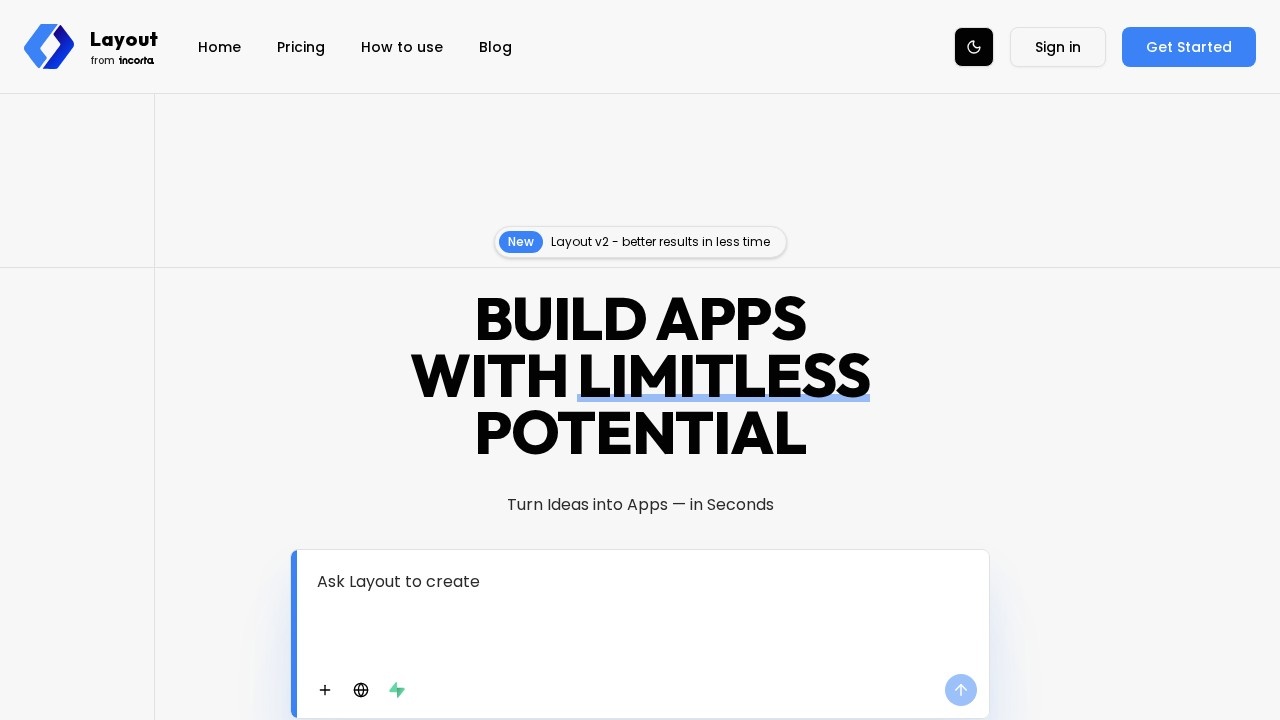
What is Layout?
Layout is an AI-powered platform that instantly turns ideas into full-stack applications. Users describe what they want to build, and the platform generates clean code, UI components, and a working app in seconds. It’s designed for founders and developers who need to rapidly prototype and deploy software without extensive manual coding. The tool also integrates with popular services like Supabase, Stripe, and GitHub, bridging the gap between ideas and data.Application scenarios
Rapid prototyping
Quickly build a working prototype for a new app idea, from landing pages to internal dashboards.
Full-stack web development
Generate complete websites and web apps with backend logic, databases, and authentication.
E-commerce and monetization
Create apps with instant Stripe payments for subscriptions, one-time purchases, or tiered memberships.
Data-driven applications
Connect to Supabase for real-time databases, instant APIs, and built-in auth, enabling dynamic data apps.
Developer handoff
Export AI-generated code to GitHub repos, making it easy to hand off projects to technical teams or integrate with CI/CD pipelines.
Custom business tools
Connect private databases, local files, or specialized APIs to build apps tailored to specific business needs.
Core Features
AI-powered app generation
Describe an idea in plain language, and Layout generates a full-stack application with clean code and UI components.
Supabase integration
Get instant Auth, real-time databases, Edge Functions, and managed Postgres with one click, plus automatically generated REST and GraphQL endpoints.
Stripe payments
Connect a Stripe account in seconds to accept global payments, set up one-time purchases, recurring subscriptions, or tiered memberships directly through the AI interface.
GitHub synchronization
Export AI-generated designs into clean, structured code repos that you own entirely, with continuous sync from the builder to GitHub for staging and production environments.
Custom MCP integration
Connect private databases, local files, or specialized APIs to give the AI deeper understanding of your specific business needs; also integrate custom functions and scripts (coming soon).
Real-time sync
Stream database changes to your UI instantly via WebSockets, keeping your app responsive and up-to-date.
Built-in authentication
Secure user logins and Row Level Security (RLS) out of the box, powered by Supabase.
Community project library
Browse and duplicate projects from the Layout community, including dashboards, internal tools, prototypes, landing pages, and personal apps.
Target users
Founders and developers who want to turn ideas into working software apps instantly. The platform is ideal for solo creators building MVPs, teams needing rapid prototyping, and developers looking to hand off AI-generated code to technical teams or integrate with existing workflows.How to use Layout?
- Visit the Layout website and describe your app idea in plain language.
- The AI generates a full-stack application with UI components and clean code.
- Integrate with services like Supabase, Stripe, or GitHub as needed.
- Customize the app further using the builder, or export the code to a GitHub repo.
- Deploy or hand off the project to a technical team for production.
Effect review
Layout delivers on its promise of turning ideas into working apps in seconds, with a strong focus on integration and developer ownership. The ability to connect to Supabase, Stripe, and GitHub out of the box makes it practical for real-world projects, not just demos. The community project library adds value by letting users duplicate and remix existing apps. While the tool is still evolving—with custom MCP and GitHub CI/CD features marked as "coming soon"—the current feature set already supports rapid prototyping and deployment for founders and developers. It’s a solid choice for anyone who needs to move from concept to code quickly without sacrificing quality or ownership.Frequently Asked Questions
What is Layout?
Do I need coding experience to use Layout?
What types of applications can I build with Layout?
Can I deploy applications directly from Layout?
Is Layout free to use?
Layout - AI Tool Detail
AI app builder by Layout that instantly converts ideas into full-stack applications, enabling rapid prototyping and deployment with minimal coding effort.
Category:Code generation
Visit Link:https://layout.dev/
Tags:AI app builder、rapid prototyping、full-stack development、no-code、deployment