joanium
Joanium by Joanium enables users to create and manage customizable digital notebooks with AI-powered organization, note-taking, and collaboration features for personal and professional productivity.
What is joanium?
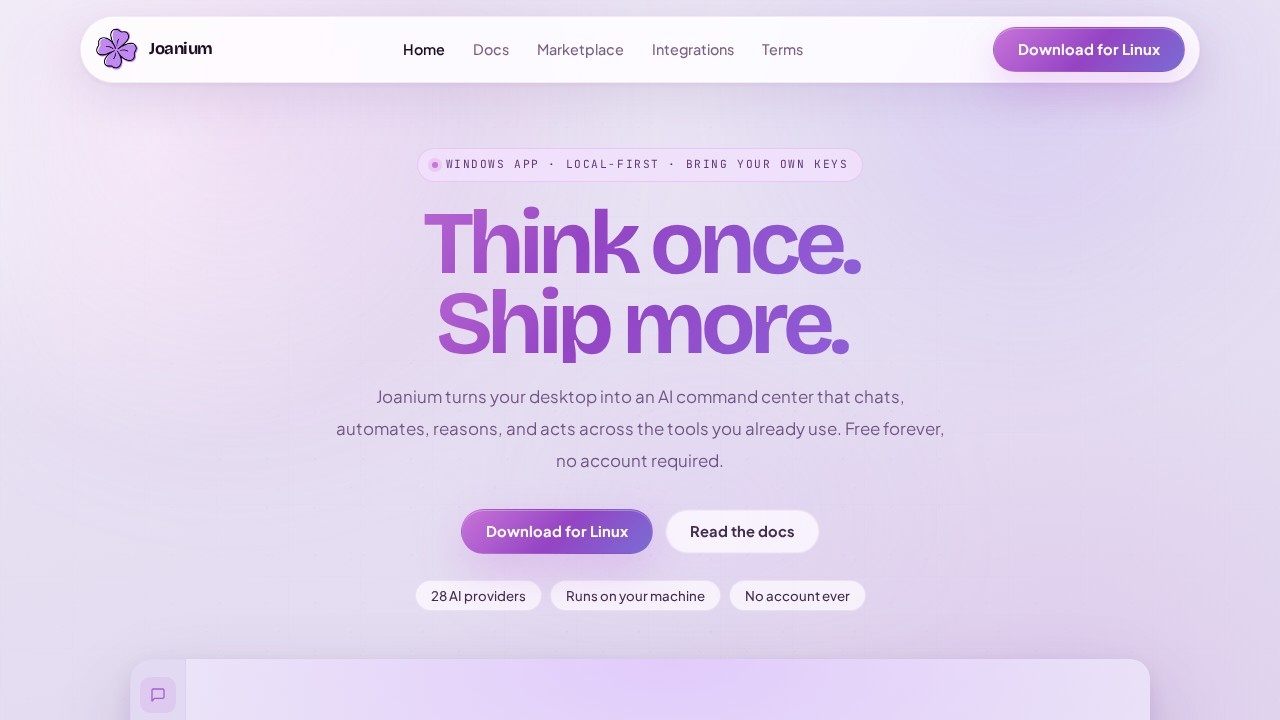
Joanium is a local-first Windows app that turns your desktop into an AI command center. It lets you chat, automate, reason, and act across the tools you already use—all without requiring an account or sending data to the cloud. The app supports 28 AI providers, scheduled agents, project-scoped workspaces, and mobile reply channels, making it a productivity hub for personal and professional workflows. It’s free forever and runs entirely on your machine, giving you full ownership of your keys, conversations, and routines.
Application scenarios
Morning briefs
Wake up to a daily operator that checks repos, scans your inbox, watches market data, and drops a clean brief into your preferred channel.
Git intelligence
Check GitHub pull requests for titles, summaries, and failing checks directly from the app.
Calendar management
Know which updates matter before your first meeting by reading your calendar through the assistant.
Mobile replies
Reply from Telegram, Slack, Discord, or WhatsApp to keep your desktop brain reachable from your pocket.
Project workflows
Keep chats tied to a workspace so files, terminal work, and git context stay in the same flow.
Persona switching
Switch tone, domain, and depth without switching tools—make the assistant feel like a researcher, coder, operator, or reviewer on demand.
Core Features
28 AI providers
Choose from a wide range of AI models to power your conversations, automations, and reasoning tasks.
Scheduled agents
Run predictable automations or let an agent gather context and act when the task needs judgment.
Project-scoped workspaces
Keep chats tied to a workspace so files, terminal work, and git context stay in the same flow.
Mobile reply channels
Reply from Telegram, Slack, Discord, or WhatsApp and keep the same context as your desktop session.
Local-first storage
Keys, conversations, and routines stay on your device, making the product feel personal instead of rented.
MCP extensibility
Extend the app’s capabilities using the Model Context Protocol for custom integrations.
Skills and personas
Switch tone, domain, and depth without switching tools—use the assistant as a researcher, coder, operator, or reviewer.
30+ tool integrations
Connect with GitHub, Notion, Jira, Figma, Vercel, Netlify, Supabase, and more.
Usage analytics
Track how you and your team use the app to optimize workflows.
Git intelligence
Check GitHub pull requests for titles, summaries, and failing checks directly from the app.
Target users
Joanium is built for developers, project managers, and knowledge workers who need a unified AI command center across their existing tools. It’s ideal for anyone who wants local-first control over their AI interactions, scheduled automations, and mobile access—without relying on cloud accounts or data sharing.
How to use joanium?
Download the Windows app from the official website. No account is required—just install and start using it immediately. You can bring your own API keys for AI providers, set up scheduled agents, create project-scoped workspaces, and connect integrations like GitHub, Notion, and Jira. Use the command flow to ask for summaries, workflows, or plans, and let the app keep context tied to your tools. For mobile access, reply from Telegram, Slack, Discord, or WhatsApp.
Effect review
Joanium delivers a genuinely useful local-first AI workspace that feels like a system you can live in, not a collection of tabs. The ability to run 28 AI providers, schedule agents, and keep everything on your machine gives it a privacy-first edge over cloud-only alternatives. The integration with 30+ tools and mobile reply channels makes it practical for real daily workflows, from morning briefs to git intelligence. While the feature set is impressive, the app is currently Windows-only, which limits its reach. Overall, Joanium is a strong choice for users who want a self-hosted, customizable AI command center without sacrificing ownership or flexibility.
Frequently Asked Questions
What is Joanium?
How does AI help with note organization?
Can I collaborate with others in Joanium?
Is Joanium free to use?
What platforms does Joanium support?
Can I customize the look of my notebooks?
joanium - AI Tool Detail
Joanium by Joanium enables users to create and manage customizable digital notebooks with AI-powered organization, note-taking, and collaboration features for personal and professional productivity.
Category:Knowledge Base
Visit Link:https://www.joanium.com/
Tags:joanium、AI note-taking、digital notebooks、AI organization、productivity tool