
Jam
Jam is a bug reporting tool that lets users capture and report issues in seconds with a simple screenshot, streamlining feedback for engineers and saving time for reporters.
What is Jam?
Jam is a bug reporting tool that captures and reports issues in seconds with a simple screenshot. It automatically gathers the technical data engineers need to debug, such as console logs and network activity. Users can annotate and share these reports directly into their existing workflow tools. It is designed to streamline feedback for developers and save significant time for anyone reporting problems.Application scenarios
QA and development workflows
QA engineers and developers capture bugs with automatic technical logs to eliminate miscommunication.
Cross-team bug reporting
Product managers and non-technical team members can record and report issues without needing technical expertise.
Issue investigation and follow-up
Teams use visual recordings with integrated logs to make investigations and tracking smoother.
Website and application testing
Teams streamline the testing phase of website builds by quickly capturing visual and technical context.
Integrating bug tracking into project management
Teams connect bug reports directly to tools like Jira, Linear, and Asana to centralize tracking.
Core Features
One-click bug reports
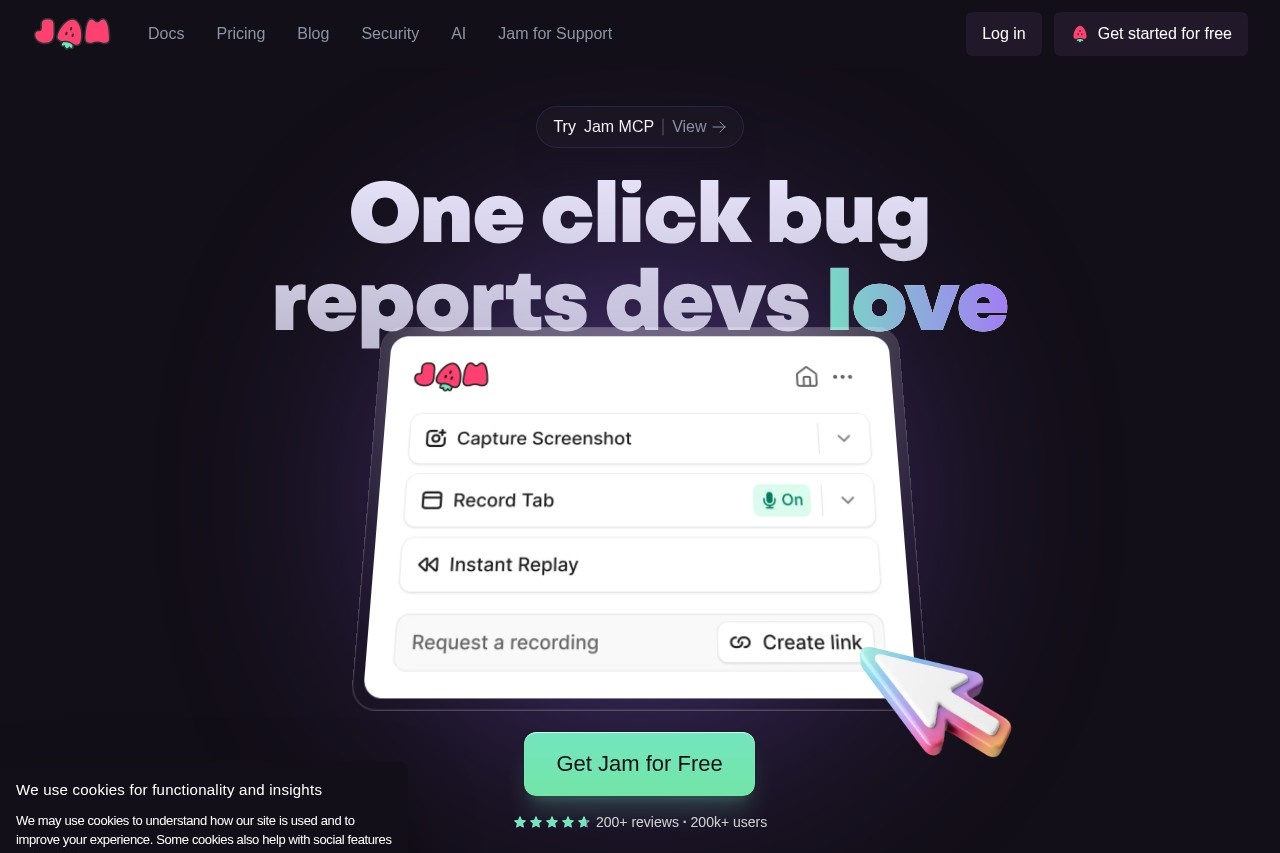
Users capture a full bug report with a single click, similar to taking a screenshot.
Automatic repro steps
The tool automatically captures reproduction steps, eliminating the need to write them manually.
Instant replay magic
Users can capture a recording of what just happened on their screen.
Markup and share
Users can annotate, blur, edit, and share their captured reports.
Auto-captured debug info
The tool automatically captures device and browser info, console logs, network logs, and backend tracing data.
Browser extension
Jam operates via a browser extension for easy access.
AI Debugger
The platform includes an AI-powered debugging assistant.
Extensive integrations
Jam works with tools like Notion, GitHub, GitLab, Jira, Linear, Slack, ClickUp, Asana, Sentry, Azure, Figma, and Fullstory, with Datadog and Airtable coming soon.
Target users
Jam is built for everyone but is particularly loved by developers. Key beneficiaries include Quality Assurance Engineers, Senior Product Managers, Software Developers, Product Support Engineers, and entire product or engineering teams. It enables both technical and non-technical team members to contribute to the bug reporting process effectively.How to use Jam?
Get started by installing the Jam browser extension. Once installed, you can capture bugs by clicking the Jam button while on a webpage—it’s as easy as taking a screenshot. The tool automatically records the screen, logs, and other metadata. You can then annotate the capture and share it instantly via a generated link or directly into integrated tools like Jira, Slack, or GitHub.Pricing and free trial
The website prominently states "Get Jam for Free" and offers a free tier. Specific paid plans or pricing details are not provided in the excerpt.Effect review
Jam demonstrates substantial real-world impact, backed by testimonials from over 200,000 users. Quality Assurance leads report that it streamlines bug reproduction and eliminates miscommunication with developers. Product managers highlight that it allows anyone on the team to report bugs effectively, regardless of technical skill. Engineers note that the automatic capture of console errors, network requests, and payloads solves a daily pain point, while the instant replay feature alone saves QA teams countless hours. Quantifiable feedback indicates time savings of 15 to 60 minutes per ticket, translating to several hours of recovered engineering time each week.Frequently Asked Questions
What is Jam?
How does Jam work?
Who is Jam designed for?
What information does Jam capture besides screenshots?
Is Jam free to use?
How does Jam save time for bug reporters?
Jam - AI Tool Detail
Jam is a bug reporting tool that lets users capture and report issues in seconds with a simple screenshot, streamlining feedback for engineers and saving time for reporters.
Category:AI Plugin/Extension
Visit Link:https://jam.dev/
Tags:bug reporting、screenshot capture、feedback tool、developer tools、issue tracking