
imgmend
AI photo restoration tool by imgmend that removes grain, noise, and JPEG artifacts instantly. Free, no signup required. Upload JPG, PNG, or WEBP files to get clean, clear photos in seconds.
What is imgmend?
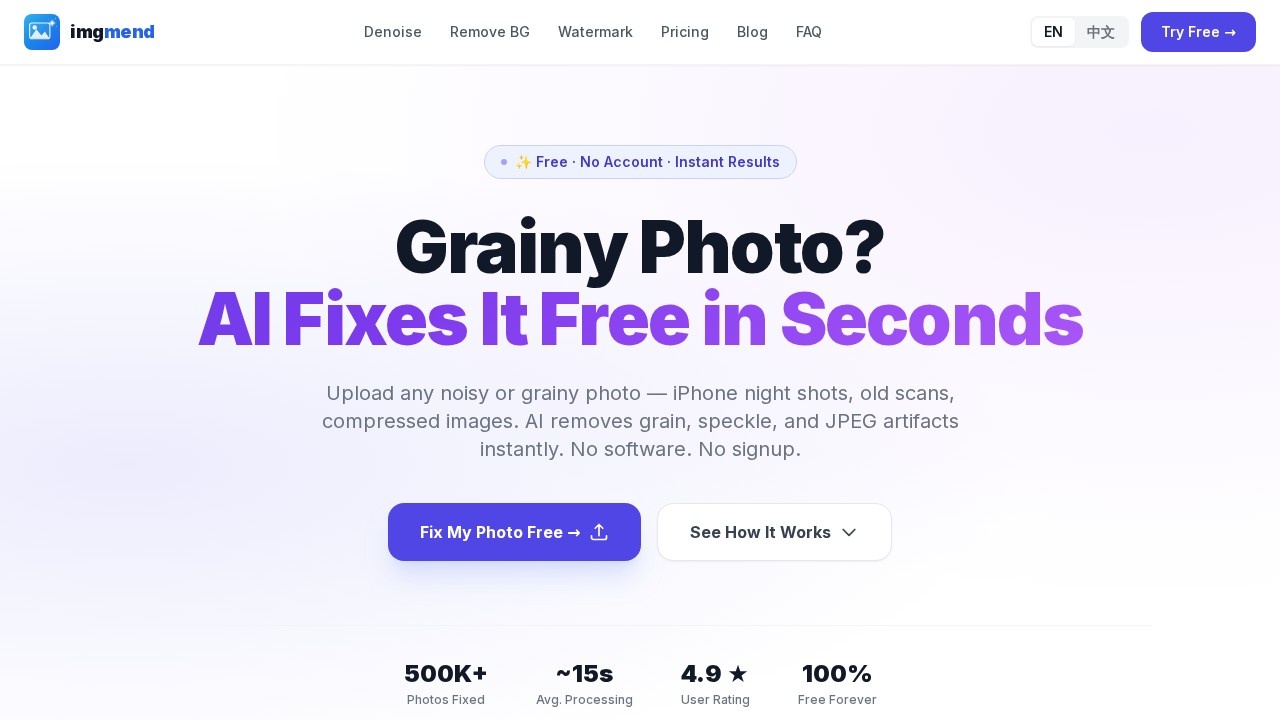
imgmend is a free AI-powered photo restoration tool that removes grain, noise, and JPEG artifacts instantly. Users upload noisy or grainy photos—such as iPhone night shots, old scans, or compressed images—and the AI cleans them up in seconds. No software installation or account signup is required, and images are processed in memory and deleted immediately for privacy. It supports JPG, PNG, and WEBP files up to 10 MB, with a limit of 3 free images per day.Application scenarios
Night photography
Clean up grainy low-light shots from iPhone or other cameras in seconds.
Old photo restoration
Remove grain and speckle from vintage scanned photos while preserving detail.
Event photography
Fix indoor event photos that come out grainy due to high ISO, as noted by a user testimonial.
Compressed image cleanup
Remove JPEG artifacts from heavily compressed images.
Quick photo sharing
Get a clean, clear photo for social media or personal use without editing software.
Privacy-sensitive projects
Process photos without storing or sharing them—images are deleted immediately after processing.
Core Features
AI noise remover
Upload a photo and the AI detects and removes grain, speckle, and JPEG artifacts while preserving real image detail.
Before/after comparison
Drag to compare the original and processed photo side by side, showing real results without retouching.
Instant processing
Get a clean photo back in seconds—no queue or waiting, with processing times under 30 seconds as shown in sample results.
No signup required
Use the tool immediately without creating an account or providing personal information.
Privacy-first design
Images are processed in memory and deleted immediately; the tool never stores or shares your photos.
Sample photo testing
Try the tool with pre-loaded sample photos (iPhone night or old scan) to see results without uploading your own.
HD Pro output
Upgrade to HD Pro for unlimited HD downloads with zero watermark—one-time payment, no subscription.
Cross-device support
Works with any device and handles all types of image noise, from iPhone grain to DSLR high-ISO noise.
Target users
imgmend is designed for anyone who needs quick, free noise removal without technical skills—photographers (especially event and low-light shooters), hobbyists restoring old family photos, social media users cleaning up compressed images, and privacy-conscious individuals who don't want their photos stored online. It's also ideal for casual users who don't want to pay for expensive software subscriptions like Photoshop or Lightroom.How to use imgmend?
- Go to imgmend.com and click "Try It Now — It's Free" or drag a photo onto the upload area.
- Upload a JPG, PNG, or WEBP file (max 10 MB) from your device or camera roll, or choose a sample photo to test.
- The AI automatically removes noise and grain—no settings or adjustments needed.
- Compare the before and after result using the drag slider.
- Download the cleaned photo. The free version gives you standard output; upgrade to Pro for unlimited HD downloads.
Pricing and free trial
imgmend offers a free tier with core denoising, before/after comparison, and support for JPG, PNG, and WEBP files—no credit card or account required. The free version includes 3 images per day. For unlimited HD downloads without a watermark, there's a one-time payment of $9.99 (imgmend Pro), which never expires and has no subscription. This is significantly cheaper than alternatives like Photoshop ($54.99/month), Lightroom ($9.99/month), or Topaz AI ($99/year).Effect review
User testimonials on the site confirm that imgmend delivers impressive results for a free tool. One photographer noted it cleaned up grainy indoor event photos in seconds, while a user restoring old scanned family photos praised its ability to remove grain without smearing detail, unlike Lightroom at high settings. Another user who tried multiple free denoisers said this one actually works without crashing or blurring everything. The before/after samples (night street, vintage scan, high-ISO grain) show clear improvements in under 30 seconds, suggesting the AI is specifically trained for noise removal rather than applying generic filters. For casual or frequent use, the 3-free-images-per-day limit is reasonable, and the $9.99 one-time HD upgrade is a fair value compared to subscription-based competitors.Frequently Asked Questions
What is imgmend?
Is imgmend free to use?
What file formats does imgmend support?
How long does it take to restore a photo?
Do I need to create an account to use imgmend?
What types of imperfections can imgmend fix?
imgmend - AI Tool Detail
AI photo restoration tool by imgmend that removes grain, noise, and JPEG artifacts instantly. Free, no signup required. Upload JPG, PNG, or WEBP files to get clean, clear photos in seconds.
Category:AI Photo Restoration
Visit Link:https://imgmend.com/
Tags:photo restoration、noise removal、JPEG artifact removal、free AI tool、image enhancement