Hearthlight
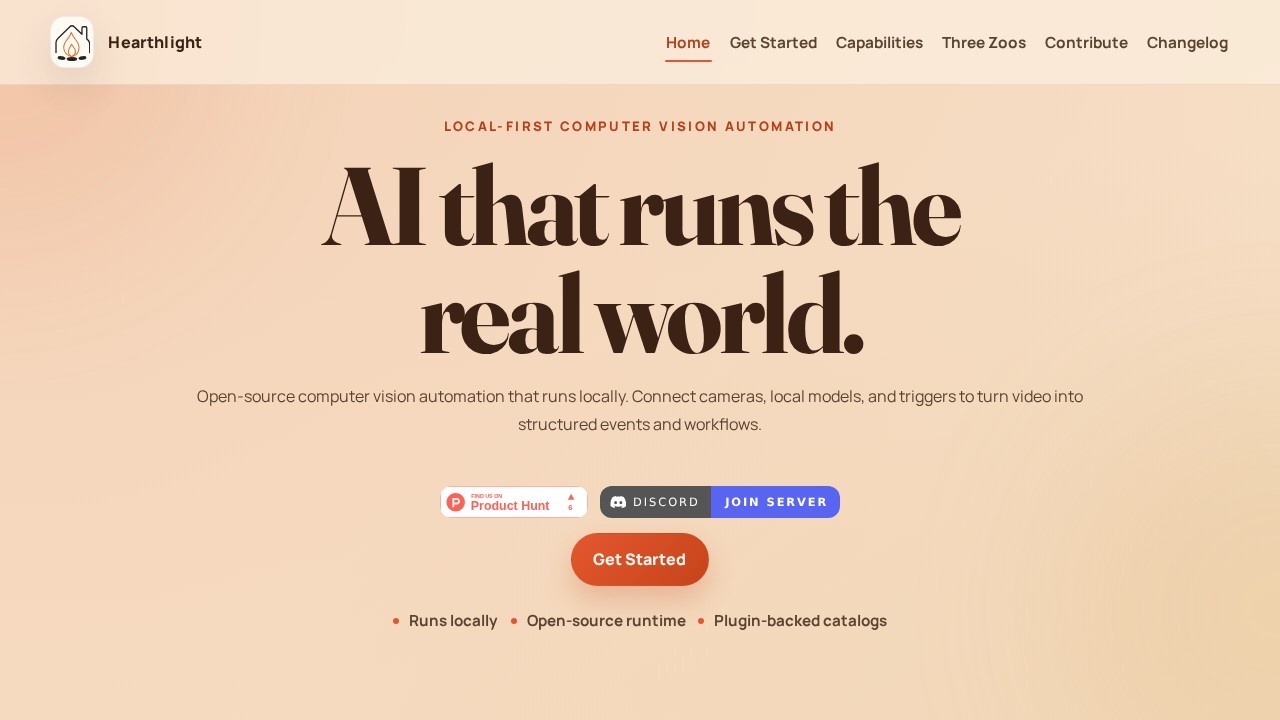
Hearthlight by Hearthlight provides local-first computer vision automation, enabling users to connect cameras, models, triggers, and actions to transform video into structured events and workflows.
What is Hearthlight?
Hearthlight is a local-first computer vision automation platform that runs AI models directly on your hardware. It connects cameras, local AI models, triggers, and connectors to turn video feeds into structured events and workflows. The system is open-source and designed for local operator control, meaning you keep data processing on-premises. It focuses on context and behavior before identity, avoiding pervasive biometric surveillance.Application scenarios
Security monitoring
Use RTSP cameras, HTTP feeds, or local webcams to detect anomalies and trigger alerts without cloud dependency.
Industrial automation
Connect physical systems and automations to respond to visual events in real time.
Retail analytics
Track foot traffic, behaviors, and incidents using local models and structured event outputs.
Research and prototyping
Experiment with computer vision models, triggers, and connectors in a plugin-based runtime environment.
Smart home integration
Run anomaly detection and action workflows from local video sources.
Event logging
Persist runs, incidents, entities, and recordings for follow-up analysis.
Core Features
Any video source
Process RTSP cameras, HTTP feeds, local webcams, and uploaded video through a single operator workflow.
Scalable YAML configuration
Save default model bindings, source overrides, anomaly prompts, and alert rules without editing raw YAML in the browser.
Outputs trigger anything
Persist runs, incidents, entities, anomaly events, and recordings so follow-up work starts from structured evidence.
Extensible plugin framework
Extend models, triggers, connectors, and optional integrations through restart-loaded plugin catalogs.
Model Zoo
Access detection, tracking, and reasoning AI models that define what the runtime can see.
Trigger Zoo
Define rules, prompts, behaviors, events, thresholds, and workflows that decide when something matters.
Connector Zoo
Connect notifications, APIs, automations, physical systems, and external tools that decide where alerts or actions go.
Local-first runtime
The entire system runs locally with the control plane designed for local operator control.
Open-source core
The runtime and plugin catalogs are open-source, allowing full transparency and customization.
Target users
Hearthlight is built for developers, system integrators, and operations teams who need local-first computer vision automation. It suits security professionals wanting on-premises monitoring, industrial engineers automating physical workflows, and researchers prototyping vision-based systems. Anyone who values data privacy and local control over cloud-dependent solutions will find this relevant.How to use Hearthlight?
Start by installing the runtime withpip install hear. Run hearthlight onboard to initialize the workspace, then inspect the current inventory. Launch the stack with hearthlight start --interactive to open the dashboard. From there, configure cameras, select models from the Model Zoo, set triggers in the Trigger Zoo, and define connectors in the Connector Zoo—all through the browser-based YAML interface.Effect review
Hearthlight delivers a practical, privacy-focused approach to computer vision automation. Its local-first design ensures data stays on your hardware, which is critical for security and compliance. The three-zoos architecture (models, triggers, connectors) provides a clear mental model for building workflows. The open-source runtime and plugin system give advanced users full control, while the command-line onboarding keeps setup explicit and repeatable. For teams that need structured event processing from video without cloud dependencies, Hearthlight offers a solid foundation.Frequently Asked Questions
What is Hearthlight?
Does Hearthlight require an internet connection?
What types of cameras are supported?
Can I use custom AI models with Hearthlight?
How do triggers and actions work?
Is Hearthlight suitable for beginners?
Hearthlight - AI Tool Detail
Hearthlight by Hearthlight provides local-first computer vision automation, enabling users to connect cameras, models, triggers, and actions to transform video into structured events and workflows.
Category:Automation
Visit Link:https://hearthlight.net/
Tags:computer vision、automation、local-first、video analysis、workflow