
Halo
Scam.ai’s Halo detects deepfakes on live calls, flagging synthetic faces in real time on Zoom, Teams, and Meet—all on your device. Built for finance and HR teams to verify identities and prevent fraud
What is Halo?
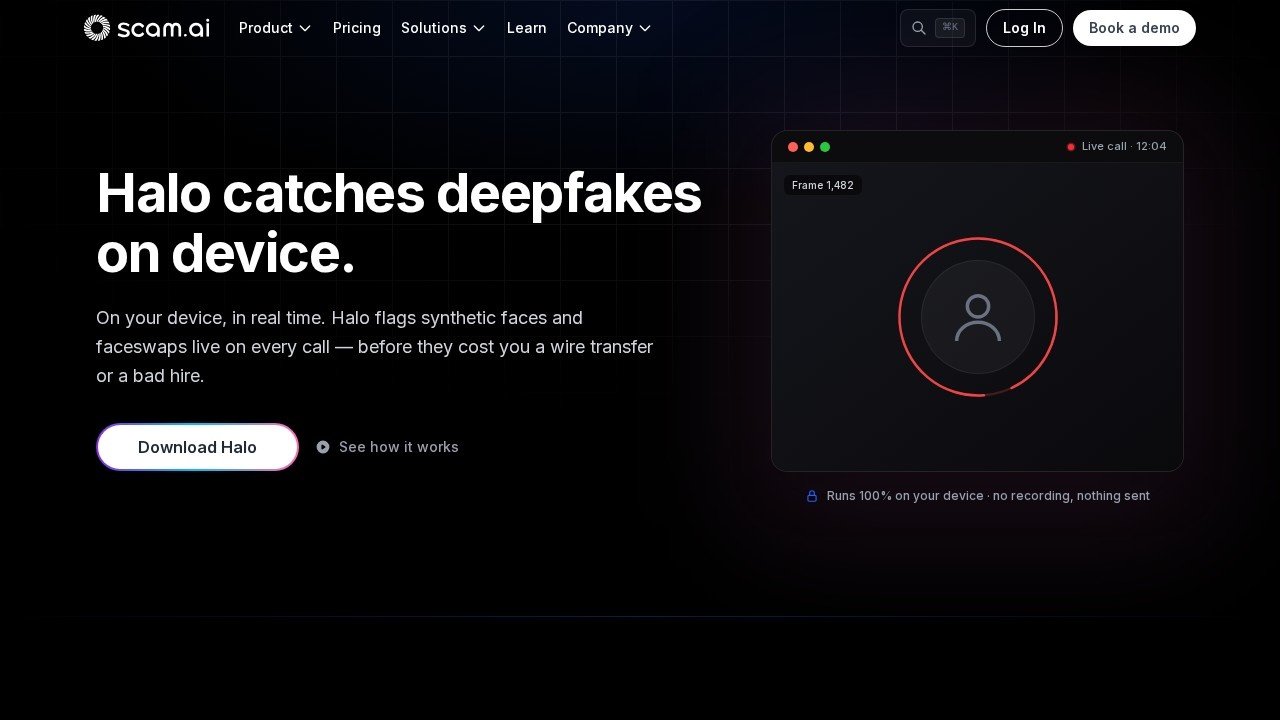
Halo is a real-time deepfake detection tool from Scam.ai that runs entirely on your Windows PC. It analyzes every face on live video calls—Zoom, Microsoft Teams, Google Meet, WebEx, and Slack—and flags synthetic faces or face-swaps the moment they appear. Finance and HR teams use it to verify they're talking to the real person before approving wire transfers or making hiring decisions. The entire detection process happens on-device: no recording, no uploads, no third-party servers.
Application scenarios
Wire transfer approval
Flags synthetic faces on live calls before a finance employee authorizes a transfer, targeting fraud like the Arup case where a deepfake CFO led to ~$25M in losses.
Executive assistant screening
Protects assistants and execs who routinely join calls with leadership and may not recognize a subtle face-swap.
HR interviews
Detects face-swaps during remote interviews to prevent bad hires from candidates using synthetic video.
Treasury and accounts payable
Monitors routine approval calls where fraudsters impersonate CFOs or colleagues to greenlight payments.
Compliance and audit
Leaves an on-device audit trail for fraud investigations and regulatory review.
Slack and WebEx calls
Extends protection beyond the big three conferencing platforms to internal and external chat-based video calls.
Core Features
Real-time on-device detection
Halo scans every face in the video frame-by-frame, roughly four times per second, and delivers a verdict while the call is still happening.
No cloud round-trip
Detection happens locally in the same moment as the call—no upload, queue, or download cycle, so alerts land before money moves.
Private by design
Video frames are analyzed in memory and discarded; nothing is recorded, stored, or transmitted to external servers.
Minimal attack surface
No network calls during detection, no frames in transit, and no third-party storage—fewer moving parts than cloud-based detectors.
System tray integration
Installs once on a Windows PC and sits in the tray next to your conferencing app—no plugins or browser extensions required.
Cross-platform call coverage
Works across Zoom, Microsoft Teams, Google Meet, WebEx, and Slack calls.
Synthetic media detection
Flags synthetic faces and face-swaps specifically, not just liveness checks—it protects the whole call, not just the login moment.
On-device audit trail
Keeps a local record of detections for fraud and compliance review.
Target users
Halo is built for finance and treasury teams—including accounts payable, exec assistants, and treasury staff—who approve money movement on video calls. HR and recruiting teams also benefit by verifying candidate identities during remote interviews. The tool is designed for organizations where a single deepfake call could cost millions or compromise hiring integrity.
How to use Halo?
Download Halo from the official Scam.ai site and install it on your Windows PC. It runs in the system tray alongside your conferencing app—no plugins or browser extensions. Once installed, it automatically scans every face on your live calls. If a synthetic face is detected, an alert surfaces during the call, giving you time to stop and verify the person's identity. For detailed setup instructions, visit the official website at https://www.scam.ai/en/halo.
Effect review
Halo addresses a genuine and growing threat: real-time face-swaps that bypass traditional security controls like email filters and login checks. The on-device architecture is a strong design choice—it eliminates the latency and privacy concerns of cloud-based detection, which matters for sensitive financial calls. The Arup case cited on the site (a ~$25M loss from a deepfake CFO call) gives the tool concrete real-world urgency. The frame-by-frame scanning at four times per second suggests detection is fast enough to be actionable mid-call. For finance and HR teams that already worry about social engineering, Halo offers a practical, privacy-preserving layer of defense. The lack of user testimonials or independent benchmarks on the site means you should test it in your own environment, but the feature set is well-aligned with the stated threat model.
Frequently Asked Questions
How does Halo detect deepfakes on live calls?
Which video conferencing platforms does Halo support?
Is Halo suitable for finance and HR teams?
Does Halo require any special hardware or software?
Can Halo work during poor internet connections?
Is Halo privacy-friendly?
Halo - AI Tool Detail
Scam.ai’s Halo detects deepfakes on live calls, flagging synthetic faces in real time on Zoom, Teams, and Meet—all on your device. Built for finance and HR teams to verify identities and prevent fraud
Category:Customer Service Bot
Visit Link:https://www.scam.ai/en/halo
Tags:deepfake detection、real-time video verification、fraud prevention、video call security、identity verification