
Google Workspace
Google's secure, online suite of productivity tools that empowers teams to collaborate, communicate, and get work done from anywhere.
What is Google Workspace?
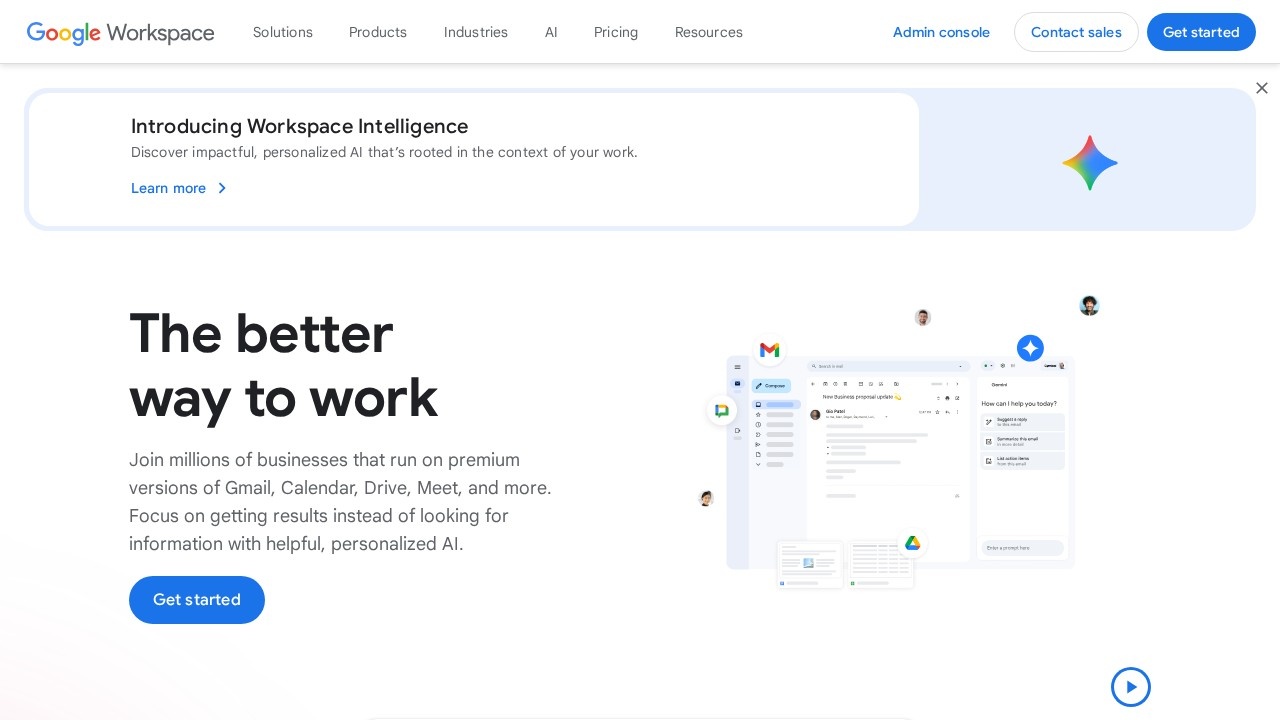
Google Workspace is a secure, cloud-based suite of productivity tools that includes premium versions of Gmail, Calendar, Drive, Meet, and more. It empowers teams to collaborate, communicate, and get work done from anywhere, with personalized AI built into the core experience. Businesses use it to focus on getting results instead of searching for information, leveraging intelligent tools that bring work context directly to users. The platform is designed for real-time collaboration, enterprise-grade security, and seamless integration across all its applications.Application scenarios
Business communication
Use Gmail with a custom business email (@yourcompany) and branded layouts for professional client outreach.
Team collaboration
Work on documents, spreadsheets, and presentations in real time with colleagues across devices using Docs, Sheets, and Slides.
Video conferencing
Host high-quality meetings with noise cancellation, recording, and transcription capabilities via Meet.
Project management
Manage tasks, take digital notes, and build team or project sites using Tasks, Keep, and Sites.
Contract management
Streamline vendor agreements and customer contracts with eSignature capabilities in Docs.
Data analysis and research
Generate data insights and conduct deep research with the help of AI, including Gemini and NotebookLM.
No-code app development
Create custom apps and automations without coding using AppSheet.
Core Features
Personalized AI built-in
Intelligent tools bring the context of your work to you, helping you craft content, generate data insights, and conduct deep research faster.
Custom business email
Stand out with a professional email at your company domain and use mail-merge for personalized messaging.
Cloud storage
Securely store data in Google's security-by-design cloud infrastructure, with up to 5TB per user.
Video conferencing
Connect with high-quality video, noise cancellation, and the ability to record and transcribe meetings.
Shared calendars
Simplify booking with appointment scheduling that lets customers book time directly via a personal booking page.
eSignature
Streamline contract management by requesting electronic signatures on vendor agreements and customer contracts.
AI-powered security
Automatically identify and classify sensitive data to minimize data loss and meet compliance requirements.
Gemini AI assistant
An AI assistant integrated across the suite to help with writing, analysis, and research tasks.
No-code apps
Build custom applications and automations without any programming knowledge using AppSheet.
Real-time collaboration
Work together on documents, spreadsheets, and presentations from any device, with tools that are always up-to-date.
Target users
Google Workspace is designed for businesses of all sizes, from small teams to large enterprises. It's ideal for professionals who need reliable collaboration tools—including sales teams managing contracts, marketing teams creating branded content, project managers tracking tasks, and IT administrators requiring enterprise-grade security and compliance controls.How to use Google Workspace?
To get started, visit the Google Workspace website and sign up for an account. You can choose a plan that fits your business needs, then set up your custom email domain and invite team members. Once signed in, you can immediately start using Gmail, Calendar, Drive, Meet, and other tools. For AI features, simply begin working in Docs, Sheets, or Gmail—Gemini and other intelligent tools will provide contextual assistance automatically.Effect review
Google Workspace delivers a mature, integrated productivity ecosystem that feels cohesive and intuitive. The AI features, particularly Gemini and NotebookLM, add genuine value by reducing time spent searching for information and accelerating content creation. The real-time collaboration across Docs, Sheets, and Slides is seamless, making it a strong choice for distributed teams. While the platform is feature-rich, its true strength lies in how naturally these tools work together, from eSignature in Docs to appointment scheduling in Calendar. For businesses already in the Google ecosystem, Workspace is a no-brainer upgrade; for others, it offers a compelling, secure alternative to traditional office suites.Frequently Asked Questions
What is Google Workspace?
How much does Google Workspace cost?
Can I use Google Workspace for free?
Is Google Workspace secure?
Can Google Workspace integrate with other tools?
Google Workspace - AI Tool Detail
Google's secure, online suite of productivity tools that empowers teams to collaborate, communicate, and get work done from anywhere.
Category:Document processing
Visit Link:https://workspace.google.com/
Tags:productivity、collaboration、cloud suite、remote work、team communication