
Google Drive
Google Drive by Google provides cloud storage and file sync for personal or business use, enabling users to store, share, and collaborate on documents, spreadsheets, and presentations securely.
What is Google Drive?
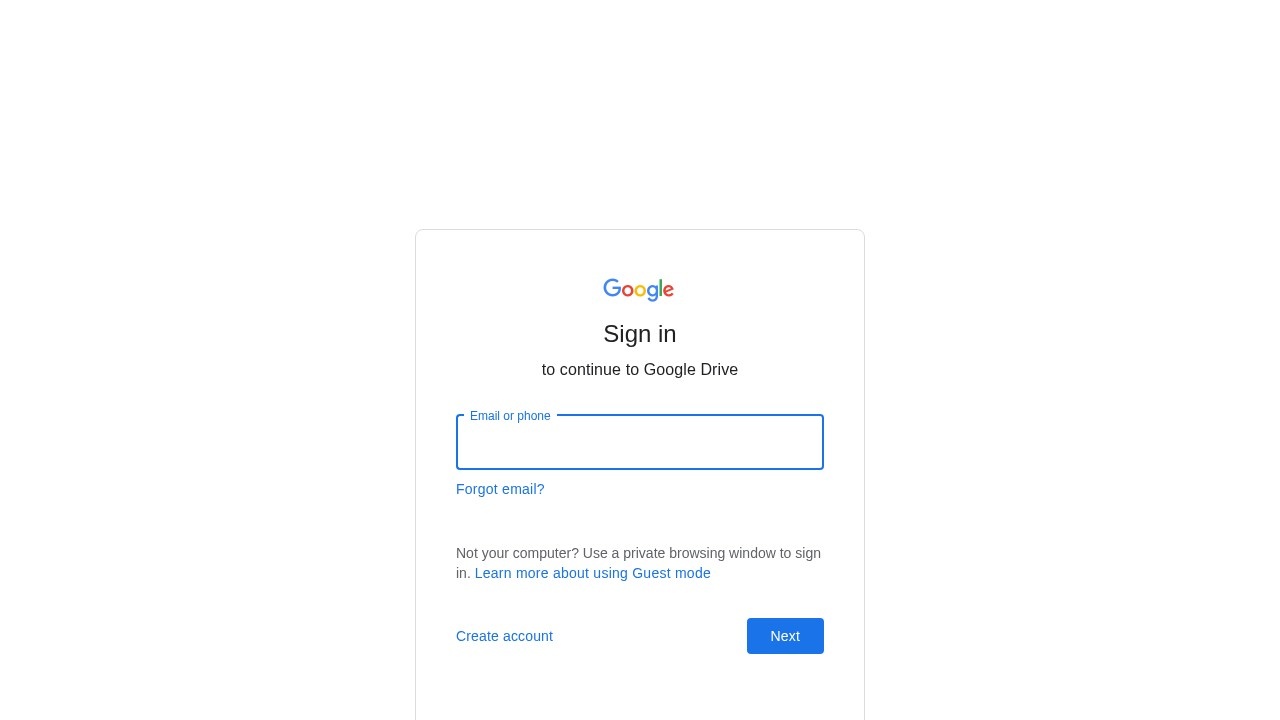
Google Drive is Google's cloud storage and file synchronization service. It allows users to store, share, and collaborate on documents, spreadsheets, and presentations securely. The product is accessed through a Google account sign-in page, emphasizing privacy with options like Guest mode for private browsing. It is designed for both personal and business use, enabling seamless file management across devices.
Application scenarios
Personal file storage
Store photos, videos, and documents in the cloud for access from any device.
Team collaboration
Share files and folders with colleagues for real-time editing on documents and spreadsheets.
Business document management
Organize and sync work files securely across teams.
Remote work
Access files from anywhere with an internet connection, supporting flexible work environments.
Education
Share lecture notes, assignments, and project files with students or classmates.
Backup and recovery
Keep important files safe with automatic cloud backup.
Core Features
Cloud storage
Store files of any type in Google's secure cloud infrastructure.
File sharing
Share files and folders with others via email or link, with customizable permissions.
Real-time collaboration
Multiple users can edit documents, spreadsheets, and presentations simultaneously.
Cross-device sync
Access and sync files across computers, tablets, and smartphones.
Google Workspace integration
Seamlessly work with Google Docs, Sheets, Slides, and other Google apps.
Guest mode
Sign in privately on shared computers using Guest mode for enhanced security.
Account recovery
Use the "Forgot email?" feature to recover access to your account.
Target users
Google Drive serves a broad audience: individual users needing personal cloud storage, small business teams requiring file sharing and collaboration, remote workers who need cross-device access, educators distributing course materials, and anyone who wants secure backup for important files.
How to use Google Drive?
- Go to the Google Drive sign-in page (drive.google.com).
- Enter your Google account email or phone number.
- If using a shared computer, select "Use Guest mode" for private browsing.
- Click "Next" and enter your password to access your Drive.
- Upload files, create new documents, or organize existing content.
- Share files with others by generating links or inviting collaborators.
Effect review
Google Drive is a reliable, widely adopted cloud storage solution that excels at basic file management and collaboration. The sign-in process is straightforward, with clear options for account recovery and private browsing. While the website excerpt only shows the login page, the service's reputation for seamless integration with Google Workspace and real-time editing makes it a practical choice for most users. For those already in the Google ecosystem, it's an essential tool. The lack of pricing or feature details in the provided text means users should visit Google's official site for complete information on storage limits and premium plans.
Frequently Asked Questions
What is Google Drive?
How much free storage does Google Drive offer?
Can I access Google Drive offline?
How do I share a file or folder in Google Drive?
Is Google Drive secure?
Can I collaborate in real-time on Google Drive?
Google Drive - AI Tool Detail
Google Drive by Google provides cloud storage and file sync for personal or business use, enabling users to store, share, and collaborate on documents, spreadsheets, and presentations securely.
Category:Document processing
Tags:cloud storage、file sync、collaboration、document sharing、Google Workspace