
Coda
Coda is an all-in-one platform by Coda that combines documents, spreadsheets, applications, and AI to help teams organize and automate their work.
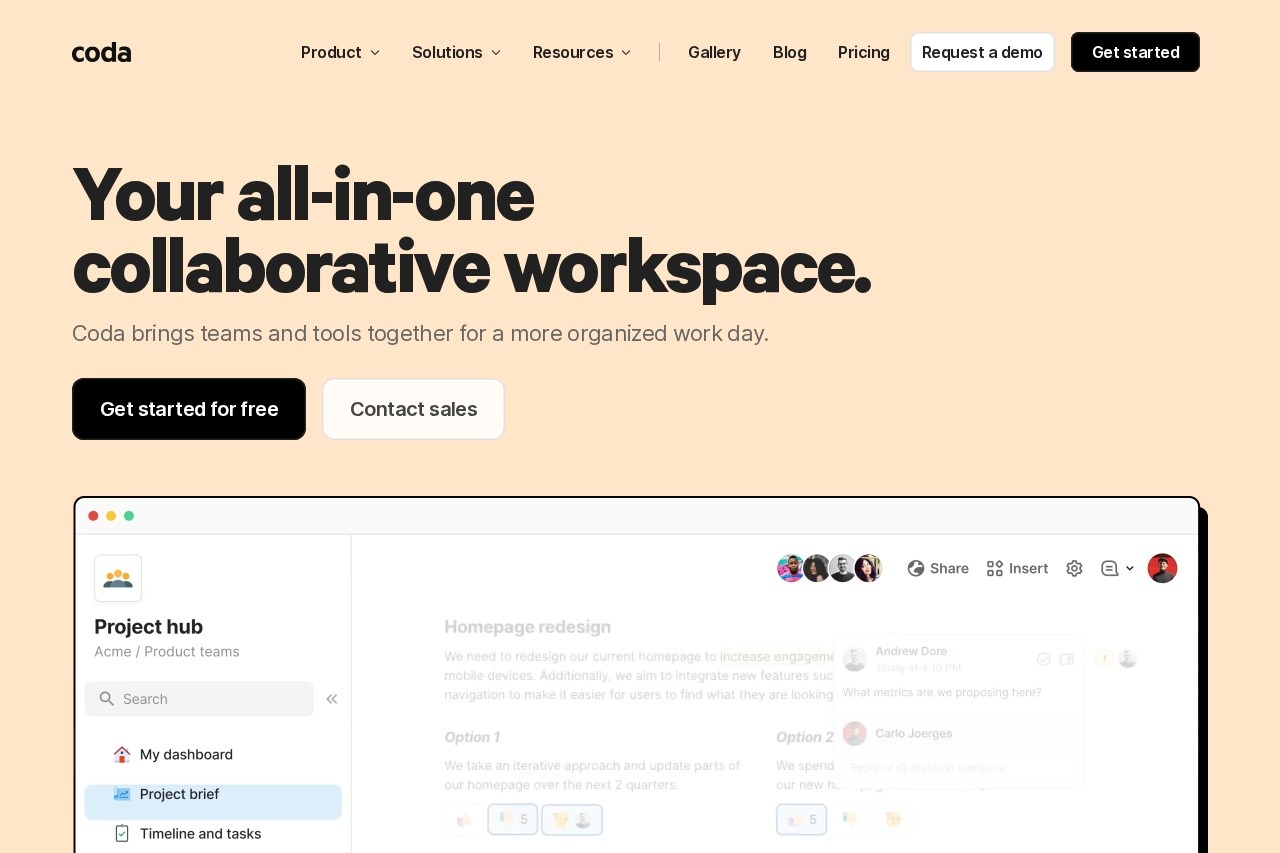
What is Coda?
Coda is an all-in-one collaborative workspace. It combines documents, spreadsheets, and applications into a single platform to help teams organize and automate their work. Teams use it to centralize information, build custom tools, and foster collaborative workflows. The platform integrates AI to assist with content creation and task automation.Application scenarios
Team Hubs
Creating a central place for team strategy, schedules, and information.
Decision Documentation
Facilitating collaborative decision-making with structured documents and voting exercises.
Project & Product Tracking
Building interactive roadmaps and trackers that sync data across views.
Custom Applications
Designing time-saving solutions to replace niche apps in a tool stack.
Content Creation & Brainstorming
Using AI chat to generate ideas, create content, and ask questions.
Workflow Automation
Connecting tools to automatically push updates or pull data between platforms.
Core Features
AI Chat
Spark dynamic dialogue with Coda AI to brainstorm, create content, or ask questions.
AI Assistant
Let Coda AI start from scratch, summarize information, or generate tables to speed up work sharing.
AI Column
Turn data into insights or automate tedious tasks by using AI to generate content at scale.
Interactive Tables
Create tables where data syncs across the doc and views can be personalized, moving beyond basic spreadsheets.
App Building
Design custom solutions using formulas, buttons, and automations without code.
Extensive Integrations
Connect over 600 tools, such as pulling Google Calendars into a wiki or pushing updates into Slack automatically.
Template Gallery
Access customizable solutions and templates tailored for specific teams like Product, Sales, Engineering, Design, Marketing, and HR.
Collaborative Documents
Work in a familiar doc-like interface that is also engaging like an application.
Target users
Coda is built for teams across various functions seeking to consolidate tools and improve collaboration. It specifically highlights solutions for:- Product teams
- Sales teams
- Engineering teams
- Design teams
- Marketing teams
- HR teams
How to use Coda?
You can get started for free by visiting the official website. The platform offers a gallery of published solutions and numerous pre-built templates for different team use cases, which provide an easy starting point. Users can customize these templates, add AI features, and connect their other work tools through integrations to build a tailored workspace.Pricing and free trial
A free tier is available, as indicated by the "Get started for free" call-to-action. The site also directs users to "Contact sales," implying the existence of paid plans, though specific pricing details are not provided in the excerpt.Effect review
Coda is used by over 50,000 teams, indicating significant adoption for organizing work. It has been recognized by Fast Company as being "more powerful than Google Docs and more flexible than Airtable or Notion." The platform's focus on replacing scattered documents, trackers, hubs, and niche applications with a unified, AI-assisted workspace suggests a strong value proposition for reducing tool complexity and improving team coordination. The breadth of templates and integrations supports its aim to be a versatile central hub for diverse team needs.Frequently Asked Questions
What is Coda?
How does Coda use AI?
Is Coda free to use?
Can Coda integrate with other tools?
What types of teams use Coda?
How does Coda differ from traditional documents or spreadsheets?
Coda - AI Tool Detail
Coda is an all-in-one platform by Coda that combines documents, spreadsheets, applications, and AI to help teams organize and automate their work.
Category:Project Management
Visit Link:https://coda.io/
Tags:document collaboration、workflow automation、AI productivity、team management、no-code platform