
What is EasyClaw?
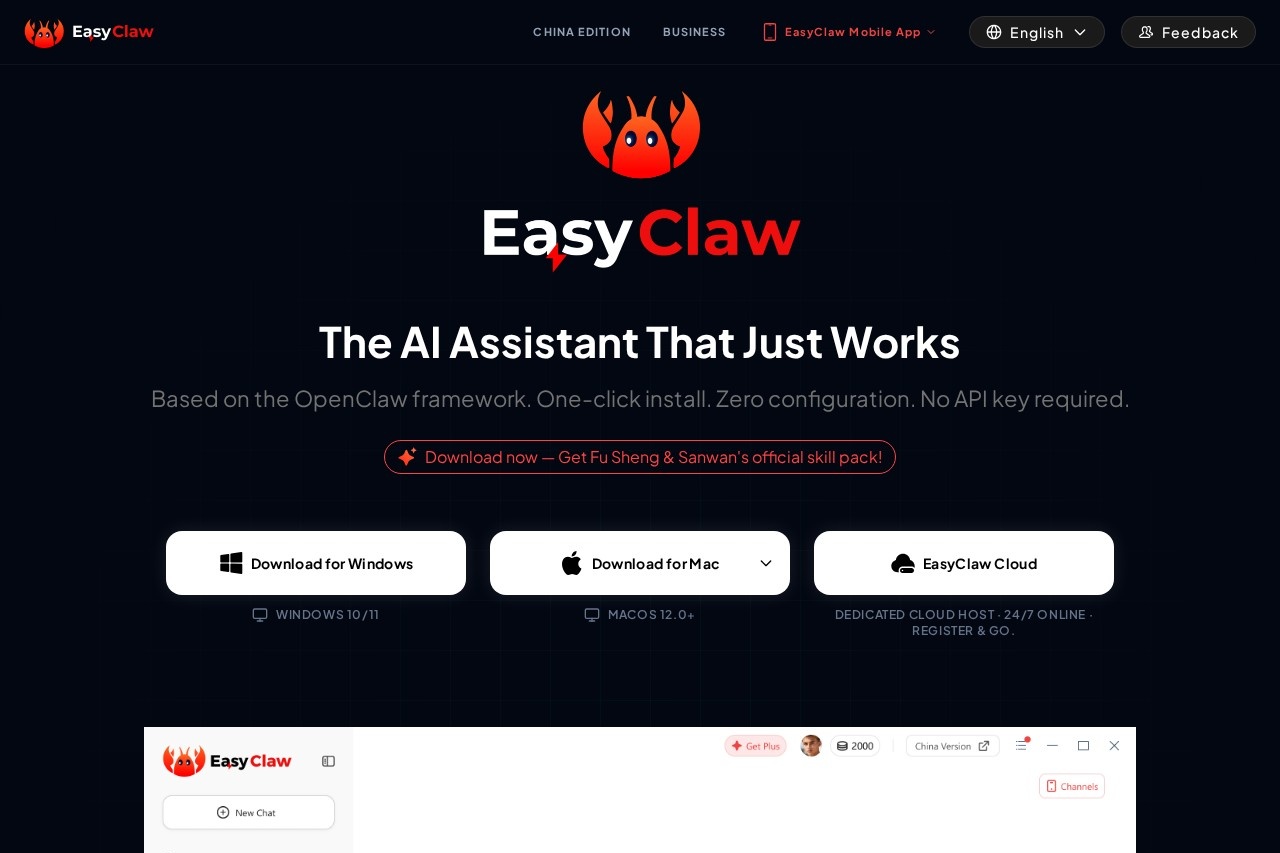
EasyClaw is a native desktop application for Mac and Windows that lets you control an AI agent directly from your computer. It is built on the OpenClaw framework and requires zero configuration or API keys to start. Users primarily employ it to automate desktop and web application tasks through natural language commands. The tool processes AI functions via a secure cloud while executing automated actions locally on your device.Application scenarios
Real-time Translation
Automatically translate text in real-time across applications.
Inbox Orchestration
Manage and organize your email inbox automatically.
Support Tickets
Handle and process customer support tickets.
Document Summary
Generate summaries of long documents.
Tax Calculation
Automate financial calculations for tax purposes.
Price Comparison
Monitor and compare prices across different platforms.
Code Review
Automate the process of reviewing code snippets.
Core Features
One-click install
Install the application on Windows or Mac with a single download and no complex setup.
Zero-config setup
Start automating immediately without configuring Python, Docker, scripts, or API keys.
Secure sandbox
Process screen captures and local automation data on-device without retaining the data.
Desktop native control
Interact with system-level UI and web applications natively to drive your operating system.
Global relay
Command your desktop computer remotely from your mobile device via text.
Multi-channel support
Send commands to your desktop through connected apps like WhatsApp, Telegram, Discord, Slack, and Feishu.
Cloud Edition
Access a dedicated, always-online cloud host by registering for the EasyClaw Cloud Edition.
Local data integrity
Keep automation data local, with only AI queries transmitted to third-party model providers.
Target users
This tool benefits individuals and professionals looking to automate repetitive desktop tasks without technical setup. It is suited for users managing administrative workflows, customer support, personal productivity, and basic development tasks like code review. Teams that coordinate via messaging platforms like Slack or Discord can use it to trigger desktop actions remotely.How to use EasyClaw?
Download the native desktop app for Windows 10/11 or macOS 11+ from the official website. Run the installed application—no configuration, Python, or API keys are required. To automate a task, you can send a natural language command either directly from your desktop or remotely by texting via a supported messaging app like WhatsApp or Slack. The AI agent then executes the action natively on your system.Effect review
EasyClaw positions itself as a practical automation tool by emphasizing immediate usability and a privacy-focused architecture. The promise of zero configuration and one-click installation removes a significant barrier to entry for desktop automation. By processing sensitive actions locally and only sending queries to AI models, it addresses core privacy concerns for users handling data on their personal computers. The ability to trigger this automation from popular mobile messaging apps extends its utility beyond the desk, making it a flexible assistant for on-the-go commands. The broad list of use cases suggests a tool designed for general productivity rather than niche technical functions.Frequently Asked Questions
What is EasyClaw?
Which operating systems does EasyClaw support?
Do I need technical skills or terminal knowledge to use EasyClaw?
What is the secure sandbox feature in EasyClaw?
Is EasyClaw free to use?
How do I get started with EasyClaw?
EasyClaw - AI Tool Detail
EasyClaw by OpenClaw is a native desktop app for Mac and Windows, offering a secure sandbox and zero-config setup to control your AI agent directly from your desktop without using the terminal.
Category:Claw Product
Visit Link:https://easyclaw.com/
Tags:AI agent、desktop application、sandbox、Mac、Windows