Dominican Audio Decoder
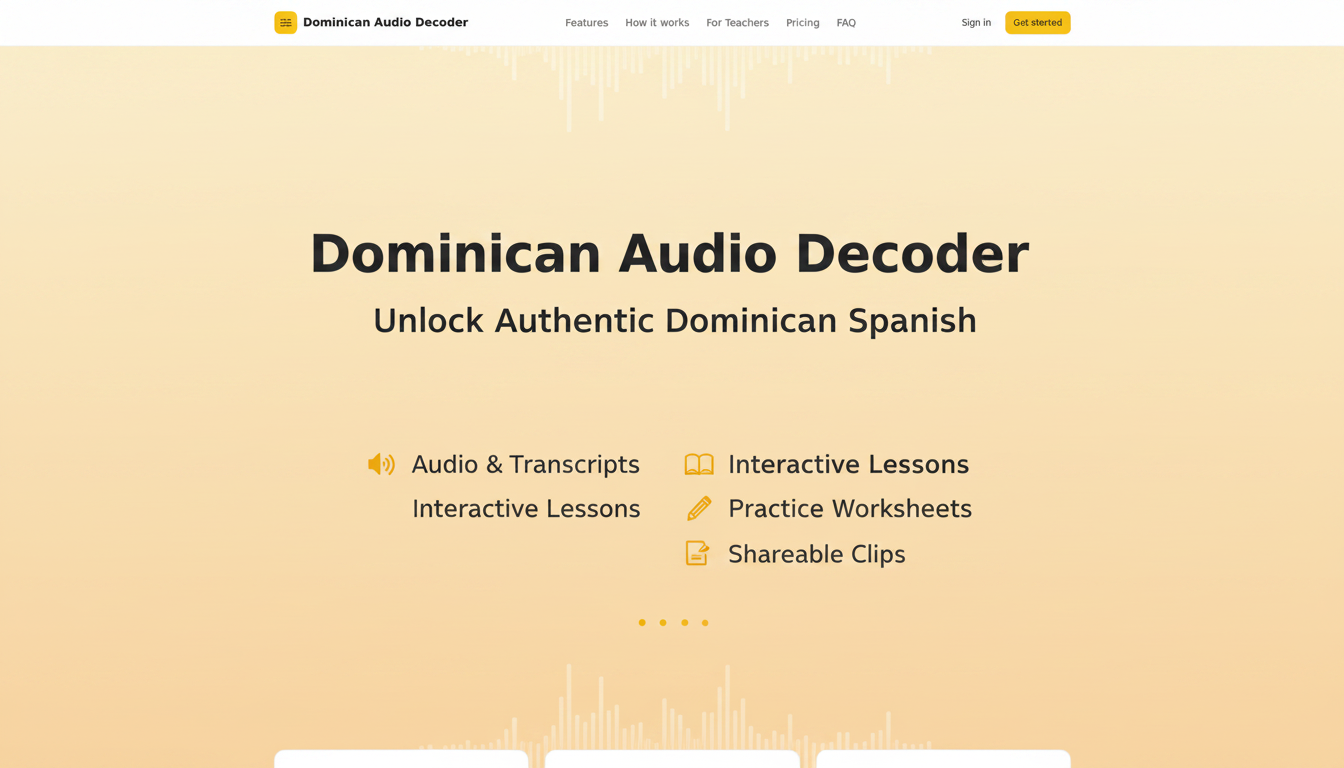
Audio decoder by Español con Cibaenas for slowing down, segmenting, and decoding rapid Dominican Spanish, enabling clear comprehension of every word through upload or direct recording.
What is Dominican Audio Decoder?
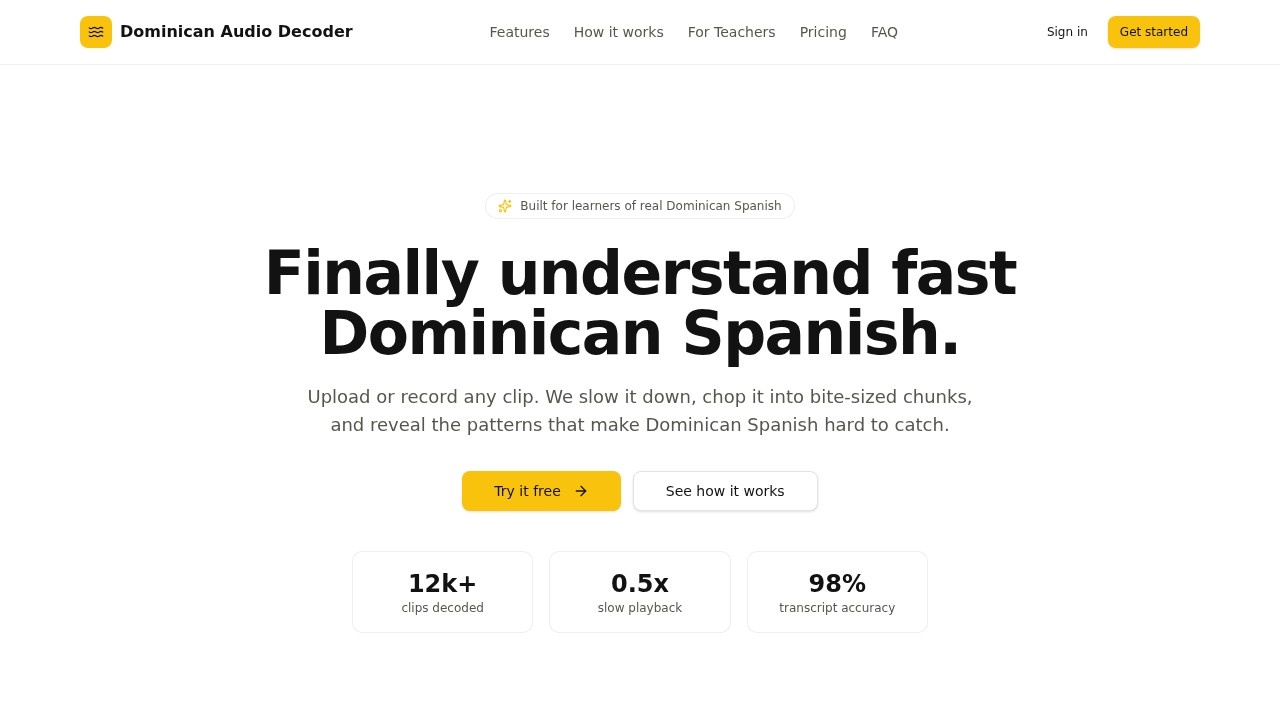
Dominican Audio Decoder is a focused audio tool built for learners of real Dominican Spanish. It allows users to upload or record any audio clip up to 90 seconds, then automatically slows it down, chops it into bite-sized chunks, and reveals the phonetic shortcuts that make Dominican Spanish hard to catch. The tool turns any clip into a guided listening lab, helping users hear, segment, and recognize what’s actually being said. It’s designed specifically to bridge the gap between textbook Spanish and the fast, clipped speech heard on the street.Application scenarios
Self-study
Learners can upload Dominican Spanish audio (e.g., songs, conversations, or bachata clips) to decode rapid speech at their own pace.
Tutoring
Spanish tutors send students audio clips to practice chunked playback and pattern recognition in lessons.
Heritage speaker practice
Heritage speakers use it to keep up with fast-talking family members, like an abuela, and learn why they get lost.
Duolingo or Babbel supplement
Users from Duolingo, Babbel, and other apps use it to apply classroom knowledge to real-world Dominican Spanish.
iTalki or Berlitz coaching
iTalki tutors and Berlitz coaches recommend it for learners struggling with rapid speech and word truncation.
Cultural immersion
Bachata fans or travelers to the Dominican Republic decode song lyrics or street chatter to understand cultural references.
Core Features
Upload or record audio
Drop a file or hit record directly in the tool; clips are limited to 90 seconds.
Speed control
Toggle playback instantly to 0.5x or 0.75x speed during listening.
Chunked playback
Audio is split into clickable 2–4 second segments aligned to the transcript, so users can replay tricky parts.
Pattern detection
The tool highlights phonetic shortcuts with inline labels (e.g., “estás → ta’”, “para → pa’”, “todo → to’”).
Clean transcript
An auto-generated, formatted, and readable transcript is produced for each clip.
One-click processing
After uploading or recording, the transcript, chunks, and patterns are generated in a single click.
Breakdown view
The tool provides a separate breakdown section showing phrases and their corresponding patterns.
Target users
This tool is for anyone learning Dominican Spanish, from Duolingo learners and Babbel users to iTalki tutors and Berlitz coaches. It’s also used by heritage speakers who want to keep up with fast-talking family members, and Spanish tutors who need a focused listening tool for their students. Advanced learners who feel stuck despite knowing textbook Spanish will find it especially useful.How to use Dominican Audio Decoder?
- Step 1 – Capture audio: Upload an audio file or record up to 90 seconds directly in the tool.
- Step 2 – Process in one click: The tool automatically generates a transcript, audio chunks, and pattern labels.
- Step 3 – Decode and replay: Use the speed control (0.5x or 0.75x) to slow down playback, click any chunk to repeat it, and study the phonetic patterns shown inline.
Pricing and free trial
- Free tier ($0): Includes 3 audio decodes total, short audio clips, transcript, slow playback, and basic Dominican Spanish decoding.
- Premium Access ($19/30 days): Unlocks more audio decoding access, up to 90 seconds per clip, transcript, and slow playback (the full decoder for 30 days).
Effect review
User feedback is strong: the tool holds a 4.9 average rating from over 1,200 learners. One B2 learner in Berlin reported catching full sentences after a week, while a Spanish tutor called the chunk player “exactly the tool I wish I had built myself.” A heritage speaker noted it helped them keep up with their fast-talking abuela and understand why they were getting lost. The tool also claims a 98% transcript accuracy and a 3.5x faster comprehension rate after two weeks, with 92% of users catching common patterns like “ta’” and “pa’” on the first try. For a niche problem—decoding rapid Dominican Spanish—this focused toolkit delivers real, measurable results.Frequently Asked Questions
What is Dominican Audio Decoder?
How does the audio decoding work?
Can I use it with live recordings?
Is the tool free to use?
What formats are supported for upload?
Who is this tool for?
Dominican Audio Decoder - AI Tool Detail
Audio decoder by Español con Cibaenas for slowing down, segmenting, and decoding rapid Dominican Spanish, enabling clear comprehension of every word through upload or direct recording.
Category:Speech processing
Visit Link:https://decoder.espanolconcibaenas.com/
Tags:Dominican Spanish decoder、audio slow down、Spanish comprehension tool、AI speech segmentation