
Dubbing AI
Dubbing AI by Dubbing.tech offers a real-time AI voice changer and soundboard, featuring unique effects like the Ghostface voice for seamless use on Discord, Zoom, and OBS.
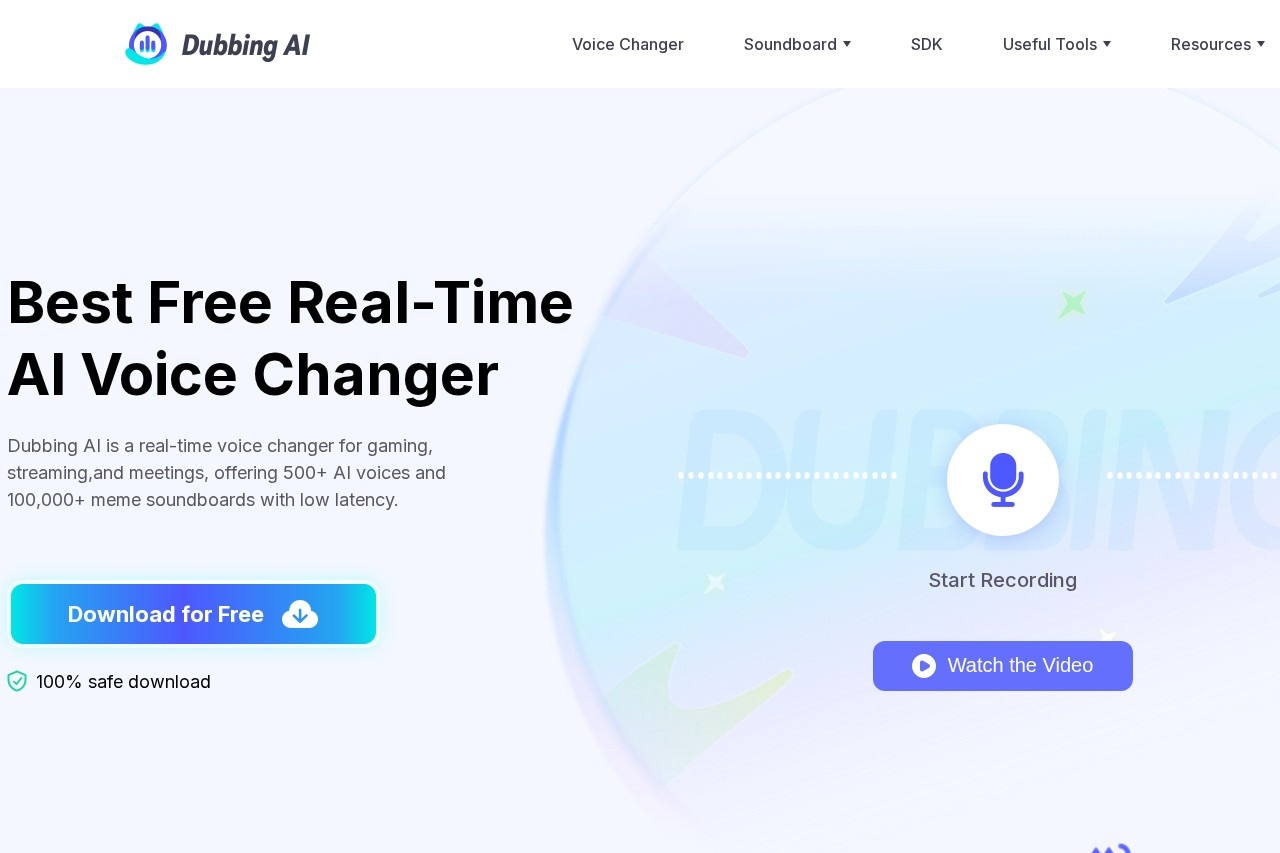
What is Dubbing AI?
Dubbing AI is a real-time AI voice changer and soundboard application. It allows users to instantly transform their voice during live activities like gaming, streaming, and online meetings. The tool provides access to over 500 AI voices and more than 100,000 meme sound effects. Users primarily deploy it on platforms such as Discord, Zoom, OBS, and VRchat for entertainment and content creation.Application scenarios
Live Streaming
Streamers can use character voices and meme soundboards to create more engaging and creative live content.
Online Gaming
Players can role-play with realistic character voices in games like *League of Legends* or *Fortnite* to enhance immersion.
Social & Chat Apps
Users can surprise friends or role-play with new voices on apps like Discord, WhatsApp, and VRchat.
Online Meetings
Participants can secure their identity or add humor by using a different voice on calls via Zoom and similar platforms.
Content Creation
Creators can pair new avatar or face filter apps with a matching AI-generated voice for videos and AR content.
Core Features
Real-time voice changing
The software changes your voice with under 30ms of latency, requiring no pre-recording.
Massive voice library
Access a library of over 500 AI voices, including characters from popular games, anime, and celebrities.
Extensive soundboard
Use a library of over 100,000 meme sound effects sourced from trends, TikTok, games, and anime.
Community soundboard
Upload and share your own custom sound effects with the community.
Virtual audio device
Route your changed voice by selecting the "Microphone (Dubbing Virtual Device)" as your input in other applications.
Live preview
Use the "Hear Myself" toggle to demo your new voice before sending it live.
Mobile compatibility
Connect the optional Dubbing Box hardware to use the AI voice changer on a smartphone.
One-step AI voice generator
Quickly generate voices to help boost and run your streaming channel.
Target users
This tool directly benefits live streamers, online gamers, and video content creators looking to enhance their productions. It is also suited for social users on platforms like Discord and VRchat who want to role-play or have fun with friends, as well as professionals in remote meetings seeking privacy or a lighthearted tone.How to use Dubbing AI?
- Download and install the Dubbing AI application on your PC.
- Open the software and select your main microphone as the input device.
- Navigate to the "Voicebox" menu to browse and select from over 500 voice filters.
- Ensure the "Voice Changer" toggle at the bottom of the window is turned on.
- Use the "Hear Myself" toggle to preview your altered voice.
- In your target application (e.g., Discord, Zoom, a game), set your microphone input to "Microphone (Dubbing Virtual Device)." Your transformed voice will now be active in that app.
Pricing and free trial
The website explicitly promotes a "Best Free Real-Time AI Voice Changer" and features a prominent "Download for Free" button, indicating a free version or free tier of the software is available. No specific pricing plans for premium features are detailed in the provided text.Effect review
The website positions Dubbing AI as a tool to "take real-time voice transformation to the next level," emphasizing speed and a vast library for creativity. The core promise is low-latency performance (under 30ms), which is critical for real-time interaction during gaming and streaming. The extensive catalog of voices and meme sounds suggests a strong focus on entertainment and community-driven content, making it a specialized tool for users who prioritize fun and engagement over professional-grade audio editing.Frequently Asked Questions
What is Dubbing AI?
Is Dubbing AI free to use?
What platforms does Dubbing AI support?
What is the Ghostface voice effect?
How does the real-time voice changing work?
Can I use Dubbing AI for professional dubbing?
Dubbing AI - AI Tool Detail
Dubbing AI by Dubbing.tech offers a real-time AI voice changer and soundboard, featuring unique effects like the Ghostface voice for seamless use on Discord, Zoom, and OBS.
Category:Speech synthesis
Visit Link:https://dubbing.tech/
Tags:AI voice changer、real-time voice effects、Discord tools、soundboard、voice modulation