
Speakoala
Speakoalaは、任意のウェブサイトやローカルドキュメントを自然な音声で読み上げます。選択範囲やテキストの再生に対応し、70以上の言語と300以上の音声を提供します。
What is Speakoala?
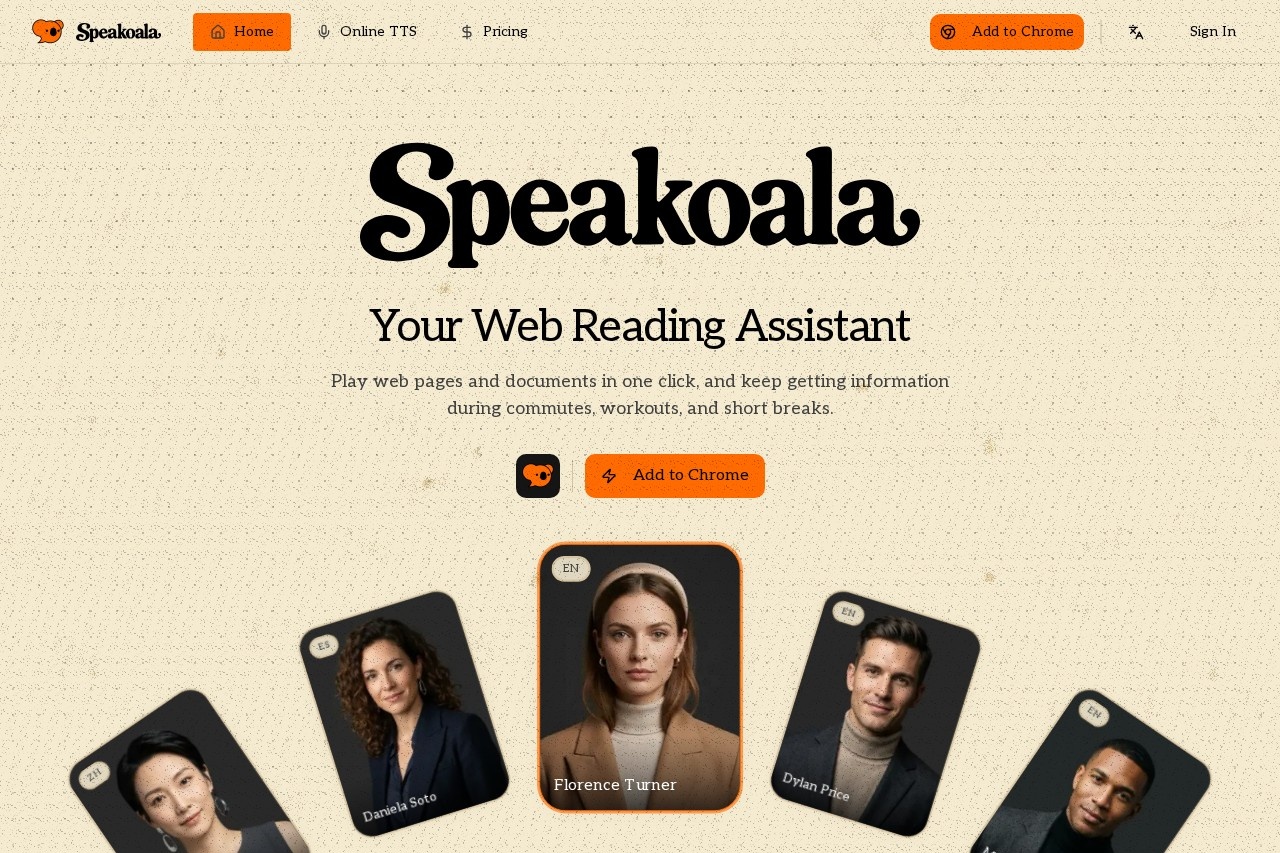
Speakoala is a browser extension that reads web pages and documents aloud using natural-sounding voices. It lets users listen to content during commutes, workouts, or short breaks instead of reading on-screen. With support for 70+ languages and 300+ voice options, it turns emails, articles, research papers, and local files into speech. The tool is free to start, with paid plans for more natural voices.Application scenarios
Commuting
Listen to newsletters, blog posts, or research notes while traveling.
Workouts
Keep up with web articles or social media threads during exercise.
Chores
Play long-form content like novels or forum discussions while doing housework.
Accessibility
Use audio for long reads to reduce visual fatigue and support screen-free browsing.
Reading local files
Upload PDF, DOCX, or EPUB documents to have them read aloud.
Multilingual use
Switch between accents and languages (e.g., English, Chinese, Spanish, Hindi) without changing your workflow.
Core Features
One-click playback
Play any web page or document with a single click from the extension panel.
Selected-area reading
Read only selected text on a page, not the entire content.
70+ languages with natural voices
Access voices for languages including English, Chinese, Spanish, Hindi, Arabic, Portuguese, and more.
300+ voice options
Choose from a wide range of voice styles and accents across supported languages.
Word-level sync and controls
Follow highlighted subtitles as the audio plays, and control speed, pause, and replay precisely.
Web and local file support
Read articles, emails, PDFs, and DOCX files from one unified extension panel.
Natural vs. robotic voices
Free tier uses robotic voices; paid plans unlock dozens of natural-sounding voices.
Target users
Busy professionals who want to consume content hands-free, students reading research papers or online textbooks, commuters and multitaskers who prefer audio over screen time, and anyone needing accessibility support for long-form reading (e.g., to reduce eye strain). The tool is also useful for language learners who want to hear text spoken in different accents.How to use Speakoala?
- Install the extension: Add Speakoala to Chrome from the Chrome Web Store.
- Open a web page or document: Navigate to any website or upload a local file (PDF, DOCX, EPUB).
- Click to play: Use the one-click playback button in the extension panel to start listening.
- Control playback: Adjust speed, pause, or replay using the built-in controls with word-level sync.
- Select text (optional): Highlight specific text on a page to read only that section aloud.
Pricing and free trial
- Free plan: Robotic voices are free to use. No credit card required.
- Paid plans: Upgrade to dozens of natural voices starting from $4.99/month.
Effect review
Speakoala delivers a straightforward listening experience for anyone who wants to turn web content and local documents into speech. The free tier gives basic robotic voices, which is fine for testing, but the real value comes from the $4.99/month upgrade to natural voices across 70+ languages. The word-level sync and selected-text reading are practical touches that make it more than a simple text-to-speech tool. While the interface is clean and the voice selection is impressive, the reliance on a Chrome extension limits use to browsers. For commuters, multitaskers, or those with visual fatigue, it’s a solid, no-fuss assistant.Frequently Asked Questions
Speakoalaとは何ですか?
Speakoalaはどのように動作しますか?
Speakoalaはどの言語と音声をサポートしていますか?
Speakoalaはローカルドキュメントを読み上げられますか?
Speakoalaは無料で使用できますか?
Speakoala - AI Tool Detail
Speakoalaは、任意のウェブサイトやローカルドキュメントを自然な音声で読み上げます。選択範囲やテキストの再生に対応し、70以上の言語と300以上の音声を提供します。
Category:AI音声アシスタント
Visit Link:https://speakoala.com/
Tags:テキスト読み上げ、AI音声、アクセシビリティツール、ウェブサイトリーダー、文書リーダー