
AI Floor Plan Generator
aiai.comによるAIプラットフォームで、詳細な間取り図、住宅レイアウト、内外装デザインを生成。無料のルームプランナーで理想の家をカスタマイズし、視覚化できます。
What is AI Floor Plan Generator?
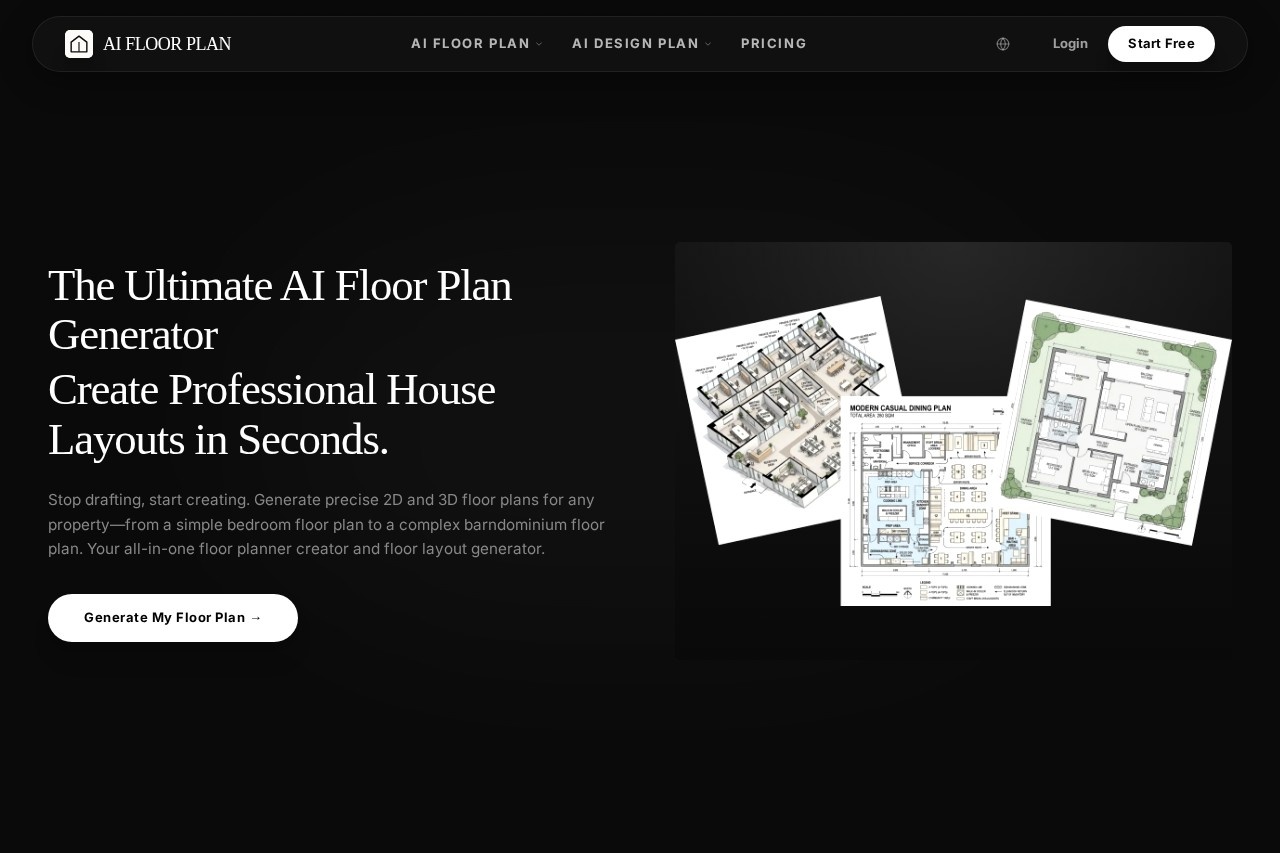
AI Floor Plan Generator is a platform by aiai.com that creates professional 2D and 3D floor plans from text descriptions or uploaded sketches in seconds. It serves as an all-in-one floor planner and layout generator for any property—from a simple bedroom to a complex barndominium. Users can generate multiple layout options, edit them, and then visualize interiors and exteriors with AI-powered design tools. The platform is designed to replace manual drafting with instant, AI-assisted creation.
Application scenarios
Professional floor plan design
Generate accurate, scalable floor plans for quick iterations and client presentations.
Home renovation and interior design
Upload a photo of a room and let AI reimagine it in various styles to visualize changes before breaking ground.
Staging and marketing visuals
Create virtually staged interiors and appealing floor plans to boost property listings and attract buyers.
Mood boards and color schemes
Quickly generate design concepts, experiment with materials, and collaborate with clients seamlessly.
Multi-unit and custom home plans
Generate multiple layout options for duplex, apartment, or custom homes to speed up feasibility studies.
Commercial space planning
Create floor plans for offices, restaurants, garages, and other commercial spaces.
Core Features
AI-Powered floor plan generation
Instantly create detailed 2D and 3D floor plans from text descriptions or uploaded sketches, with support for a wide range of layouts including office, bedroom, and restaurant.
Intelligent interior and exterior design
Transform empty spaces into photorealistic renderings by selecting from 50+ styles such as Modern, Luxury, and Japanese.
Text-to-floor plan input
Describe your vision in plain text (e.g., "A ranch floor plan with 3 beds and an open kitchen") and the AI understands it all.
Sketch and photo upload
Upload a sketch or photo of a room to serve as the basis for floor plan generation.
Floor plan editor
After generation, tweak the home layout design to perfection using an integrated editor.
2D and 3D view switching
Switch between 2D and 3D views to understand proportions and spatial relationships.
Measurement and scaling tools
Set measurements, scale, and add architectural elements like walls, doors, and windows.
Multiple plan types
Generate apartment, office, garage, and restaurant floor plans, among others.
Target users
- Architects and designers who need quick iterations and professional client presentations.
- Homeowners and renovators planning a new build, renovation, or simply exploring house floor plan ideas.
- Real estate agents and marketers creating virtually staged interiors and appealing floor plans to attract buyers.
- Interior designers experimenting with materials, color schemes, and mood boards for client collaboration.
- Developers and builders generating multiple layout options for duplex, apartment, or custom homes to speed up feasibility studies.
How to use AI Floor Plan Generator?
The platform follows a three-step workflow:
- Input Your Vision: Describe your floor plan in text (e.g., "A ranch floor plan with 3 beds and an open kitchen") or upload a sketch or photo.
- Generate & Customize: Watch the AI generate multiple house plans, select your favorite, then use the floor plan editor to tweak the layout.
- Design & Visualize: Switch to AI home design mode, click any room to generate interior concepts in 50+ styles, and see your custom floor plans fully realized.
To get started, visit the official URL and click "Generate My Floor Plan."
Effect review
The AI Floor Plan Generator delivers on its promise of instant, professional-grade floor plans from simple text or sketch inputs. The ability to switch between 2D and 3D views, edit layouts, and then visualize interiors with 50+ design styles makes it a genuinely useful all-in-one tool for both professionals and homeowners. While the website does not provide user testimonials or quality metrics, the feature set—particularly the text-to-plan generation and integrated editor—suggests a practical solution for rapid design iteration. For anyone tired of manual drafting, this platform offers a fast, AI-driven alternative that covers the full workflow from concept to visualization.
Frequently Asked Questions
AI間取りジェネレーターとは何ですか?
AI間取りジェネレーターは無料で使えますか?
どのようなデザインを作成できますか?
AIはどのように間取り図を生成しますか?
生成されたデザインをカスタマイズできますか?
このツールを使うのにデザインの経験は必要ですか?
AI Floor Plan Generator - AI Tool Detail
aiai.comによるAIプラットフォームで、詳細な間取り図、住宅レイアウト、内外装デザインを生成。無料のルームプランナーで理想の家をカスタマイズし、視覚化できます。
Category:インテリアデザイン
Visit Link:https://floorplan.aiai.com/
Tags:間取り図生成、間取りAI、インテリアデザインツール、部屋プランナー、ホームビジュアライゼーション