
Magic Studio
Magic Studio by Canva is an AI-powered image creation and editing tool for generating visuals, removing backgrounds, and customizing images for ads, social media, and product pages.
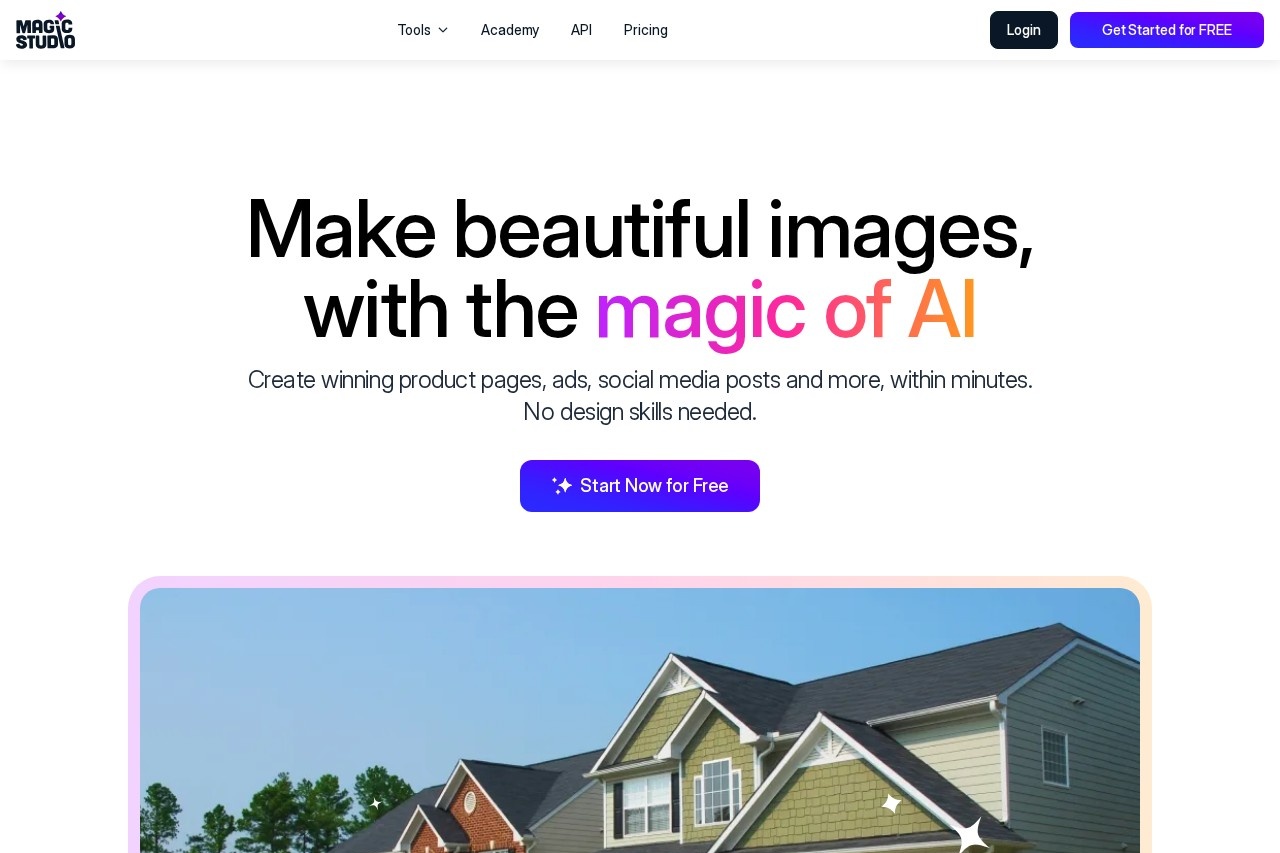
What is Magic Studio?
Magic Studio by Canva is an AI-powered image creation and editing tool. It is designed to generate visuals and edit photos for commercial and social media use. The platform enables users to create product pages, ads, and social media posts quickly without requiring design skills. It is promoted as a professional image studio accessible to everyone.Application scenarios
Social media content creation
Produce posts and promotional visuals for social platforms.
Advertising design
Create ads and promotional images.
E-commerce product pages
Generate winning visuals for online product listings.
Photo editing and cleanup
Remove unwanted elements or alter backgrounds in existing images.
Art and graphic design
Create original art and graphics from text descriptions.
Image format conversion
Convert file formats like HEIC to JPG or WEBP to PNG.
Professional headshots
Turn selfies into professional headshots without a photographer.
Core Features
Magic Eraser
Remove objects, people, or text from photos with a simple brush stroke.
Background Remover
Instantly remove or change any image background.
AI Image Generator
Create pictures from text descriptions.
Image Upscaler
Increase image size up to 4K resolution without losing quality.
Background Blur
Apply a blur effect to create professional-looking photos.
AI Art Generator
Generate art and graphics using AI.
HEIC to JPG Converter
Convert HEIC files from iPhones into JPG format.
WEBP to PNG Converter
Convert WEBP files to PNG format.
Text-to-image creation
Make images by describing them with words.
In-painting and editing
Draw or add elements anywhere in an image by description.
Target users
Magic Studio is built for a broad audience. It serves marketers, social media managers, e-commerce sellers, and content creators who need fast visual assets. The tool is also targeted at individuals and professionals without design experience, as it emphasizes ease of use. Teams looking to produce product photos, ads, or clean up images efficiently would benefit.How to use Magic Studio?
You can start by visiting the website and clicking "Start Now for Free." The process involves uploading an image or entering a text prompt to generate or edit visuals. For finer control and more powerful editing, the site recommends using the desktop or laptop version. You can also download the Magic Studio app. Edited images can presumably be exported in supported formats, though specific steps are not detailed; users should refer to the official site or helpdesk for guidance.Pricing and free trial
The website explicitly mentions a free starting point with "Start Now for Free." It also references a "PRO plan," but no specific pricing details are provided in the crawled text. Therefore, users should visit the official site or helpdesk for current pricing information.Effect review
The platform reports significant adoption, with 20 million users and 150 million images edited, suggesting a trusted and widely-used service. Its feature set is directly aimed at streamlining graphic production for commercial and social use, implying a practical focus on speed and accessibility over manual design. The repeated emphasis on creating "winning" pages and posts within minutes positions it as a tool for efficiency rather than artistic refinement. For its stated purpose—enabling quick, skill-free image creation and editing for ads, social media, and product visuals—the tool’s capabilities appear comprehensively targeted.Frequently Asked Questions
What is Magic Studio?
Is Magic Studio free to use?
What can I create with Magic Studio?
Do I need design experience to use Magic Studio?
How does the AI image generation work?
Can I use Magic Studio for commercial purposes?
Magic Studio - AI Tool Detail
Magic Studio by Canva is an AI-powered image creation and editing tool for generating visuals, removing backgrounds, and customizing images for ads, social media, and product pages.
Category:圖像生成
Visit Link:https://magicstudio.com/
Tags:AI image generator、background remover、visual editing、Canva、design tool