
What is GPT Image 2?
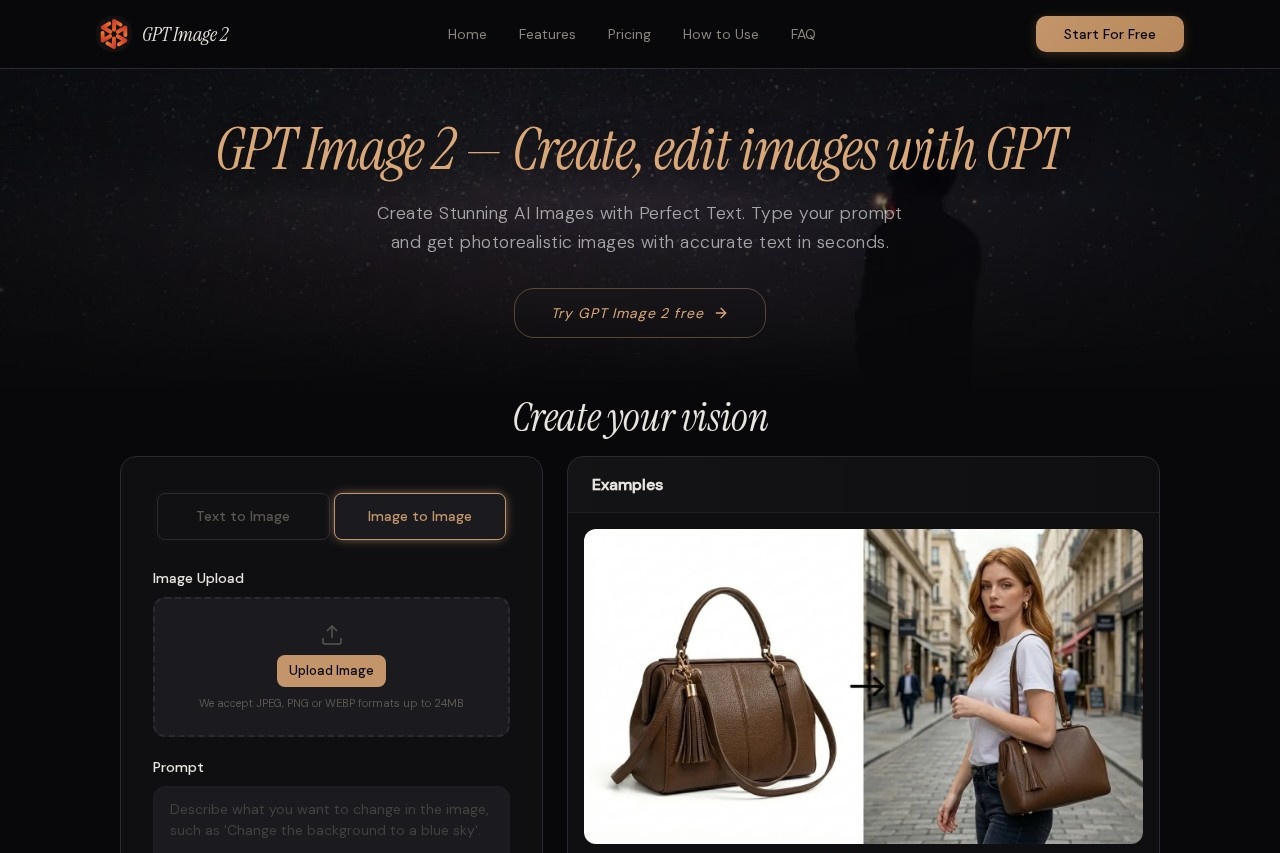
GPT Image 2 is an AI image generation tool that creates, edits, and enhances visuals with high accuracy. It converts text prompts into photorealistic images with precise text rendering, supporting resolutions up to 4K. The tool is designed for users who need production-ready visuals without requiring design skills.Application scenarios
Text-heavy visuals
Create posters, infographics, product labels, and branded materials with perfectly readable typography.
Photorealistic product shots
Generate high-quality product images for e-commerce or marketing campaigns.
Concept art and illustration
Produce digital illustrations, anime, oil paintings, or technical diagrams in various styles.
Image editing and enhancement
Edit existing images by removing objects, swapping backgrounds, adjusting lighting, or adding new elements using natural language commands.
Design-ready assets
Generate transparent background images for logos, stickers, UI elements, and product cutouts.
Typography design
Craft visuals with embedded text, such as headlines or call-to-action graphics, with 95%+ text rendering accuracy.
Core Features
Unmatched text rendering
Achieves 95%+ accuracy for text within images, enabling clear typography in posters, infographics, and branded materials.
Photorealistic & multi-style output
Generates images in styles including photorealistic photography, digital illustration, anime, oil painting, flat design, and technical diagrams.
Smart image editing
Edits existing images using natural language instructions — remove objects, swap backgrounds, adjust lighting, or add elements without manual masking.
Transparent background support
Produces images with transparent PNG backgrounds instantly, eliminating the need for separate background removal.
4K ultra-high resolution
Outputs images up to 4096×4096 pixels for high-detail visuals.
Multiple output formats
Supports PNG, JPEG, and WebP formats for flexible export.
Image upload
Accepts JPEG, PNG, or WEBP files up to 24MB for editing or enhancement.
Aspect ratio options
Offers presets including 1:1, 16:9, 9:16, 4:3, and 3:4 for different use cases.
Target users
GPT Image 2 is built for creators, designers, marketers, and business owners who need fast, high-quality visuals with accurate text. It suits anyone producing content for social media, e-commerce, branding, or typography-heavy projects — without requiring professional design skills.How to use GPT Image 2?
- Enter your prompt: Describe the image you want in natural language, including composition, style, colors, and any text.
- Customize settings: Choose resolution (from 1024×1024 to 4K), output format (PNG, JPEG, WebP), enable transparent background, and select a style (photorealistic to illustration).
- Generate & download: Click generate to receive the image in seconds, then download or refine with follow-up instructions.
Pricing and free trial
The website mentions a "Try GPT Image 2 Free" option and a credit system (e.g., "Generate (50 credits)"), but does not list specific pricing tiers or subscription costs. A free trial is available, but detailed pricing is not provided.Effect review
GPT Image 2 positions itself as a practical solution for creators who need images with embedded text — an area where many AI generators fail. The 95%+ text accuracy claim and 4K resolution output suggest it can handle professional use cases like product labels and infographics. The ability to edit images via natural language commands adds flexibility for iterative workflows. While the tool lacks explicit user reviews or awards on the site, its feature set — especially transparent backgrounds and multi-style output — makes it a strong contender for designers and marketers seeking a single, no-skill-required image tool.Frequently Asked Questions
什麼是 GPT Image 2?
使用 GPT Image 2 需要設計技能嗎?
GPT Image 2 可以根據文字描述生成圖像嗎?
GPT Image 2 能準確處理圖像中的文字嗎?
我可以期望 GPT Image 2 產生什麼品質的圖像?
我可以使用 GPT Image 2 編輯或增強現有圖像嗎?
GPT Image 2 - AI Tool Detail
GPT Image 2 是GPT Image的AI圖像工具,用於創建、編輯和增強視覺內容。提供4K文字轉圖像、精準文字渲染及電影級品質,無需技能。
Category:圖像生成
Visit Link:https://gpt-image2.net/
Tags:AI圖像生成、文字轉圖像、4K圖像創作、照片編輯、電影級視覺